22 June 2026
Mastering Mobile Editing for Short-Form Travel Vlogs
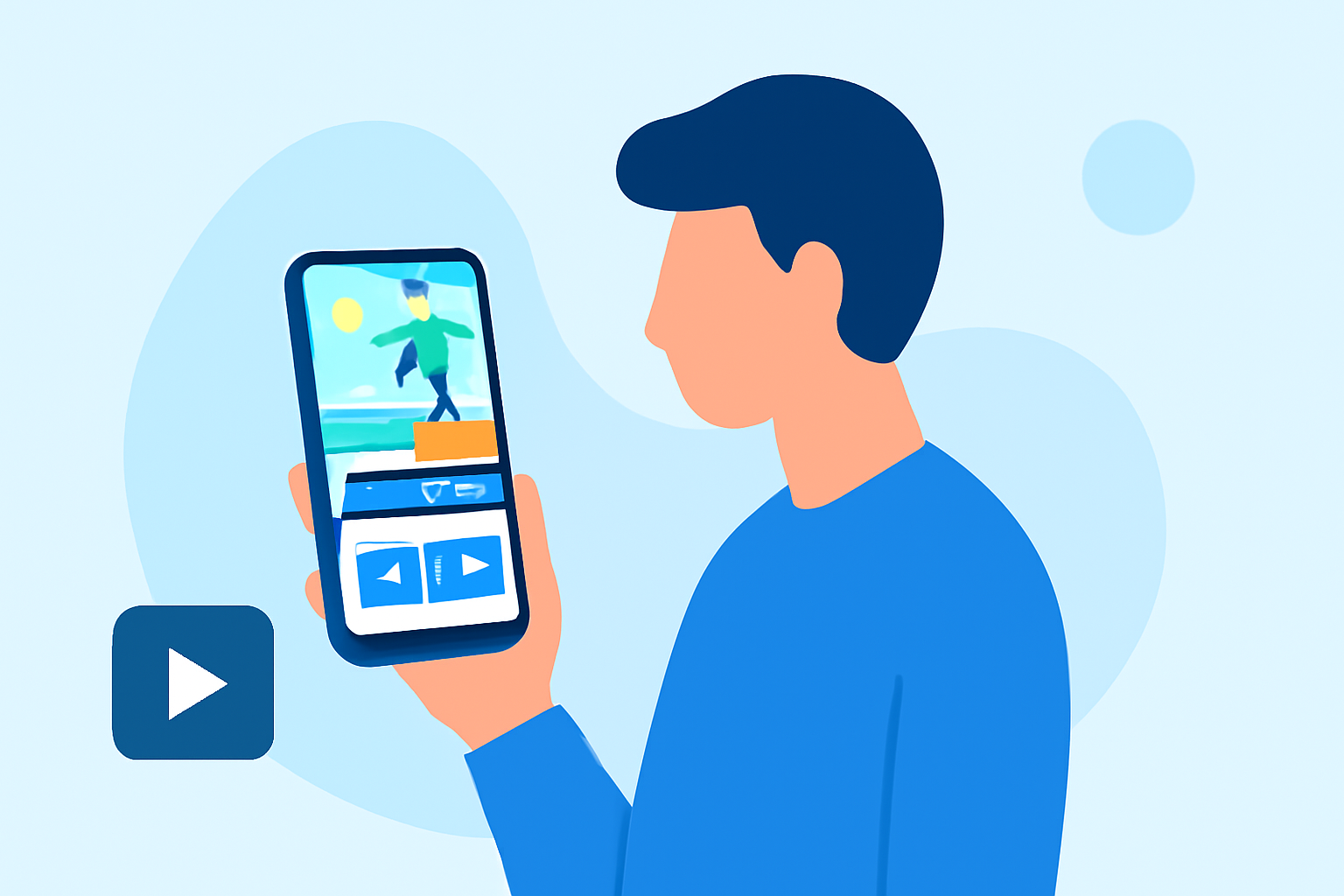
Creating engaging short-form travel vlogs on your mobile device is more accessible than ever. With the right tools and techniques, you can produce professional-quality content directly from your smartphone. This guide explores the essentials of mobile editing for short-form travel vlogs and introduces Planes Live as a powerful solution to streamline your editing process.
Why Choose Mobile Editing for Short-Form Travel Vlogs?
Mobile editing offers unparalleled convenience, allowing you to edit and share your travel experiences in real-time. Short-form videos, typically ranging from 15 to 60 seconds, are ideal for platforms like TikTok, Instagram Reels, and YouTube Shorts, where quick, engaging content thrives.
Key Features to Look for in Mobile Editing Apps
When selecting a mobile editing app for your travel vlogs, consider the following features:
- User-Friendly Interface: An intuitive design ensures a smooth editing experience, even for beginners.
- Multi-Layer Editing: Allows for complex edits with multiple video and audio tracks.
- Advanced Effects and Transitions: Enhances the visual appeal of your videos.
- Direct Sharing Options: Enables seamless uploading to social media platforms.
Introducing Planes Live: A Comprehensive Mobile Editing Solution
Planes Live stands out as a versatile mobile editing app tailored for short-form travel vlogs. Its key features include:
- Intuitive Editing Tools: Planes Live offers a clean, distraction-free interface, making it easy to trim, split, and merge clips.
- Multi-Layer Support: Edit multiple video and audio tracks simultaneously, allowing for intricate edits.
- Advanced Effects and Transitions: Enhance your videos with a variety of effects, filters, and transitions to create a cinematic feel.
- Direct Sharing: Share your edited videos directly to platforms like TikTok, Instagram, and YouTube without leaving the app.
Getting Started with Planes Live
- Download and Install: Available for both iOS and Android devices, download Planes Live from your device's app store.
- Import Your Footage: Select the travel clips you wish to edit from your gallery.
- Edit Your Video: Use Planes Live's tools to trim, add transitions, apply filters, and adjust audio levels.
- Export and Share: Once satisfied with your edit, export the video in your desired resolution and share it directly to your chosen platform.
Tips for Effective Mobile Editing
- Plan Your Shots: Capture footage with editing in mind, considering how clips will fit together.
- Keep It Concise: Short-form videos should be engaging and to the point; avoid unnecessary filler.
- Use Music Wisely: Select background music that complements the mood of your video and adheres to copyright guidelines.
- Maintain Consistency: Use consistent filters and transitions to create a cohesive look throughout your vlog.
Conclusion
Editing short-form travel vlogs on your mobile device is a practical and efficient way to share your adventures. Planes Live provides a comprehensive suite of tools designed specifically for this purpose, enabling you to produce high-quality content directly from your smartphone. By leveraging its features and following best practices, you can create engaging and professional-looking travel vlogs that resonate with your audience.