22 June 2026
Enhancing Your Travel Posts with Map Zoom Overlay Edits
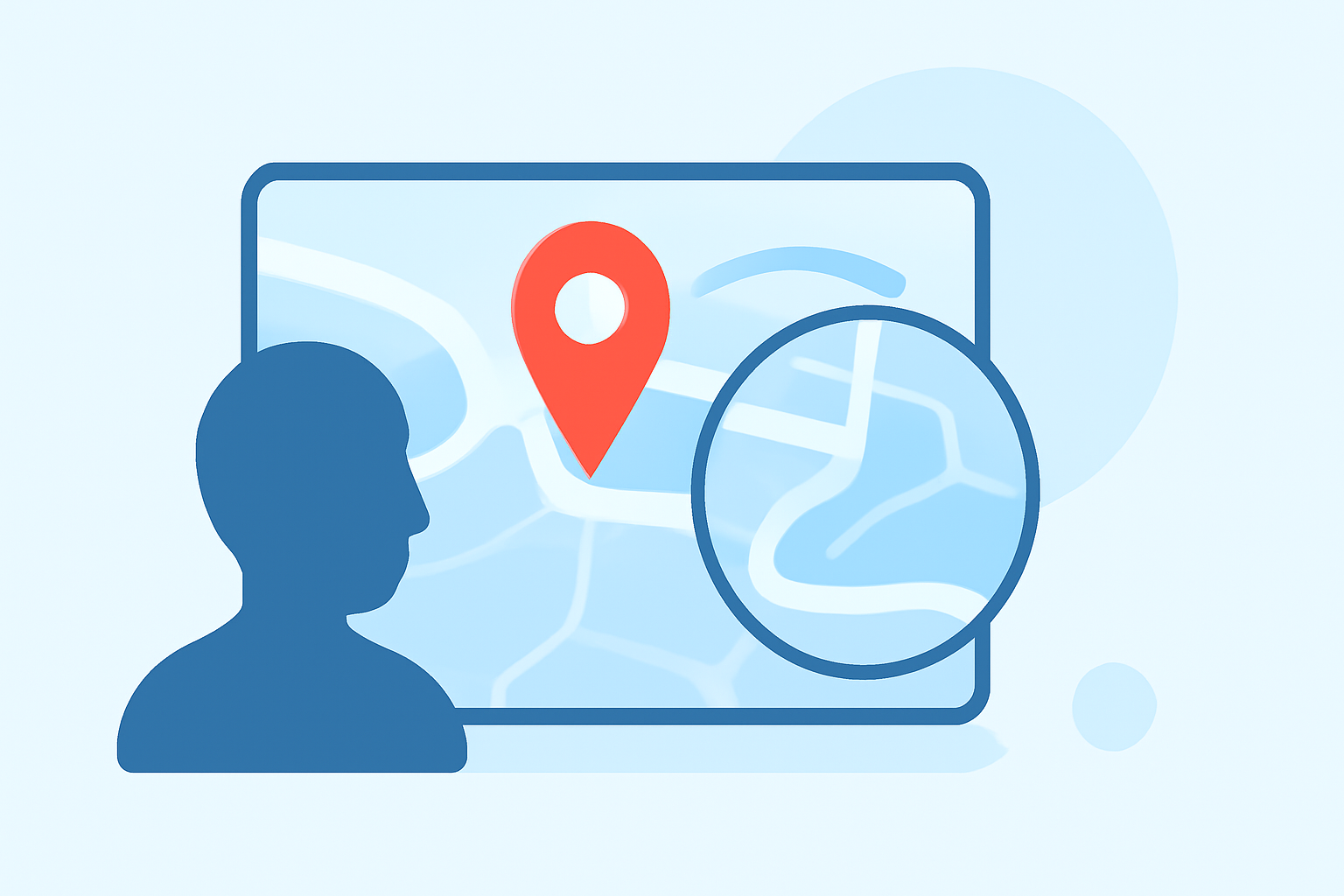
Sharing your travel experiences through daily posts can captivate your audience and provide a visual journey of your adventures. Incorporating map zoom overlay edits into your posts adds a dynamic element, allowing viewers to follow your route and explore destinations interactively.
What Are Map Zoom Overlay Edits?
Map zoom overlay edits are visual enhancements that display your travel route on a map, often accompanied by zoom effects to highlight specific locations or paths. These overlays can be static images or animated sequences, providing context and engagement to your audience.
Why Use Map Zoom Overlay Edits?
- Visual Engagement: They transform standard photos or videos into interactive experiences, making your content more engaging.
- Storytelling: They help narrate your journey, showing the progression of your travels and the connections between destinations.
- Audience Connection: They allow viewers to visualize your route, fostering a deeper connection with your experiences.
How to Create Map Zoom Overlay Edits
Creating map zoom overlay edits can be accomplished through various methods, depending on your technical proficiency and the tools available. Here are some approaches:
-
Using Specialized Applications:
Applications like Planes Live offer user-friendly interfaces to create animated travel maps. These tools allow you to input your travel data, customize map styles, and generate dynamic overlays without extensive technical knowledge.
-
Utilizing Online Platforms:
Web-based services enable you to create interactive maps by adding locations, routes, and descriptions. For instance, platforms like MAPOG allow you to add photos, notes, and pins to your map, creating a comprehensive travel journal. (mapog.com)
-
Employing Video Editing Software:
If you prefer a more hands-on approach, video editing software like iMovie provides animated map backgrounds. You can overlay these maps onto your videos, adjusting routes and zoom levels to match your travel footage. (idownloadblog.com)
Best Practices for Daily Posting
- Consistency: Maintain a regular posting schedule to keep your audience engaged.
- Quality Content: Ensure your map overlays are clear, accurate, and add value to your posts.
- Engagement: Encourage audience interaction by asking questions or sharing insights related to your journey.
How Planes Live Can Enhance Your Travel Content
Planes Live is a comprehensive tool designed to simplify the creation of travel map zoom overlay edits. Its intuitive interface allows you to input your travel data, customize map styles, and generate dynamic overlays efficiently. By integrating Planes Live into your content creation process, you can produce professional-quality map overlays that enhance your daily posts and captivate your audience.
Incorporating map zoom overlay edits into your travel posts not only enriches your content but also provides your audience with an immersive experience of your journey. By leveraging tools like Planes Live, you can streamline the creation process and focus on sharing your adventures with the world.