22 June 2026
Enhancing Travel Reels with Map Overlay B-Roll: A Comprehensive Guide
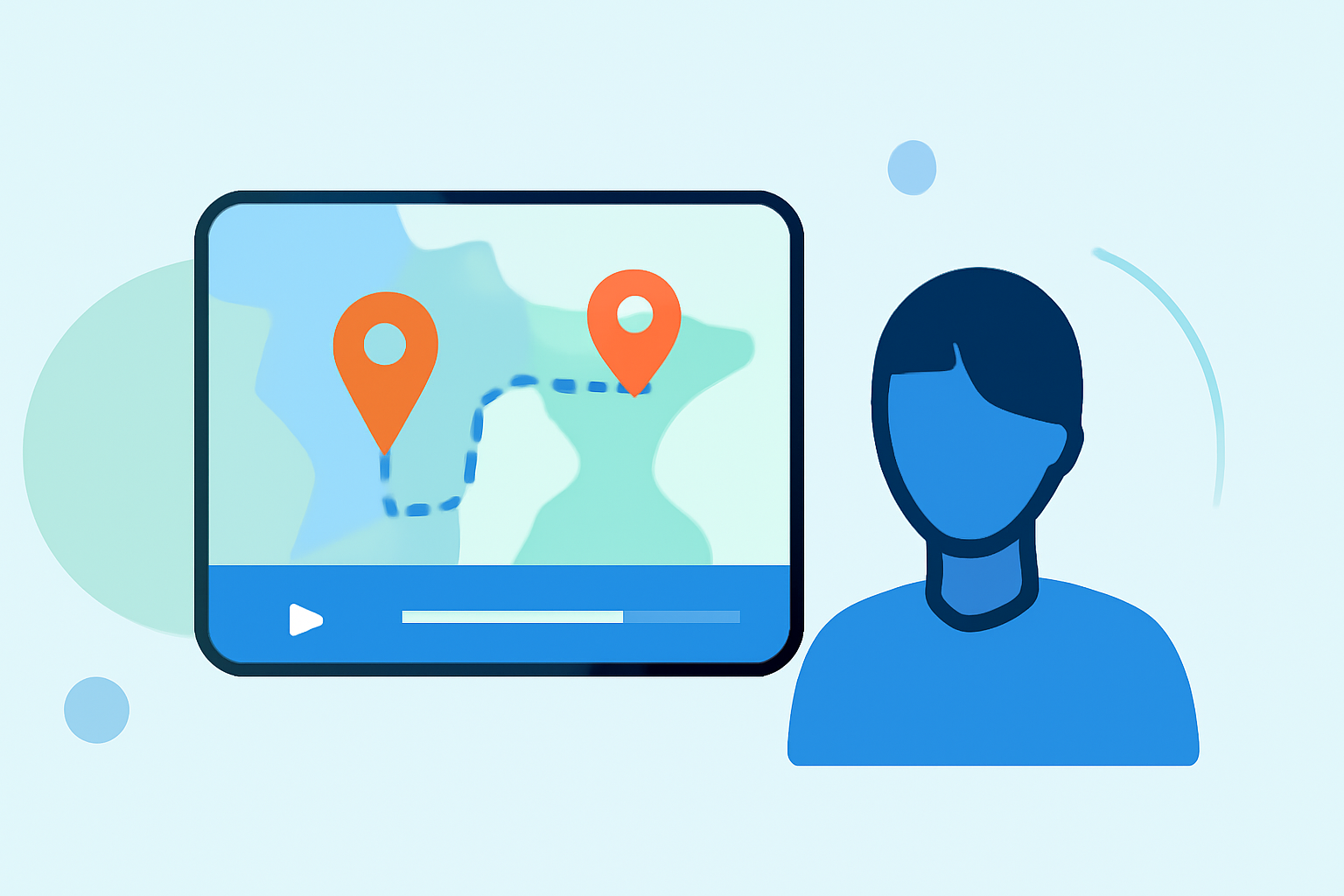
Incorporating map overlay B-roll into your travel reels can significantly enhance viewer engagement by visually illustrating your journey and highlighting key destinations. This technique not only adds a dynamic element to your videos but also provides context, making your content more informative and captivating.
Understanding Map Overlay B-Roll
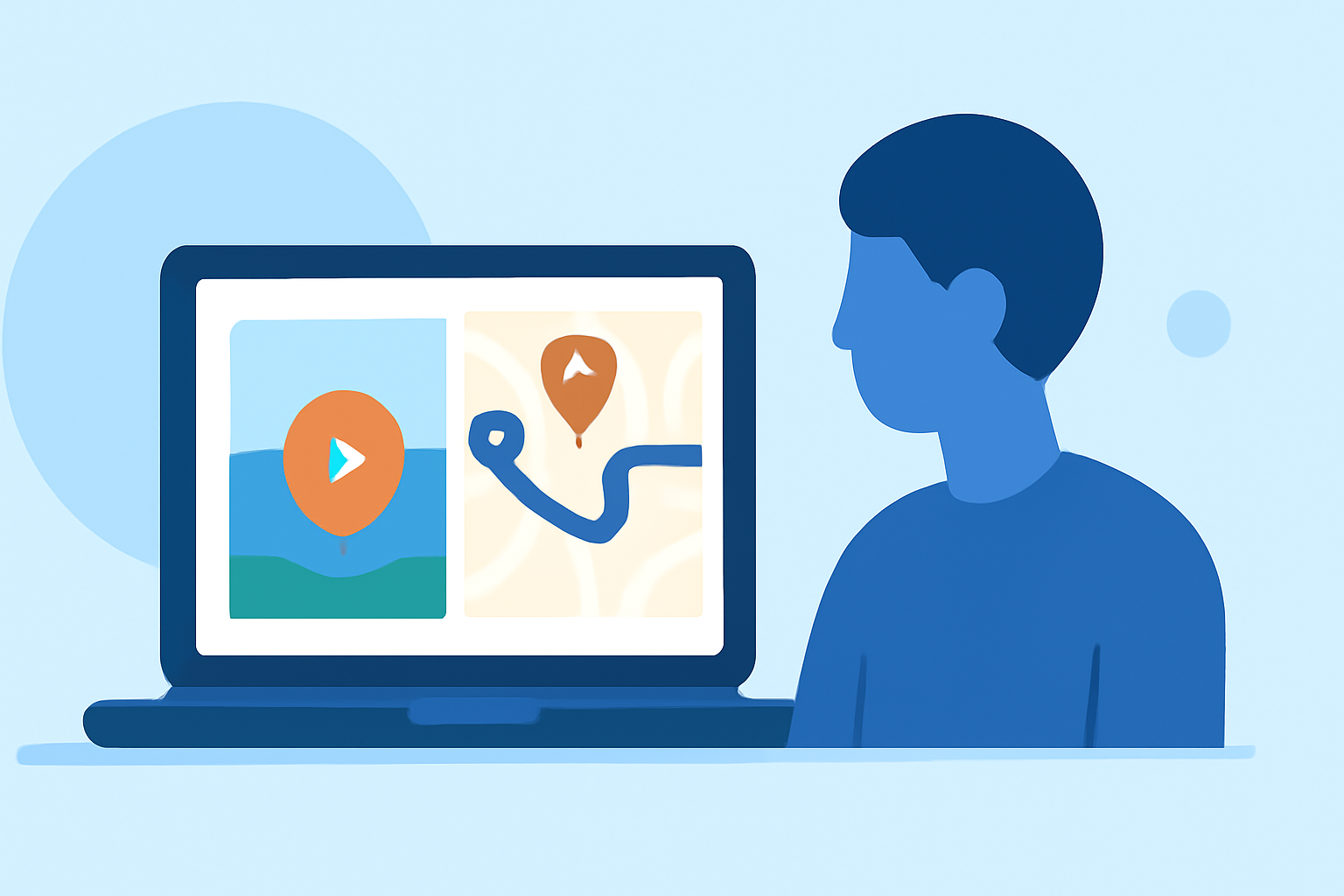
Map overlay B-roll involves superimposing animated maps onto your travel footage to depict routes, locations, and movements. This method allows viewers to follow your journey in real-time, adding a layer of interactivity and clarity to your storytelling.
Benefits of Using Map Overlays in Travel Reels
- Enhanced Storytelling: Visualizing your route helps convey the narrative of your travels more effectively.
- Increased Engagement: Interactive elements like map animations can capture and retain viewer attention.
- Professional Appeal: Well-executed map overlays add a polished, cinematic quality to your videos.
Tools for Creating Map Overlay B-Roll
Several tools are available to assist in creating map overlay animations for your travel reels:
MapReel
An iOS app that allows users to create animated travel route videos by adding stops, choosing vehicles like planes, cars, and trains, customizing map styles, and exporting as MP4. (mapreel.app)
Graphics/Texture finders and viewers - Graphic file formats - ResHax
Mapimator
An online editor that enables users to animate travel routes, drop pins at every stop, and export in 4K, suitable for platforms like YouTube, TikTok, and Instagram Reels. (mapimator.com)
Studio panels
Mappi
A browser-based tool that allows users to animate travel routes, drop in every destination, and export a beautiful trip map video for YouTube, TikTok, Instagram Reels, or wedding slideshows. (mappi.studio)
3D World Map 38730045 Videohive Quick Download After Effects
World Travel Maps
An After Effects template that provides high-resolution maps, camera automation, and customizable color themes for creating detailed travel map animations. (worldtravelmaps.co)
Travel Map Animation Netflix - Pippit
Pippit
Offers customizable templates for creating interactive travel map reels, allowing users to highlight routes, destinations, and memories to inspire wanderlust in their audience. (pippit.ai)
Best Practices for Integrating Map Overlays
- Maintain Consistency: Use uniform map styles and color schemes to ensure a cohesive visual experience.
- Keep It Concise: Limit the duration of map animations to maintain viewer interest and prevent information overload.
- Highlight Key Points: Focus on significant locations or routes to emphasize important aspects of your journey.
- Ensure Readability: Use clear fonts and appropriately sized text to ensure that labels and annotations are easily readable on all devices.
Incorporating Map Overlays into Your Workflow
- Plan Your Route: Outline the key destinations and routes you want to highlight in your video.
- Choose the Right Tool: Select a tool that aligns with your technical skills and the complexity of the map animations you wish to create.
- Create the Map Animation: Input your route and customize the map style, pins, and animations as desired.
- Integrate with Footage: Overlay the animated map onto your travel footage, ensuring seamless transitions and synchronization with the video content.
- Export and Share: Export the final video in the appropriate format and resolution for your chosen platform, and share it with your audience.
Conclusion
Incorporating map overlay B-roll into your travel reels is an effective way to enhance storytelling, engage viewers, and add a professional touch to your content. By selecting the appropriate tools and following best practices, you can create compelling travel videos that resonate with your audience.
For those seeking a user-friendly solution, Planes Live offers a comprehensive platform for creating and editing travel videos with map overlays, providing a seamless experience for content creators.