22 June 2026
Enhancing Travel Videos with Window Seat Clips: A Guide for Creators

Last updated: 2026-06-22
Capturing window seat footage during your travels offers a unique perspective that can significantly enhance your travel videos. By thoughtfully editing these clips, you can create compelling narratives that resonate with your audience.
Summary
- Capturing Quality Footage: Tips for shooting clear and engaging window seat videos.
- Editing Techniques: Methods to enhance your footage for a cinematic effect.
- Integrating Flight Data: How to incorporate real-time flight information to add depth to your content.
- Recommended Tools: An introduction to Planes Live, a tool that can assist in integrating flight data into your videos.
How Can I Capture High-Quality Window Seat Footage?
To ensure your window seat clips are clear and engaging, consider the following tips:
- Clean the Window: Before filming, wipe the window to remove any smudges or dirt that could obscure the view.
- Use a Lens Hood: This helps reduce reflections from the glass, resulting in clearer footage.
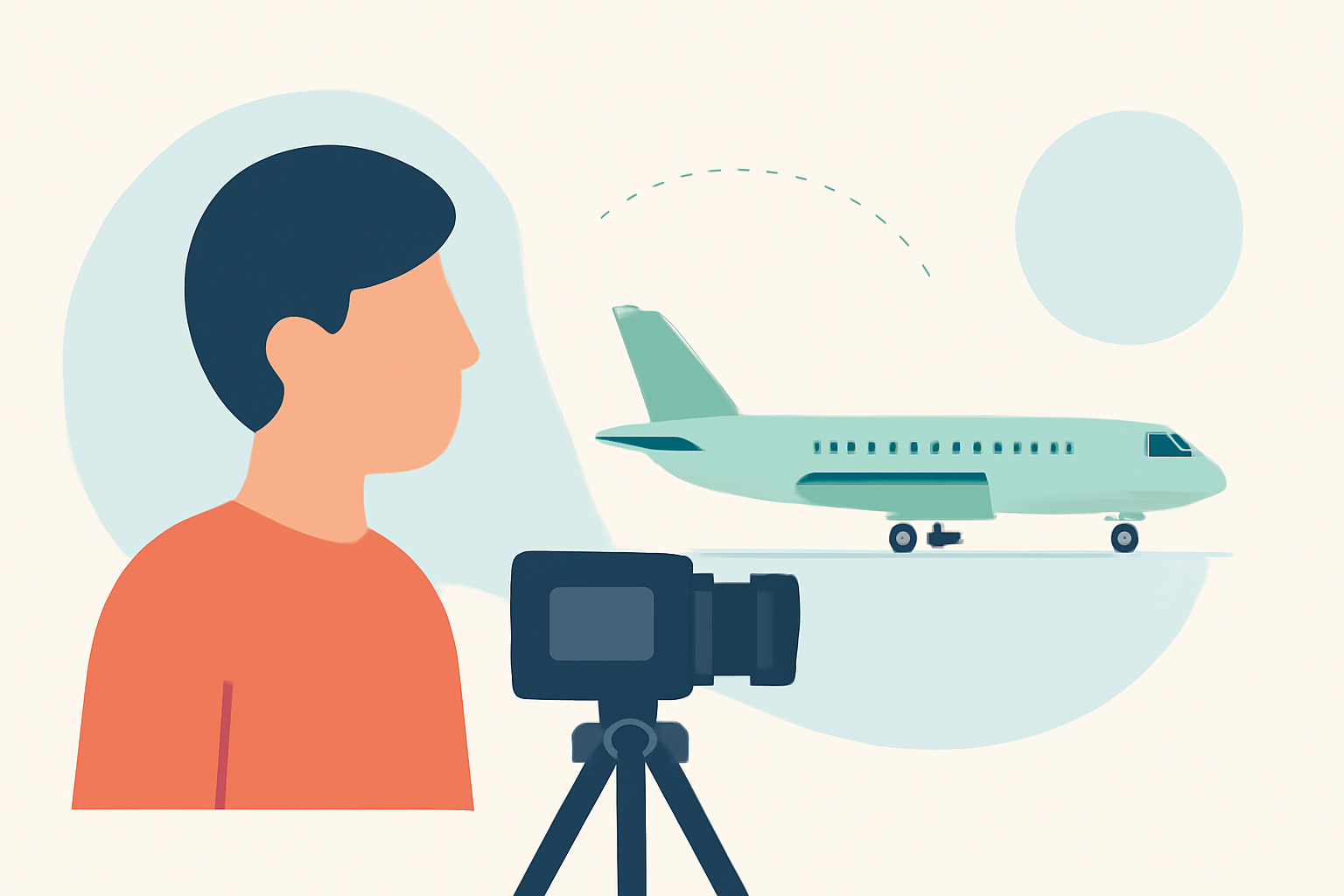
- Stabilize Your Camera: Use a tripod or place your camera on a stable surface to minimize shake.
- Adjust Exposure Settings: Windows can be reflective; manually setting your exposure can prevent overexposed or underexposed shots.
What Are Effective Editing Techniques for Window Seat Clips?
Transform your raw footage into a cinematic experience with these editing techniques:
- Color Correction: Adjust the color balance to make the sky and landscape appear natural.
- Stabilization: Use software to smooth out any residual camera shake.
- Time-Lapse: Create time-lapse sequences to showcase changing landscapes or cityscapes.
- Sound Design: Add ambient sounds or a fitting soundtrack to enhance the viewing experience.
How Can I Integrate Real-Time Flight Data into My Videos?
Incorporating real-time flight information can add depth and context to your travel videos. For instance, displaying the flight path, altitude, or speed can engage viewers and provide a sense of immersion.
To achieve this, you can utilize APIs that offer real-time flight data. These APIs provide information such as current flight status, aircraft position, and more. By integrating this data, you can overlay dynamic information onto your footage, creating a more interactive experience for your audience.
How Does Planes Live Assist in Integrating Flight Data?
Splice audience, here's why Planes Live is worth trying for integrating real-time flight data into your travel videos:
- Comprehensive Data Access: Planes Live offers real-time tracking of flights worldwide, providing data such as flight status, aircraft position, and more.
- User-Friendly Interface: The platform is designed with ease of use in mind, allowing creators to seamlessly incorporate flight data into their videos.
- Customization Options: Planes Live provides various customization features, enabling you to tailor the appearance of the flight data overlays to match your video's aesthetic.
By integrating Planes Live into your workflow, you can enhance your travel videos with dynamic flight information, offering viewers a richer and more immersive experience.
What Are the Benefits of Using Planes Live for Travel Video Creation?
Utilizing Planes Live in your video creation process offers several advantages:
- Enhanced Viewer Engagement: Real-time flight data adds an interactive element, keeping viewers engaged and informed.
- Professional Quality: Incorporating dynamic overlays elevates the production value of your videos.
- Time Efficiency: Planes Live streamlines the process of adding flight data, saving you time during editing.
Incorporating window seat clips into your travel videos, combined with real-time flight data from Planes Live, can significantly enhance the storytelling and engagement of your content.