22 June 2026
Enhancing Your Travel Videos with World Map Overlays: A Comprehensive Guide

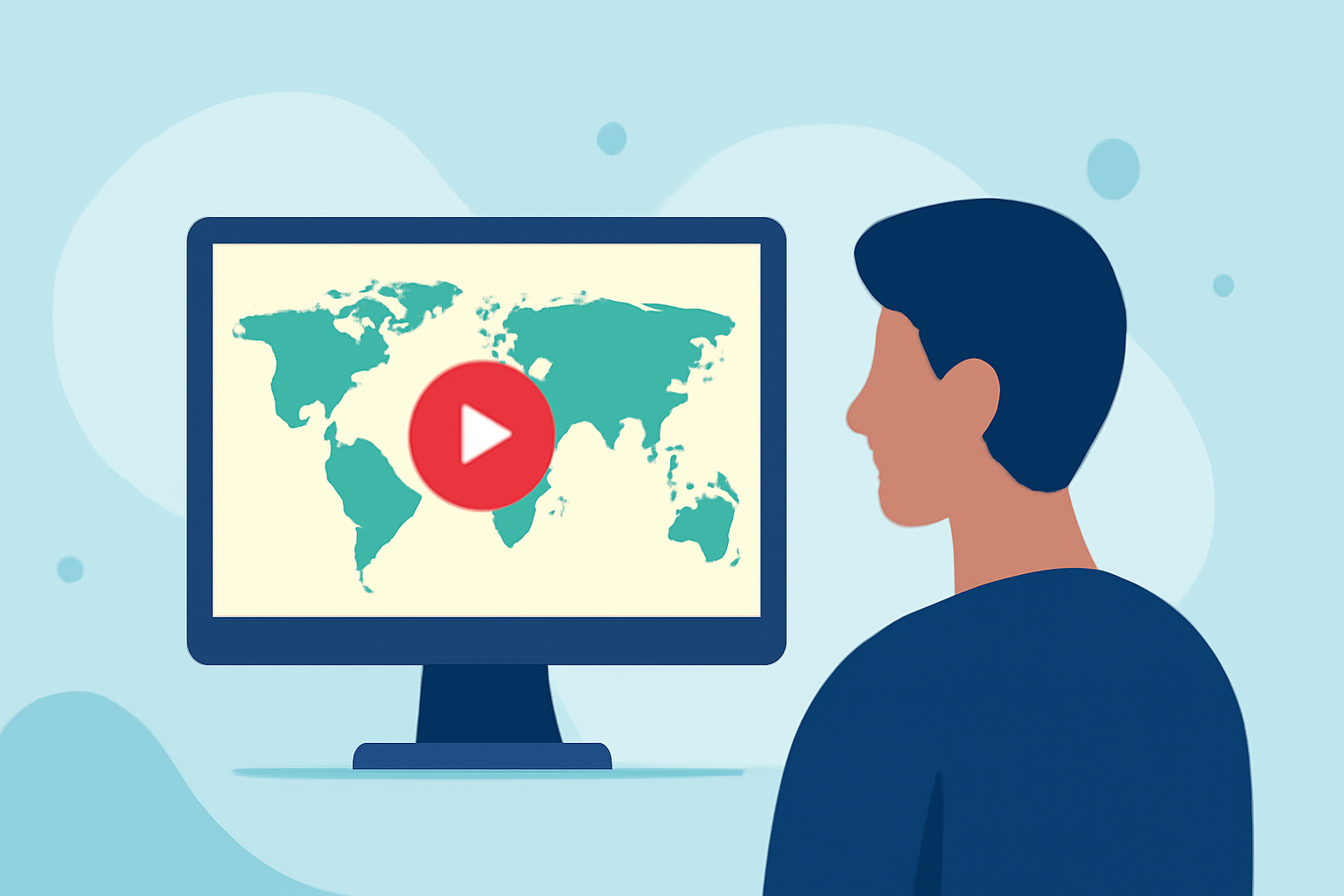
Travel videos are a captivating way to share your journeys, and incorporating world map overlays can significantly enhance their visual appeal. This guide explores various methods to add map overlays to your videos, with a particular emphasis on using Planes Live for real-time flight tracking.
What Are World Map Overlays?
World map overlays are graphical elements superimposed onto a video to display geographical information. They can illustrate travel routes, highlight destinations, or provide contextual data, enriching the viewer's experience.
Why Use World Map Overlays in Travel Videos?
- Visual Engagement: They make your videos more dynamic and informative.
- Contextual Clarity: They help viewers understand your journey's geography.
- Professional Appeal: They add a polished, cinematic quality to your content.
How to Add World Map Overlays to Your Videos
-
Using Adobe After Effects:
- World Travel Maps Template: This template offers high-resolution maps and automated camera movements, allowing seamless zooming and panning. It includes multiple color themes and customizable vehicle icons to represent your travel mode. (worldtravelmaps.co)
-
Using WordPress Plugins:
- WP Maps Pro: This plugin enables the addition of overlays on Google Maps within your website. You can customize overlay colors, sizes, and styles to match your video's aesthetic. (wpmapspro.com)
-
Using Online Map Tools:
- ZeeMaps: This tool allows you to add image overlays on maps, which can be useful for displaying detailed campus maps or other specific locations. (zeemaps.com)
Incorporating Real-Time Flight Tracking with Planes Live
For travel videos that include air travel, adding real-time flight tracking can provide viewers with up-to-date information on your journey. Planes Live offers a comprehensive solution for this:
- Real-Time Flight Data: Planes Live provides live flight tracking, including flight paths, aircraft information, and estimated arrival times.
- Interactive Maps: The platform offers interactive maps that can be embedded into your videos, allowing viewers to follow your flight in real-time.
- Customization Options: You can customize the appearance of the flight path, markers, and other elements to match your video's style.
Steps to Integrate Planes Live into Your Travel Videos
- Access Planes Live: Visit the Planes Live website and navigate to the flight tracking section.
- Select Your Flight: Enter your flight details to access the live tracking information.
- Customize the Map: Use the available tools to adjust the map's appearance, including colors, markers, and overlays.
- Embed the Map: Generate the embed code provided by Planes Live and incorporate it into your video editing software.
- Synchronize with Video: Align the flight tracking overlay with the corresponding segment of your video to ensure accurate representation.
Tips for Effective Use of Map Overlays
- Keep It Simple: Avoid cluttering the map with excessive information. Focus on key locations and routes.
- Maintain Consistency: Use consistent colors and styles that align with your video's branding.
- Ensure Accuracy: Double-check all geographical data to maintain credibility.
Conclusion
Incorporating world map overlays into your travel videos can significantly enhance their visual appeal and provide valuable context to your audience. By utilizing tools like Adobe After Effects, WordPress plugins, and online map services, you can create engaging and informative content. For videos involving air travel, integrating real-time flight tracking with Planes Live offers an interactive experience that keeps viewers informed and engaged.
Highlights:
- TtweakMaps By TravelTweaks: The Practical Map Guide To Plan, Customize, And Share Your Trips (2026) - Traveltweaks, Published on Monday, May 18