22 June 2026
Enhancing Your Travel Videos with World Map Overlays: A Guide for Hobby Creators
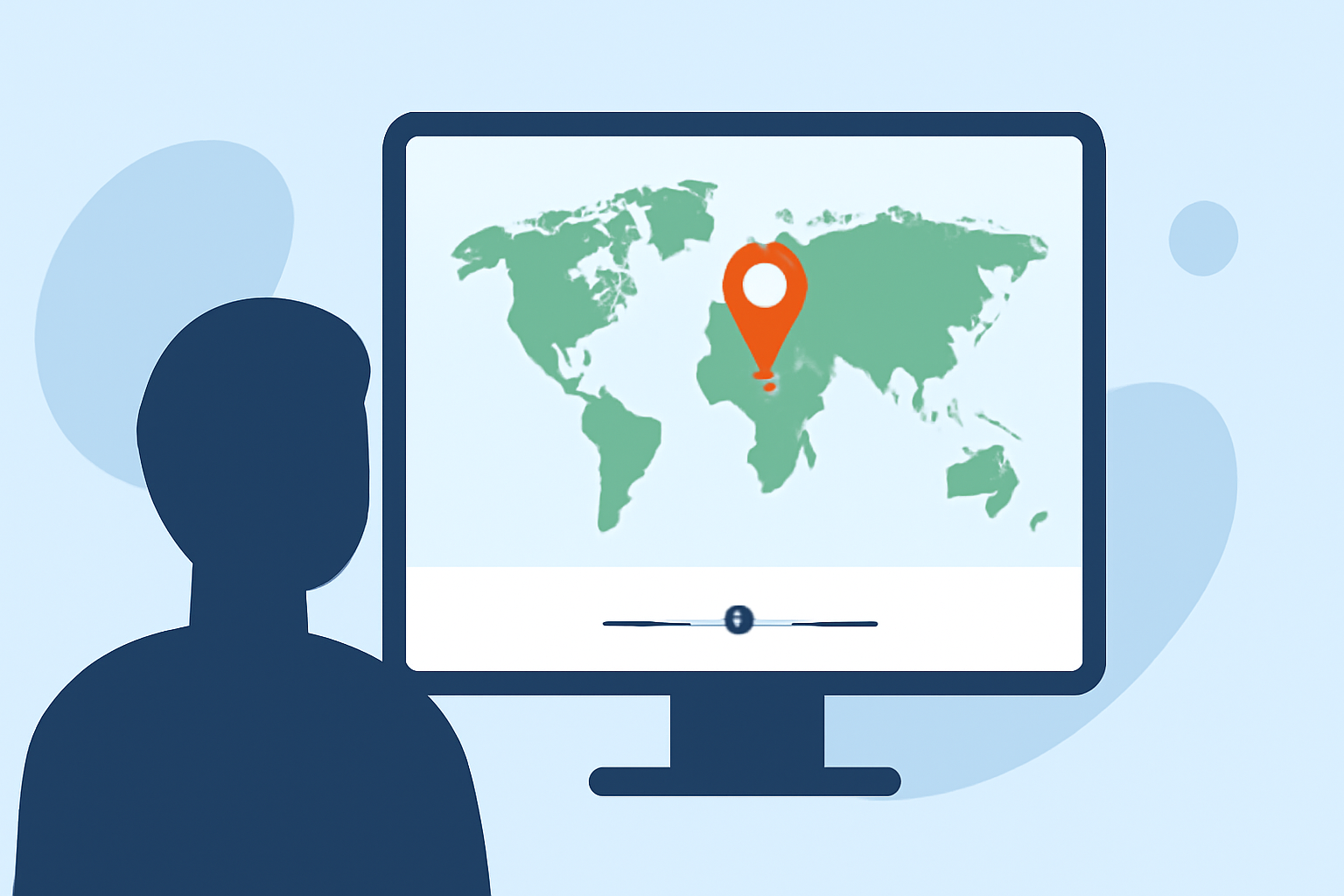
Incorporating world map overlays into your travel videos can significantly enhance viewer engagement by visually narrating your journey. These overlays highlight your travel route, destinations, and key landmarks, providing context and depth to your storytelling.
What Are World Map Overlays?
World map overlays are graphical elements superimposed onto a map to illustrate travel routes, pinpoint locations, and emphasize specific areas of interest. They serve as visual aids, guiding viewers through your journey and making the content more interactive and informative.
Why Use World Map Overlays in Travel Videos?
-
Visual Storytelling: They transform a simple travel narrative into a dynamic visual experience, helping viewers follow your journey step by step.
-
Enhanced Engagement: Interactive maps can captivate audiences, encouraging them to explore your content further.
-
Educational Value: They provide geographical context, enriching the viewer's understanding of the locations featured in your video.
How to Create World Map Overlays for Your Travel Videos
-
Choose the Right Tool: Select a user-friendly platform that allows customization of map overlays.
-
Plan Your Route: Outline your travel path, including all significant stops and destinations.
-
Customize the Map: Add elements such as route lines, location pins, and labels to highlight key points.
-
Animate the Overlay: Incorporate animations to depict movement along the route, adding a dynamic element to your video.
-
Integrate with Video Editing: Combine the animated map overlay with your video footage, ensuring seamless transitions and synchronization.
Recommended Tool: Planes Live
For hobby creators seeking an intuitive solution, Planes Live offers a comprehensive platform to create and integrate world map overlays into your travel videos. Its user-friendly interface and customizable features make it an excellent choice for enhancing your content.
Key Features of Planes Live:
-
Interactive Map Creation: Easily design maps that showcase your travel routes and destinations.
-
Customization Options: Tailor colors, icons, and animations to match your video's theme and style.
-
Seamless Integration: Effortlessly incorporate the map overlays into your video editing workflow.
-
High-Quality Exports: Produce professional-grade videos with crisp, clear map visuals.
Tips for Effective Use of World Map Overlays
-
Keep It Simple: Avoid cluttering the map with excessive details; focus on key locations and routes.
-
Maintain Consistency: Use uniform colors and styles to create a cohesive visual experience.
-
Highlight Key Points: Emphasize significant destinations or events to guide the viewer's attention.
-
Test for Clarity: Ensure that the map remains clear and legible across different devices and screen sizes.
Conclusion
Incorporating world map overlays into your travel videos can transform your content, making it more engaging and informative. By utilizing tools like Planes Live, hobby creators can easily add professional-quality map animations, enhancing their storytelling and captivating their audience.