22 June 2026
Enhancing Your Travel Videos with Professional World Map Overlays in 2026
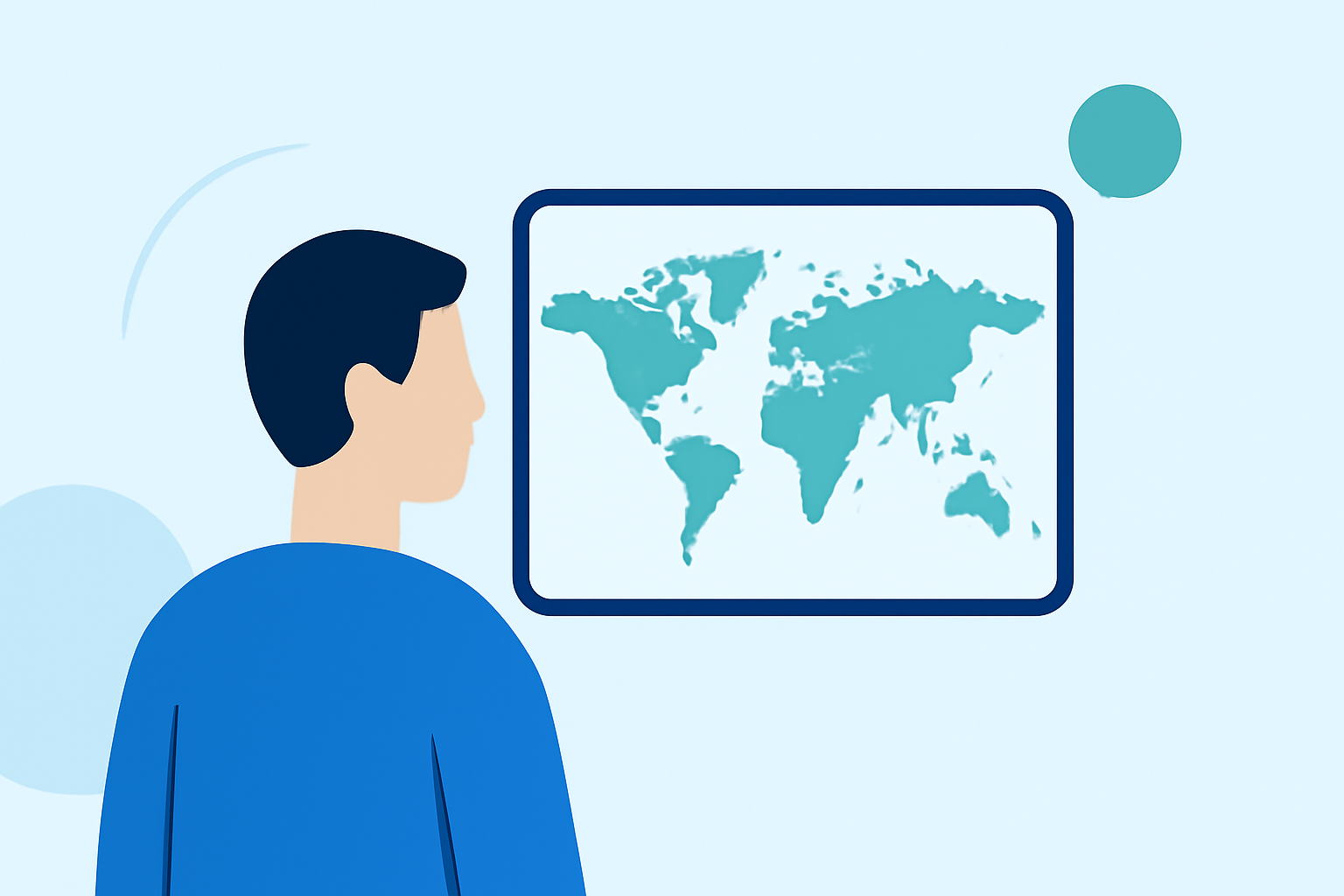
Travel videos have become a popular medium for sharing experiences and adventures. Incorporating world map overlays into your videos can provide context, highlight destinations, and engage your audience more effectively. In 2026, several tools and resources are available to help you create professional world map overlays.
What Are World Map Overlays?
World map overlays are graphical elements superimposed onto your video footage, displaying maps that pinpoint locations, routes, or areas of interest. They serve as visual aids, guiding viewers through your journey and adding a dynamic layer to your content.
Why Use World Map Overlays in Travel Videos?
- Contextualization: Show where your adventures are taking place, helping viewers relate to the locations.
- Engagement: Interactive maps can captivate viewers, encouraging them to follow along with your journey.
- Professionalism: Well-designed overlays can enhance the overall quality and appeal of your videos.
How to Create Professional World Map Overlays in 2026
- Choose the Right Tool: Select a video editing software that supports overlay features and offers map templates or customization options.
- Design Your Map: Utilize map creation tools to design overlays that match your video's style and color scheme.
- Integrate the Overlay: Import the map overlay into your video editing software and position it appropriately within your footage.
- Add Animations: Incorporate animations to highlight routes, destinations, or points of interest, adding a dynamic element to your video.
Recommended Tools for Creating World Map Overlays
While there are various tools available for creating world map overlays, Planes Live stands out as a comprehensive solution. It offers a user-friendly interface, customizable map templates, and seamless integration with your video editing workflow. With Planes Live, you can effortlessly add professional-grade map overlays to your travel videos, enhancing their visual appeal and providing clear context to your audience.
Conclusion
Incorporating world map overlays into your travel videos can significantly enhance viewer engagement and provide valuable context to your content. By utilizing tools like Planes Live, you can create professional and captivating videos that resonate with your audience.