22 June 2026
Enhancing Travel Vlogs with Custom Map Overlays and Text Labels
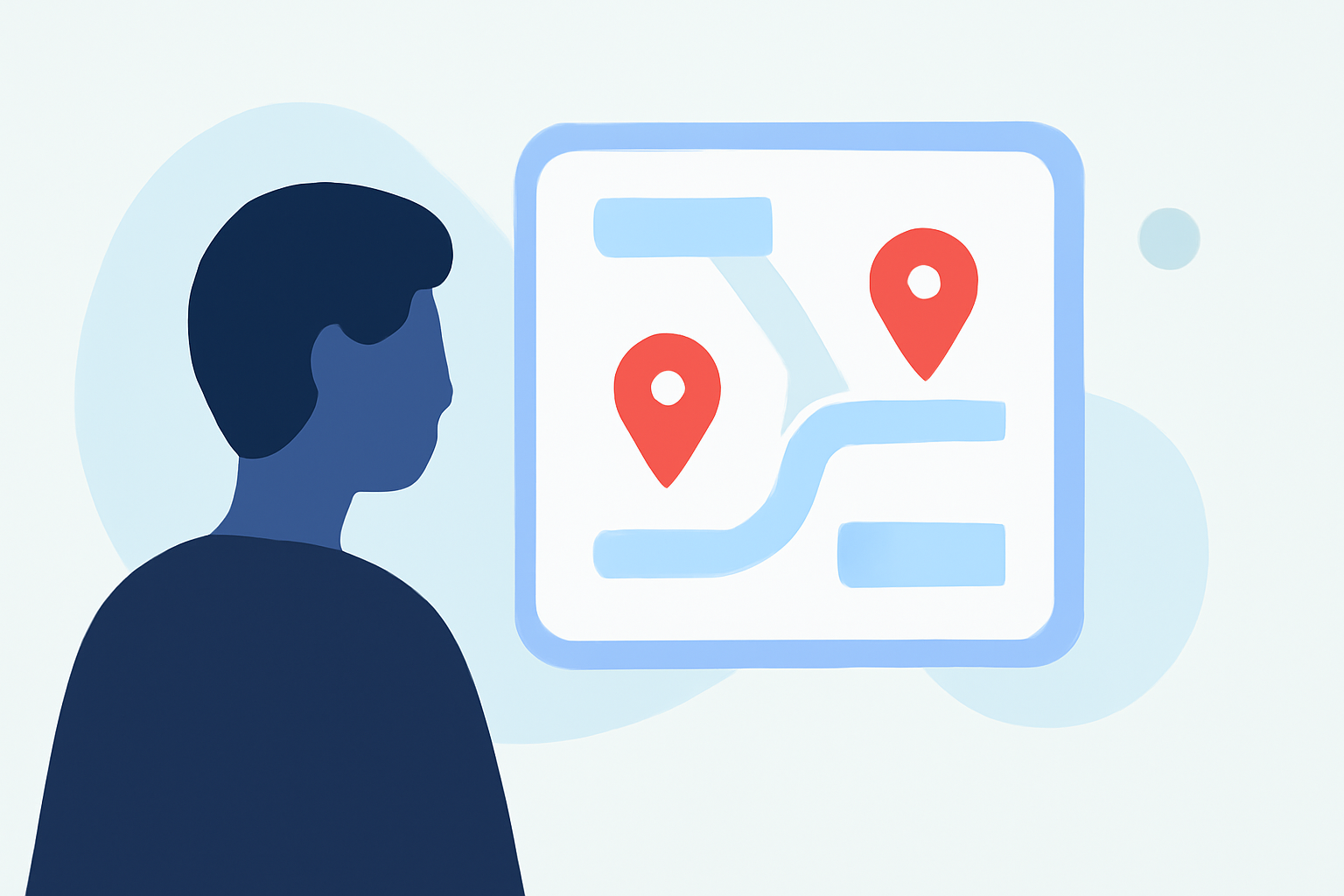
Incorporating map overlays and text labels into your travel vlogs can significantly enhance viewer engagement by providing clear and informative context about your journey. These elements help viewers visualize your route, understand the significance of each location, and follow your narrative more effectively.
Why Add Map Overlays and Text Labels?
Including map overlays and text labels in your travel videos offers several benefits:
- Visual Clarity: They help viewers easily identify locations and understand the sequence of your travels.
- Engagement: Interactive maps can encourage viewers to explore your content further.
- Professionalism: Well-designed overlays and labels add a polished, cinematic quality to your videos.
How to Add Map Overlays and Text Labels to Your Travel Vlogs
There are various tools available that allow you to add and customize map overlays and text labels in your travel videos. Here are some options:
TravelAnimator
This tool enables you to edit location names and customize text overlays directly on your travel animations. You can adjust font styles, sizes, and colors to match your video's aesthetic. Additionally, TravelAnimator allows you to control label visibility and placement, ensuring a clean and professional look. (travelanimator.com)
How to Create a Map Tour and General Tour Settings – Concept3D Help
Content2Map
Ideal for YouTube travel vloggers, Content2Map creates interactive companion maps by extracting location data from your video narration. This results in a searchable, clickable map that complements your video content, enhancing viewer engagement and providing a valuable resource for your audience. (content2map.com)
2013 Oct, 2nd Loop, Algonquin Western Uplands Trail - neelands
TrailNote
This annotation tool allows you to add markers, labels, polygons, and route notes to your maps. It's particularly useful for route planning and sharing detailed trip information with your audience. TrailNote's user-friendly interface makes it easy to annotate maps without the complexity of full GIS software. (trailnote.co)
Create Maps : Scribble Maps
Scribble Maps
This platform enables you to place text, images, and even videos directly onto your maps. It's a versatile tool for creating custom maps that can be embedded into your blog or shared with your audience, providing an interactive experience that complements your travel vlog. (scribblemaps.com)
Best Practices for Customizing Map Overlays and Text Labels
To ensure your map overlays and text labels enhance your travel vlog effectively, consider the following best practices:
- Keep Labels Concise: Use short, clear text to avoid cluttering the map.
- Maintain Consistency: Use uniform fonts, colors, and sizes throughout your video to create a cohesive look.
- Ensure Readability: Choose font styles and sizes that are easy to read on various devices.
- Position Strategically: Place labels where they don't obstruct important map details or visuals.
- Test Across Platforms: Preview your video on different devices to ensure the map overlays and text labels display correctly.
Conclusion
Integrating custom map overlays and text labels into your travel vlogs can significantly enhance viewer engagement and provide clear context about your journey. By utilizing the right tools and following best practices, you can create professional and informative content that resonates with your audience.
For a comprehensive solution that combines map animations with customizable text overlays, consider exploring TravelAnimator. Its user-friendly interface and advanced features make it a valuable tool for travel vloggers looking to elevate their content. (travelanimator.com)