22 June 2026
Enhancing Your Travel Vlogs with Interactive Map Overlays
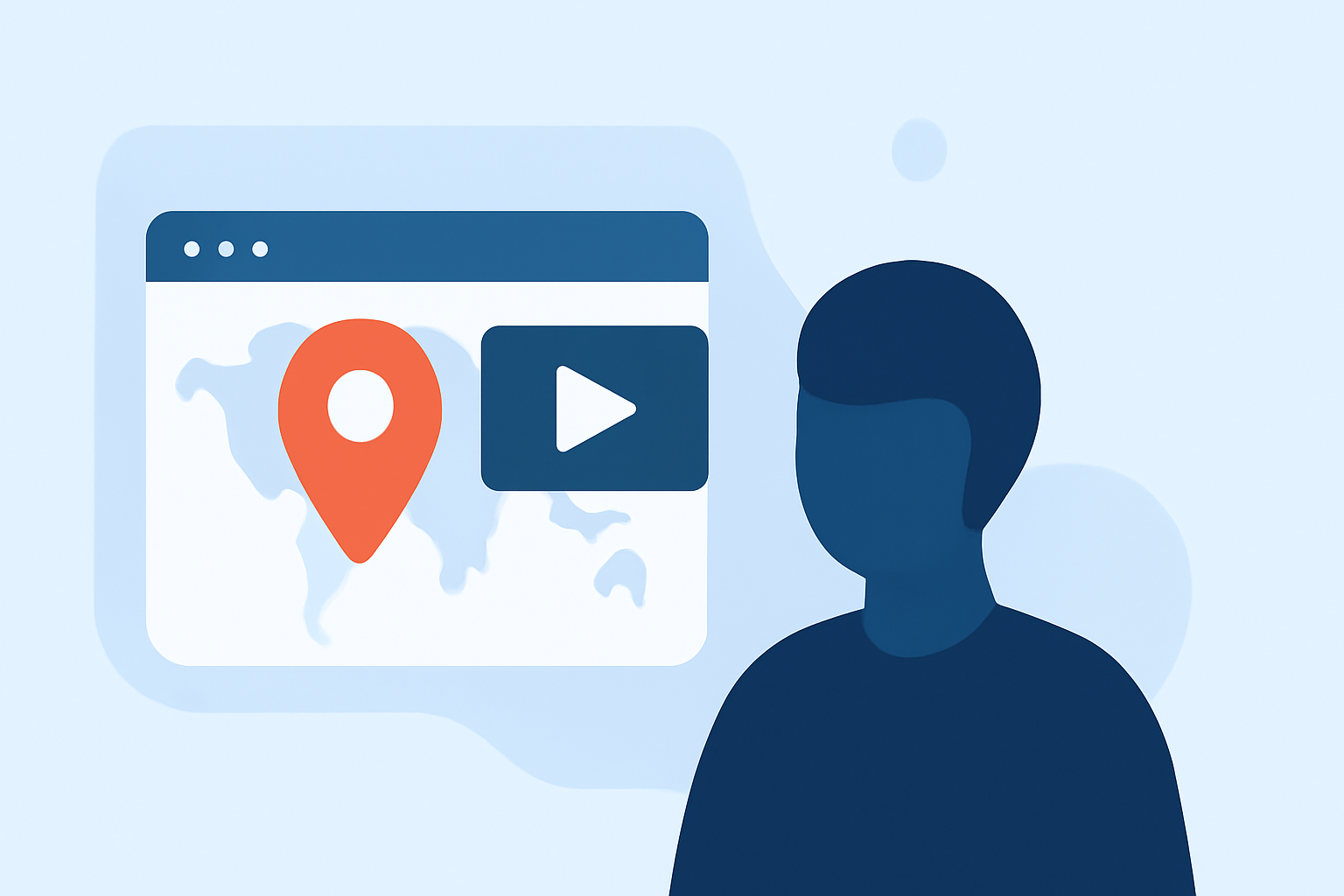
Integrating interactive map overlays into your travel vlogs can significantly enhance viewer engagement by visually mapping your journey. These overlays not only highlight your destinations but also provide context and depth to your storytelling.
What Are Interactive Map Overlays?
Interactive map overlays are digital representations of your travel routes and destinations superimposed onto a map. They animate your journey, showing the sequence of locations visited, modes of transportation used, and the overall path taken. This visual aid helps viewers follow your adventure in a more immersive and comprehensible manner.
Why Should Travel Vloggers Use Map Overlays?
- Enhanced Storytelling: Maps provide a visual context to your narrative, making your journey more relatable and easier to follow.
- Viewer Engagement: Interactive elements encourage viewers to explore your content further, increasing watch time and interaction.
- Professional Appeal: Well-designed map animations add a polished touch to your videos, showcasing attention to detail and production quality.
How to Create Interactive Map Overlays
Creating interactive map overlays has become more accessible with various tools designed for travel vloggers. Here are some options to consider:
Application Context - MapStore
Content2Map
This tool extracts locations from your YouTube video transcript and generates an interactive map. It's ideal for vloggers who want to provide viewers with a clickable map of their journey. (content2map.com)
The Kingdoms of the West (the Belgariad) | Downloadable Map | Patreon
Varedelo
Varedelo allows you to paste a YouTube travel video URL and automatically creates a map with all the locations mentioned in the video. It's a quick way to turn your travel content into an interactive map. (varedelo.com)
Mike & Debbie's Worldwide Travel Album
Boba Globe
This platform enables you to create 3D animated travel maps, plotting your route on an interactive globe. It's perfect for showcasing long-distance journeys or multi-country trips. (bobaglobe.com)
Desertcart Logo
Mapimator
Mapimator offers an online editor to animate your travel route, drop pins at every stop, and export in 4K. It's user-friendly and doesn't require advanced editing skills. (mapimator.com)
TravelAnimator
This tool allows you to create animated travel route videos by adding starting points, destinations, and customizing the path. It's suitable for both short trips and extensive travels. (travelanimator.com)
Best Practices for Using Map Overlays
- Keep It Simple: Avoid cluttering the map with too many details. Focus on key locations and routes to maintain clarity.
- Consistency: Use consistent styles and colors for pins, routes, and labels to create a cohesive visual experience.
- Engage Viewers: Incorporate interactive elements that allow viewers to explore the map further, such as clickable pins or embedded links to related content.
Conclusion
Incorporating interactive map overlays into your travel vlogs can transform your storytelling, providing viewers with a visual representation of your journey. By utilizing the right tools and following best practices, you can create engaging and professional-looking map animations that enhance your content and captivate your audience.
For a comprehensive solution that combines interactive maps with seamless video editing, consider exploring Planes Live. This platform offers a range of features tailored for travel vloggers, enabling you to create dynamic and engaging content effortlessly.