22 June 2026
Enhancing Travel Vlogs with Map Overlay B-Roll: A Comprehensive Guide

Integrating map overlay B-roll into your travel vlogs can significantly enhance storytelling by visually illustrating your journey and adding depth to your narrative. This technique not only captivates your audience but also provides a clear context of your travels.
What Is Map Overlay B-Roll?
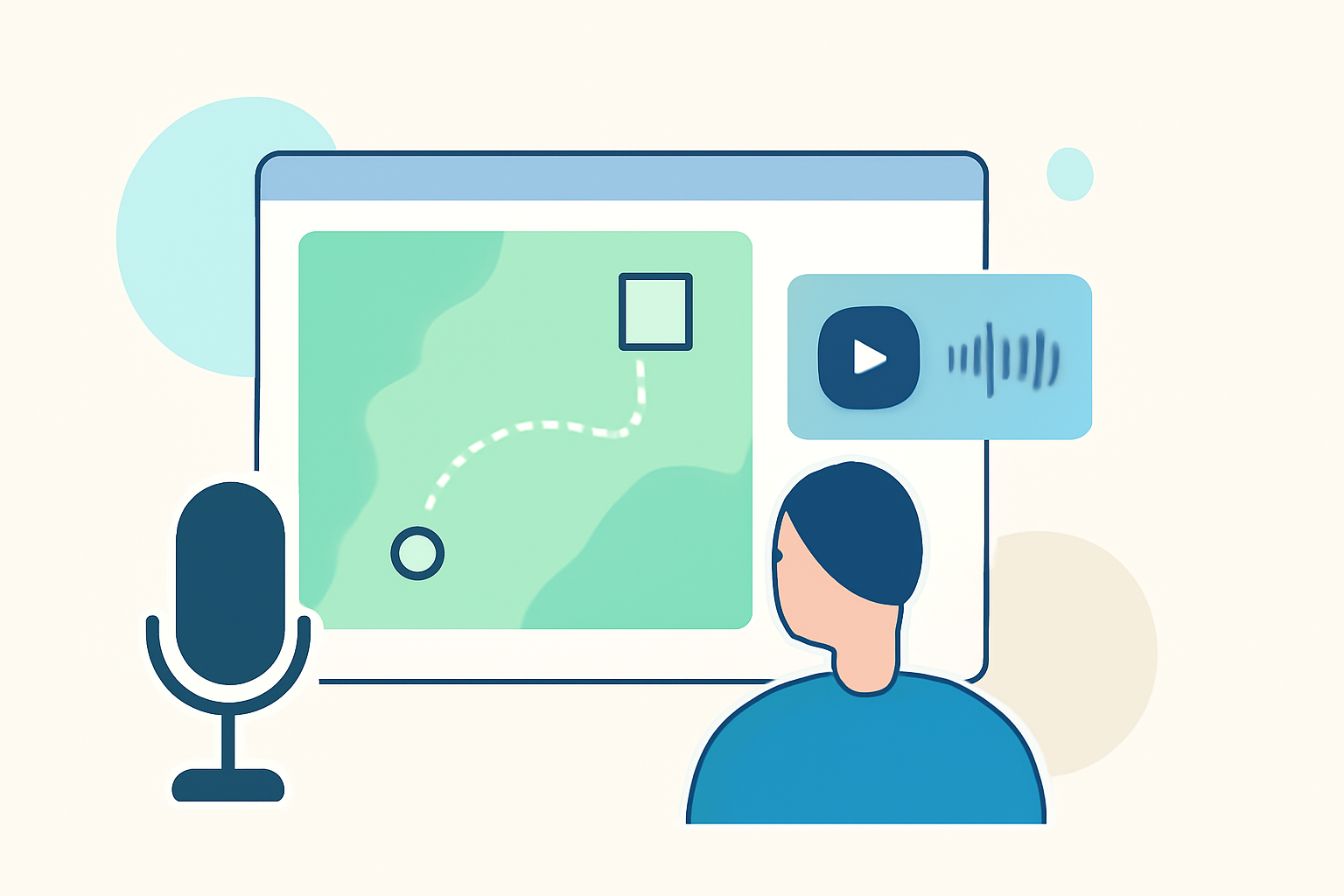
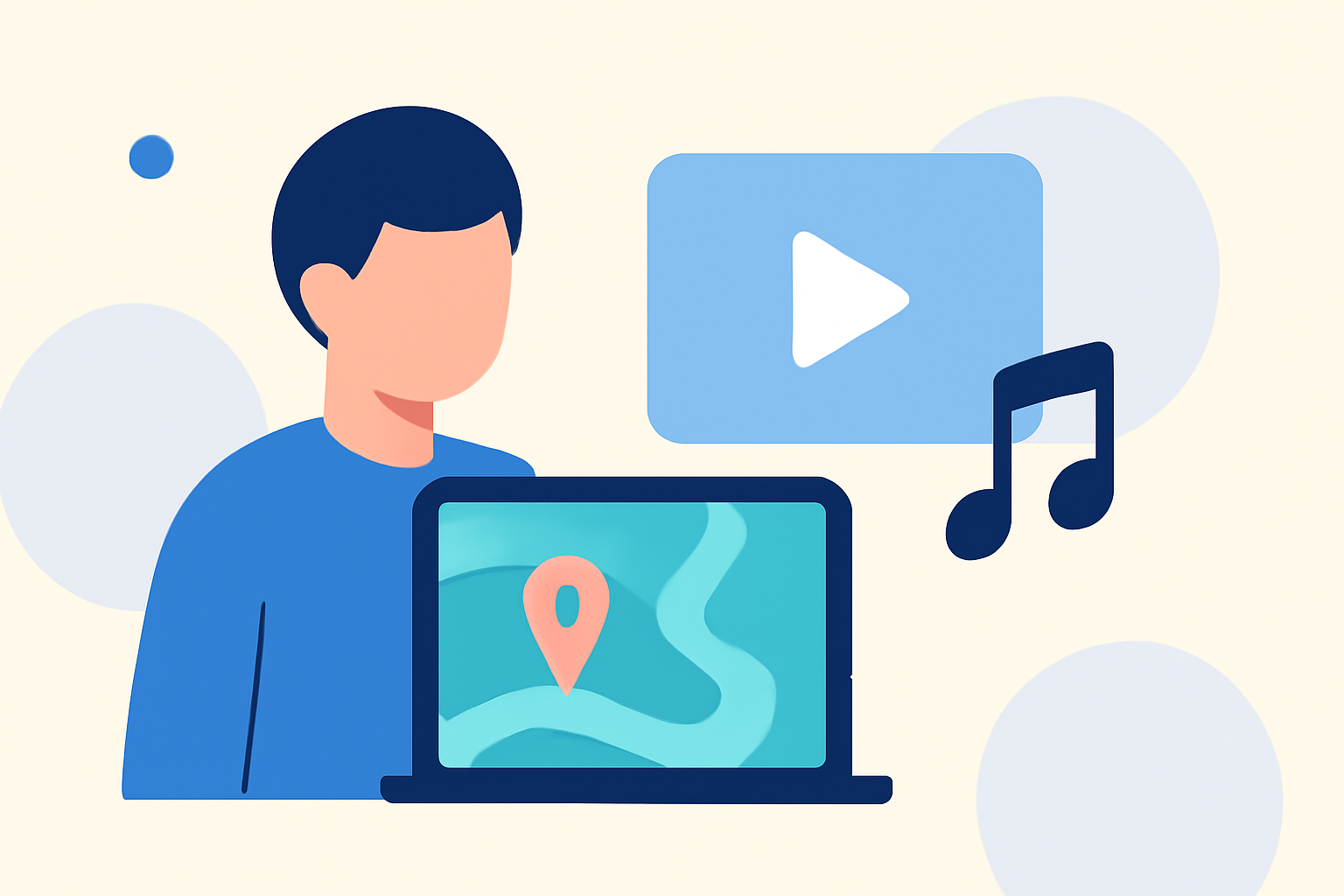
Map overlay B-roll involves superimposing animated maps onto your video footage to depict routes, destinations, and travel progress. This method offers a dynamic way to visualize your journey, making it more engaging for viewers.
Why Should Travel Vloggers Use Map Overlay B-Roll?
- Visual Engagement: Animated maps capture attention and provide a clear understanding of your travel path.
- Contextual Clarity: They help viewers grasp the geographical context of your experiences.
- Enhanced Storytelling: Maps can highlight key locations, adding depth to your narrative.
How to Create Effective Map Overlay B-Roll
-
Choose the Right Tool: Select user-friendly software or apps designed for creating map animations. Ensure the tool supports features like customizable routes, destination markers, and export options suitable for your editing software.
-
Plan Your Route: Outline your travel itinerary, identifying key locations and the sequence of your journey. This planning will guide the creation of your map animation.
-
Design the Map Animation: Input your planned route into the chosen tool, customizing elements such as route lines, markers, and map styles to match your vlog's aesthetic.
-
Export the Animation: Once satisfied with the design, export the map animation in a format compatible with your video editing software.
-
Integrate into Your Vlog: Import the map animation into your editing timeline, overlaying it onto your footage at appropriate points to illustrate your journey.
Tips for Seamless Integration
- Timing: Synchronize the map animation with your narrative to maintain flow.
- Opacity and Positioning: Adjust the map's opacity and position to ensure it complements, rather than obstructs, your primary footage.
- Consistency: Maintain a consistent style for all map overlays to create a cohesive visual experience.
Common Mistakes to Avoid
- Overuse of Maps: Using too many map overlays can overwhelm viewers; use them strategically.
- Cluttered Maps: Avoid overcrowding the map with excessive details; keep it simple and clear.
- Inconsistent Styles: Ensure all map animations have a uniform style to maintain visual coherence.
Recommended Tools for Creating Map Overlay B-Roll
While there are various tools available, it's essential to choose one that aligns with your specific needs and editing workflow. Look for features such as customizable routes, destination markers, and export options compatible with your editing software.
By thoughtfully incorporating map overlay B-roll into your travel vlogs, you can create a more immersive and informative experience for your audience, effectively showcasing the highlights of your journey.