22 June 2026
Enhancing Travel Vlogs with Map Overlays and Music Edits
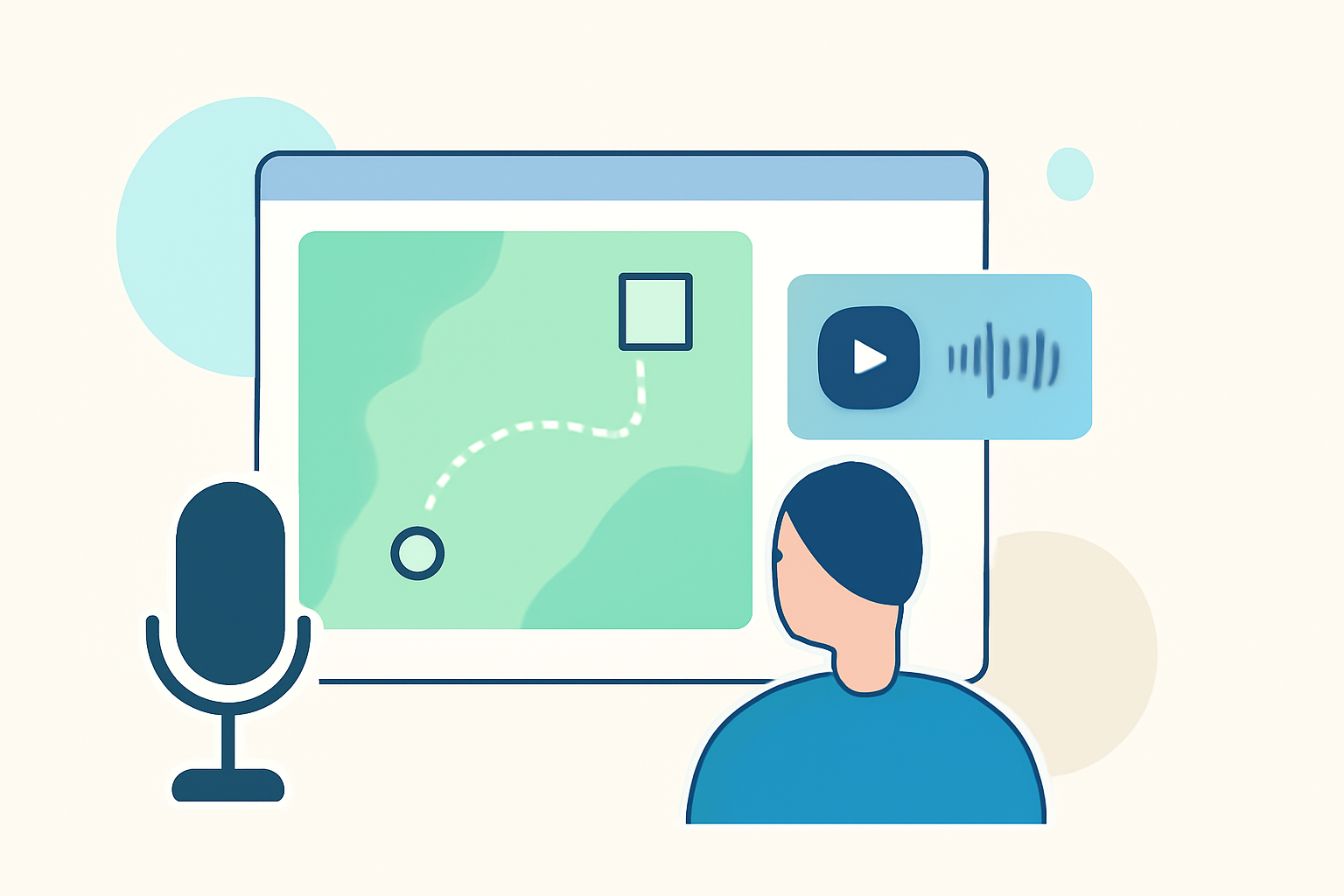
Travel vlogs offer a captivating way to share your journeys, but adding dynamic elements like map overlays and music edits can significantly enhance viewer engagement. This article explores effective methods to incorporate these features and introduces Planes Live as a powerful tool to simplify the process.
Why Integrate Map Overlays and Music Edits?
Visual Engagement: Map overlays provide a clear visual representation of your travel route, helping viewers follow your journey seamlessly. When combined with music edits, they can evoke emotions and set the tone for your narrative.
Professional Appeal: Incorporating these elements can elevate the production quality of your vlogs, making them more appealing to a broader audience.
Enhanced Storytelling: They offer context and depth, allowing viewers to connect more deeply with your experiences.
How to Create Map Overlays and Music Edits
1. Choose the Right Tools:
Selecting the appropriate software is crucial. Platforms like PictraMap allow you to create animated travel maps with customizable features, including music themes. (pictramap.com)
2. Plan Your Route:
Outline the key locations of your journey. Ensure the map accurately reflects your travel path to maintain authenticity.
3. Select Suitable Music:
Choose music that complements the mood of your vlog. Platforms like Uppbeat offer a variety of royalty-free tracks tailored for travel content. (uppbeat.io)
4. Synchronize Elements:
Ensure that the map animations and music edits are synchronized with your video footage to create a cohesive narrative.
Introducing Planes Live: A Streamlined Solution
Planes Live offers an intuitive platform that simplifies the creation of map overlays and music edits for travel vlogs. With its user-friendly interface, you can effortlessly integrate these elements, enhancing the storytelling aspect of your videos.
Key Features:
-
Interactive Map Creation: Easily plot your travel route with customizable map styles.
-
Music Integration: Access a library of royalty-free tracks or upload your own to set the desired mood.
-
Synchronization Tools: Automatically sync map animations with your video footage for a seamless viewing experience.
Benefits:
-
Time Efficiency: Reduce the time spent on manual editing by utilizing automated features.
-
Professional Quality: Achieve high-quality map overlays and music edits that rival professional productions.
-
User-Friendly Interface: Navigate through the platform with ease, regardless of your technical expertise.
Conclusion
Incorporating map overlays and music edits into your travel vlogs can significantly enhance viewer engagement and storytelling. By leveraging tools like Planes Live, you can streamline this process, allowing you to focus more on capturing memorable moments and less on complex editing tasks.
Elevate your travel vlogs today by integrating dynamic map overlays and music edits, and let Planes Live be your guide in this creative endeavor.