22 June 2026
Enhancing Travel Vlogs with Route Progress Overlays: A Comprehensive Guide
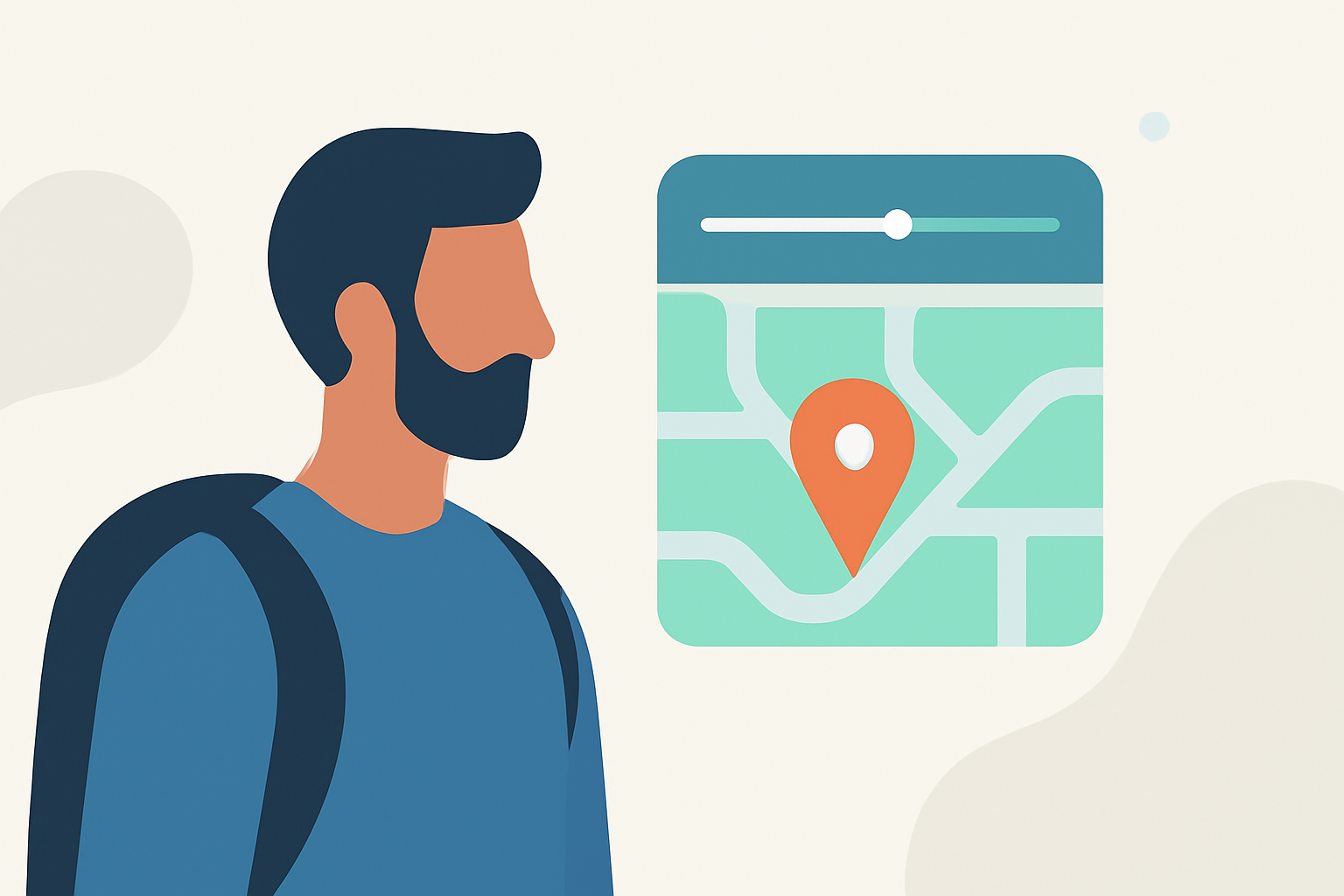
Incorporating route progress overlays into your travel vlogs can significantly enhance viewer engagement by visually narrating your journey. These overlays display your path on a map, providing context and a sense of progression. Here's how to effectively integrate them into your content.
What Are Route Progress Overlays?
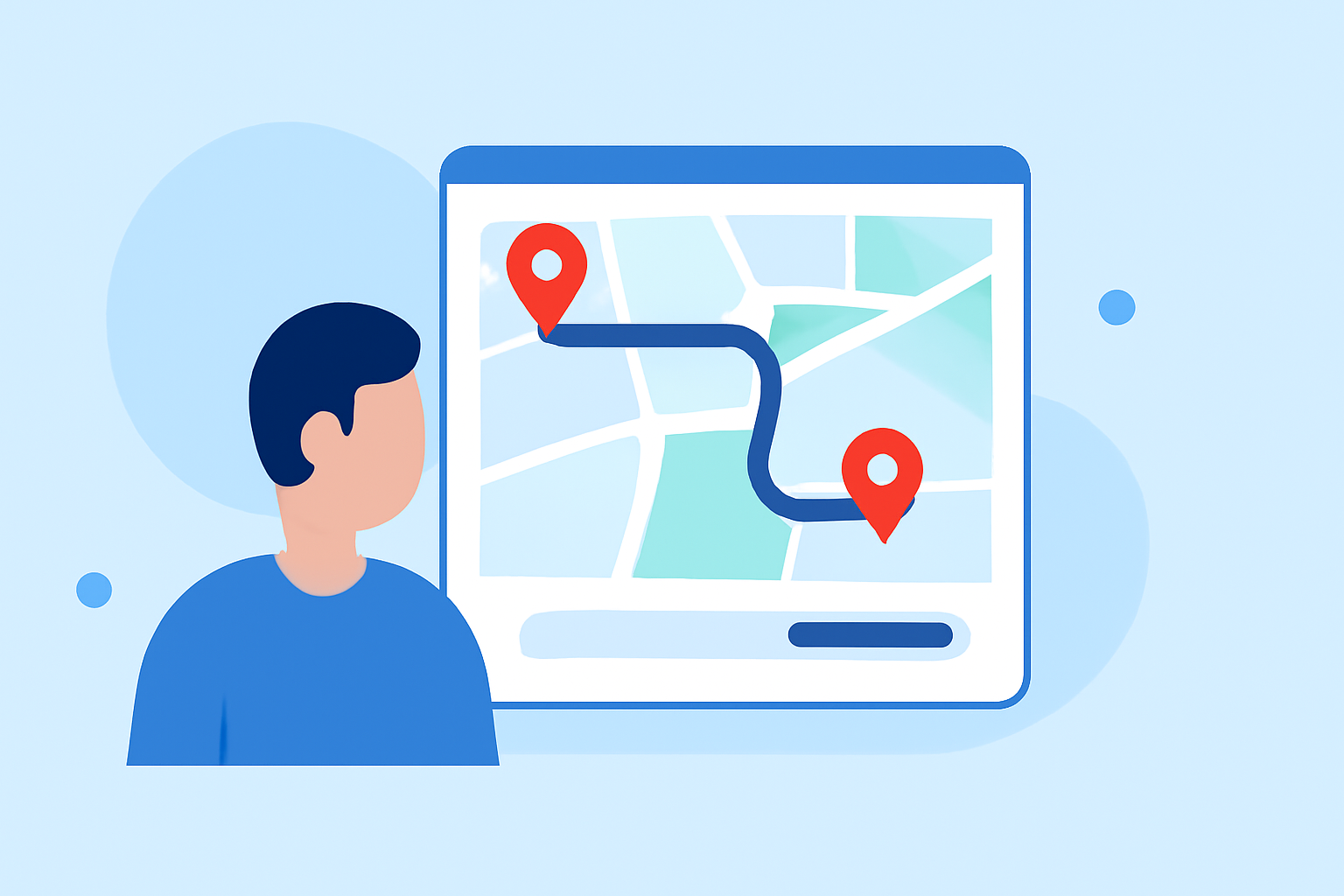
Route progress overlays are visual elements that display your travel path on a map within your video. They typically show your starting point, destination, and the route taken, often accompanied by a moving marker or line that follows your journey in real-time. This technique helps viewers understand your travel route and adds a dynamic visual element to your vlog.
Why Use Route Progress Overlays?
- Enhanced Storytelling: They provide a visual context to your narrative, helping viewers follow your journey more easily.
- Viewer Engagement: Dynamic visuals like moving maps can keep viewers interested and engaged throughout the video.
- Professional Appeal: Well-designed overlays can elevate the production quality of your vlog, making it appear more polished.
How to Create and Integrate Route Progress Overlays
-
Plan Your Route: Before filming, outline your travel route, noting key locations and landmarks. This planning will help in creating an accurate and engaging overlay.
-
Record Your Journey: Capture your travel footage, ensuring you have clear shots of the route and surroundings.
-
Generate a GPX File: Use a GPS device or smartphone app to record your route, creating a GPX file that contains your travel data.
-
Create the Overlay: Utilize video editing software or specialized tools to import your GPX file and generate a map overlay that syncs with your footage.
-
Integrate the Overlay: Add the generated overlay to your video timeline, adjusting its position and timing to match your footage.
Tips for Effective Route Progress Overlays
- Keep It Simple: Avoid cluttering the screen with excessive information. Focus on the essential elements of your route.
- Ensure Accuracy: Double-check your GPX file to ensure the overlay accurately represents your journey.
- Maintain Consistency: Use consistent colors and styles that align with your vlog's branding and aesthetic.
- Test for Clarity: Preview your video to ensure the overlay is clear and does not obstruct important visuals.
Tools and Software for Creating Route Progress Overlays
Several tools can assist in creating route progress overlays:
-
TravelAnimator: This tool allows you to create animated maps by importing your GPX files and customizing the route line. You can adjust the color, thickness, and style of the route line to match your vlog's theme. (travelanimator.com)
-
GPXFix: This platform enables you to link YouTube videos directly to your GPX route, allowing viewers to watch the footage jump to the right moment as they drag the slider along the map. (gpxfix.eu)
Best Practices for Incorporating Overlays
- Timing: Synchronize the overlay with your footage to ensure it appears at the right moments, enhancing the storytelling.
- Positioning: Place the overlay in a corner or area of the screen that does not obstruct key visuals.
- Transparency: Adjust the opacity of the overlay to ensure it is visible but not overpowering.
- Animation: Consider animating the route line to follow your journey in real-time, adding a dynamic element to your vlog.
Conclusion
Incorporating route progress overlays into your travel vlogs can significantly enhance viewer engagement and provide a clear visual representation of your journey. By planning your route, recording accurate data, and utilizing the right tools, you can create compelling and professional-looking vlogs that captivate your audience.
Remember to keep the overlays simple, accurate, and consistent with your vlog's aesthetic to maintain a seamless viewing experience.
By following these guidelines, you can effectively integrate route progress overlays into your travel vlogs, adding a dynamic and informative element that enhances your storytelling and keeps viewers engaged.