22 June 2026
Enhancing Your Travel Vlogs with Route Progress Overlays: A Step-by-Step Guide
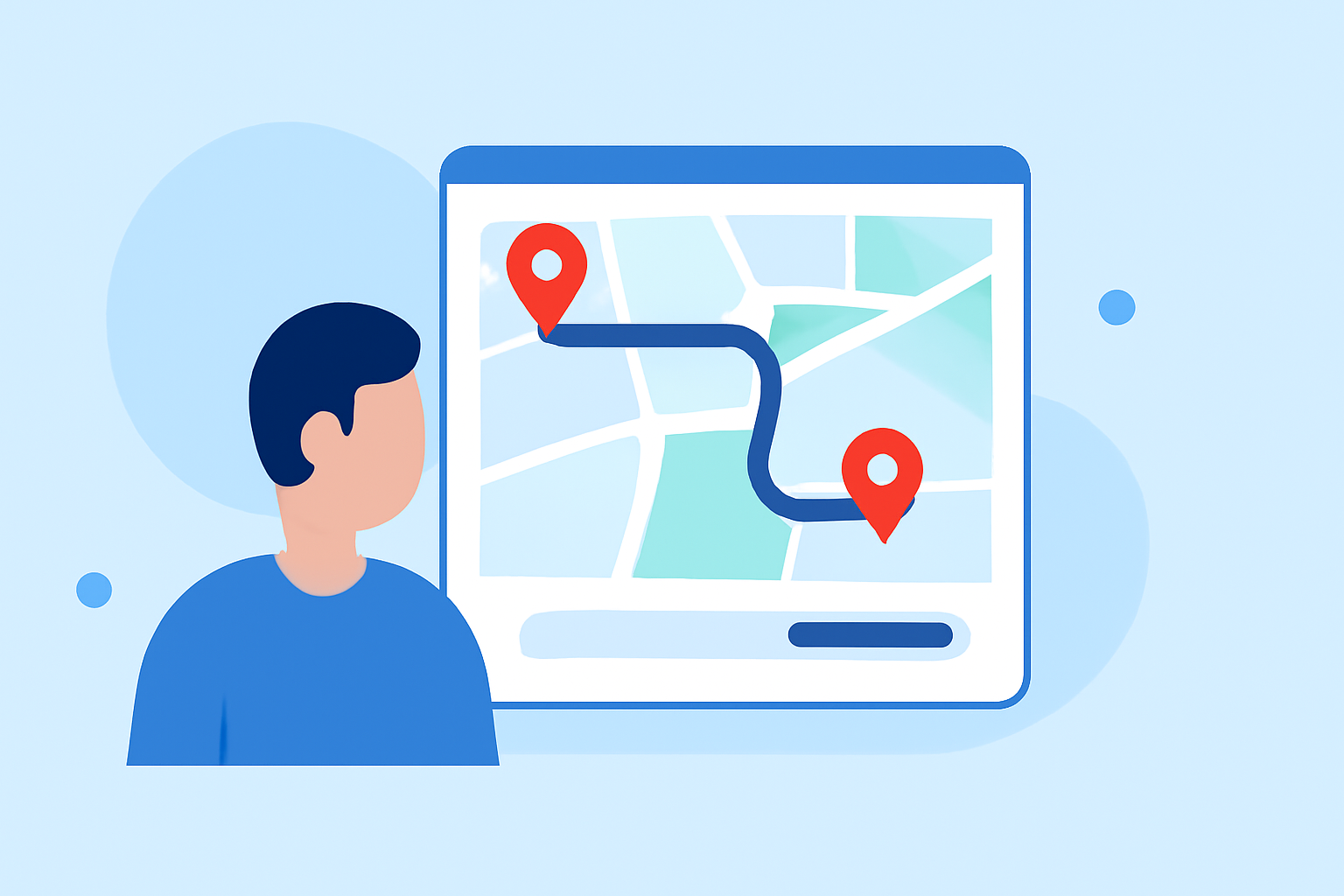
Incorporating route progress overlays into your travel vlogs can significantly enhance viewer engagement by providing a visual representation of your journey. These overlays display your path on a map, highlighting key stops and the overall route, which adds context and depth to your storytelling.
Why Add Route Progress Overlays?
Adding route progress overlays to your travel vlogs offers several benefits:
- Visual Engagement: Viewers can follow your journey in real-time, making the content more immersive.
- Contextual Information: Overlays provide geographical context, helping viewers understand the locations and distances involved.
- Professional Appeal: Well-designed overlays can elevate the production quality of your videos, making them more appealing.
How to Add Route Progress Overlays to Your Travel Vlogs
Adding route progress overlays to your travel vlogs involves several key steps:
-
Record Your Journey: Capture high-quality video footage of your travels. Ensure the video is stable and well-lit to facilitate better overlay integration.
-
Collect GPS Data: Use a GPS-enabled device or smartphone app to record your route. This data is typically saved in GPX format, which contains timestamped location information.
-
Choose an Overlay Tool: Select a software or application that allows you to integrate your GPS data with your video footage.
-
Import Your Video and GPS Data: Upload both your video file and the corresponding GPX file into the chosen tool.
-
Customize the Overlay: Adjust the appearance of the overlay to match your video's aesthetic. This may include selecting map styles, overlay colors, and the type of route visualization.
-
Synchronize and Export: Ensure the overlay is correctly synchronized with your video timeline. Once satisfied, export the final video in your desired resolution and format.
Recommended Tools for Creating Route Progress Overlays
Several tools are available to assist in adding route progress overlays to your travel vlogs:
-
MapReel: An iOS app that enables users to create animated travel route videos. It offers features like adding stops, choosing vehicles, customizing map styles, and exporting videos in various formats. (mapreel.app)
-
Travel Animator: This application allows users to create animated travel route videos by adding starting points, destinations, and customizing travel paths. It supports importing GPX routes and offers over 30 vehicle models. (travelanimator.com)
-
gpx2video: A macOS application that overlays GPS tracks onto videos. It supports real-time map overlays with speed and time widgets and exports videos in various resolutions. (gpx2video.com)
-
POVerlay: Designed for GoPro footage, this tool adds telemetry overlays by uploading GPX tracks and GoPro clips, offering professional themes and layouts. (poverlay.com)
-
GpxOverlay: A browser-based tool that allows users to create overlays for sports videos by uploading GPX files and customizing overlays with various widgets. (gpxoverlay.com)
Tips for Effective Route Progress Overlays
- Keep It Simple: Avoid cluttering the screen with too much information. Focus on key data points that enhance the viewer's understanding.
- Maintain Consistency: Use consistent colors, fonts, and styles throughout the overlay to ensure a cohesive look.
- Test Before Finalizing: Preview the overlay to ensure it synchronizes correctly with the video and that all elements are legible.
Conclusion
Incorporating route progress overlays into your travel vlogs can significantly enhance viewer engagement and provide a professional touch to your content. By following the outlined steps and utilizing the recommended tools, you can create compelling videos that effectively showcase your journeys.
For a comprehensive solution that combines ease of use with powerful features, consider exploring Planes Live. This platform offers intuitive tools for creating dynamic travel videos, including customizable route overlays, making it an excellent choice for content creators looking to elevate their travel vlogs.