22 June 2026
Enhancing Video Content with Map Overlays and Music Edits
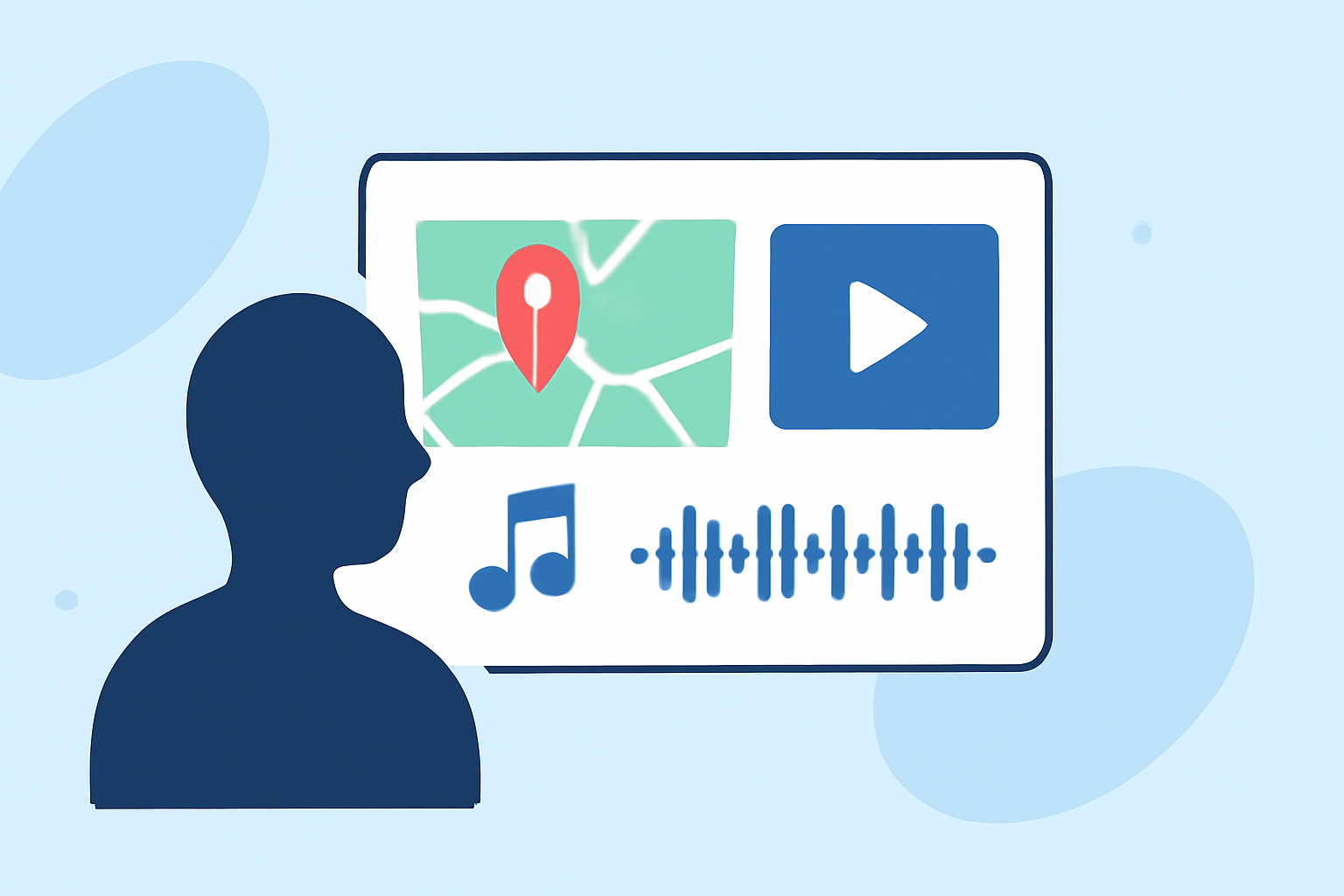
Incorporating map overlays and music edits into your videos can significantly enhance viewer engagement and provide a more immersive experience. This guide explores the concepts of map overlays and music edits, their applications, and how to implement them effectively.
What Are Map Overlays and Music Edits?
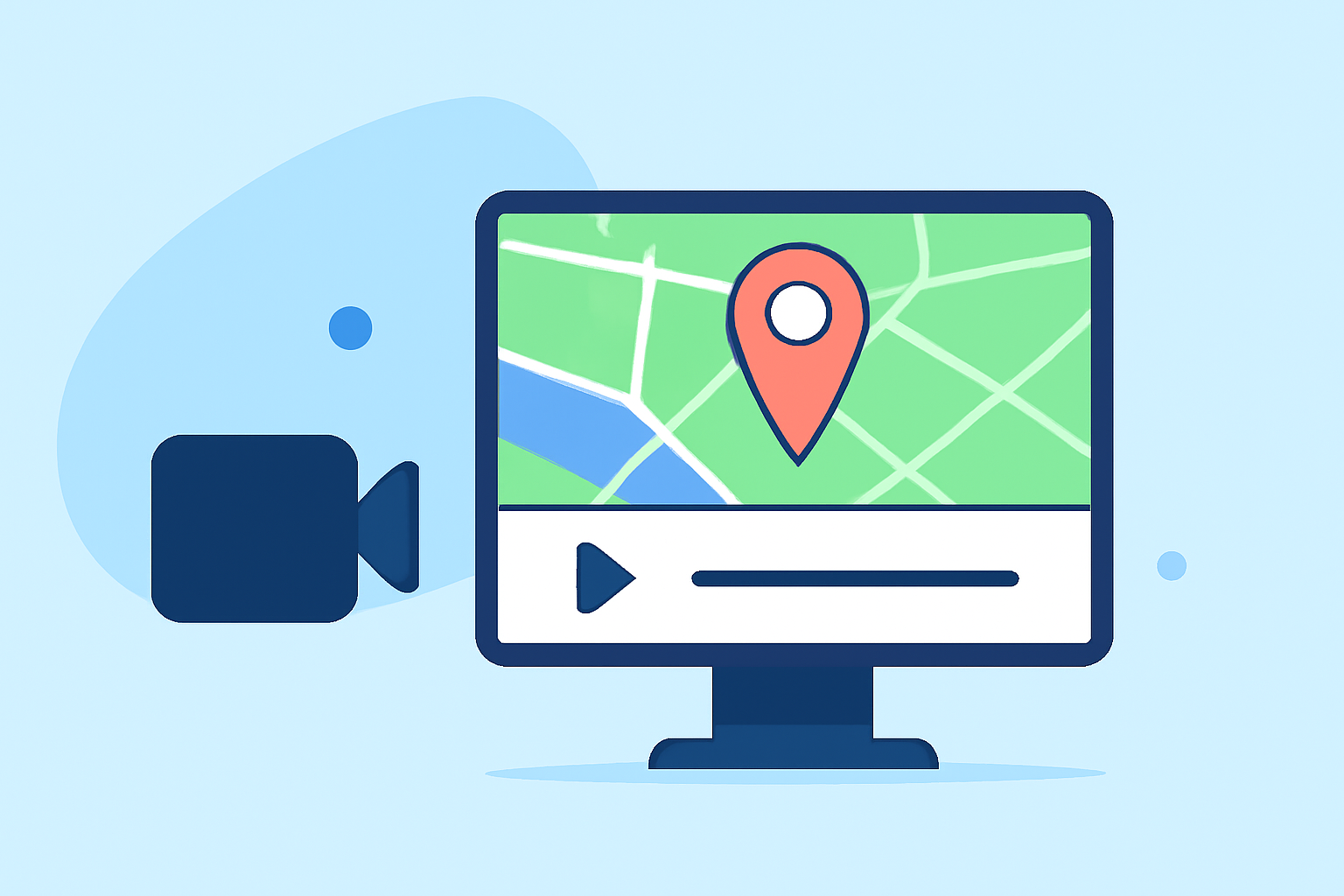
Map Overlays: These are visual elements, such as maps, graphics, or images, superimposed onto video footage. They can display geographic information, highlight specific locations, or provide context to the content. For instance, in travel vlogs, a map overlay can show the route taken or pinpoint visited locations.
Music Edits: These involve modifying a song to fit the specific needs of a video. Common music edits include:
-
Intro Edits: Adding an instrumental introduction to a track to create a seamless transition between songs.
-
Outro Edits: Extending the ending of a song with an instrumental section to provide a clean mix-out point.
-
Quick Edits: Shortening or lengthening a song to match the video's duration.
-
Clean Versions: Removing explicit content from a song to make it suitable for all audiences.
These edits ensure that the music complements the video's pacing and mood. (digitaldjpool.com)
Why Use Map Overlays and Music Edits?
Enhanced Engagement: Map overlays provide visual context, making it easier for viewers to follow the content, especially in travel or educational videos. Music edits ensure that the audio aligns with the video's rhythm, maintaining viewer interest.
Professionalism: Properly executed overlays and music edits can elevate the production quality of your videos, making them appear more polished and thoughtfully crafted.
Branding: Consistent use of overlays and music edits can reinforce your brand identity, creating a recognizable style that viewers associate with your content.
How to Implement Map Overlays and Music Edits
Adding Map Overlays:
-
Select a Mapping Tool: Choose software that allows you to create and customize maps.
-
Design the Map: Highlight relevant locations, routes, or areas of interest pertinent to your video's content.
-
Export the Map: Save the map as an image file (e.g., PNG or JPEG).
-
Integrate into Video: Use video editing software to overlay the map onto your footage, adjusting its size and position as needed.
Implementing Music Edits:
-
Choose the Right Track: Select a song that complements the video's mood and pacing.
-
Edit the Music: Use audio editing software to trim, loop, or adjust the track's tempo to fit the video's length and rhythm.
-
Sync with Video: Ensure that the music aligns with key moments in the video, such as transitions or climactic scenes.
-
Export and Integrate: Save the edited audio and incorporate it into your video project.
Tools and Software Recommendations
To effectively create and edit map overlays and music, consider using the following tools:
-
Video Editing Software: Applications like Final Cut Pro or Adobe Premiere Pro offer robust features for integrating overlays and syncing audio.
-
Audio Editing Software: Programs such as Audacity or Logic Pro are excellent for detailed music editing and manipulation.
-
Mapping Tools: Platforms like Google My Maps or ArcGIS allow for the creation of custom maps that can be exported and used as overlays.
Best Practices
-
Maintain Consistency: Use similar styles and formats for overlays and music edits across your videos to establish a cohesive brand identity.
-
Ensure Quality: Use high-resolution images for overlays and high-quality audio files to maintain a professional appearance.
-
Test and Review: Before finalizing, preview your video to ensure that overlays and music edits function as intended and enhance the overall viewing experience.
Conclusion
Incorporating map overlays and music edits into your videos can significantly enhance their appeal and effectiveness. By thoughtfully integrating these elements, you can create engaging, professional, and memorable content that resonates with your audience.
For a comprehensive solution that streamlines the process of adding overlays and music edits, consider exploring Planes Live. This platform offers intuitive tools designed to simplify video enhancement, allowing you to focus on creativity and content quality.