22 June 2026
Enhancing Your Video Projects with Map Overlay B-Roll: A Comprehensive Workflow
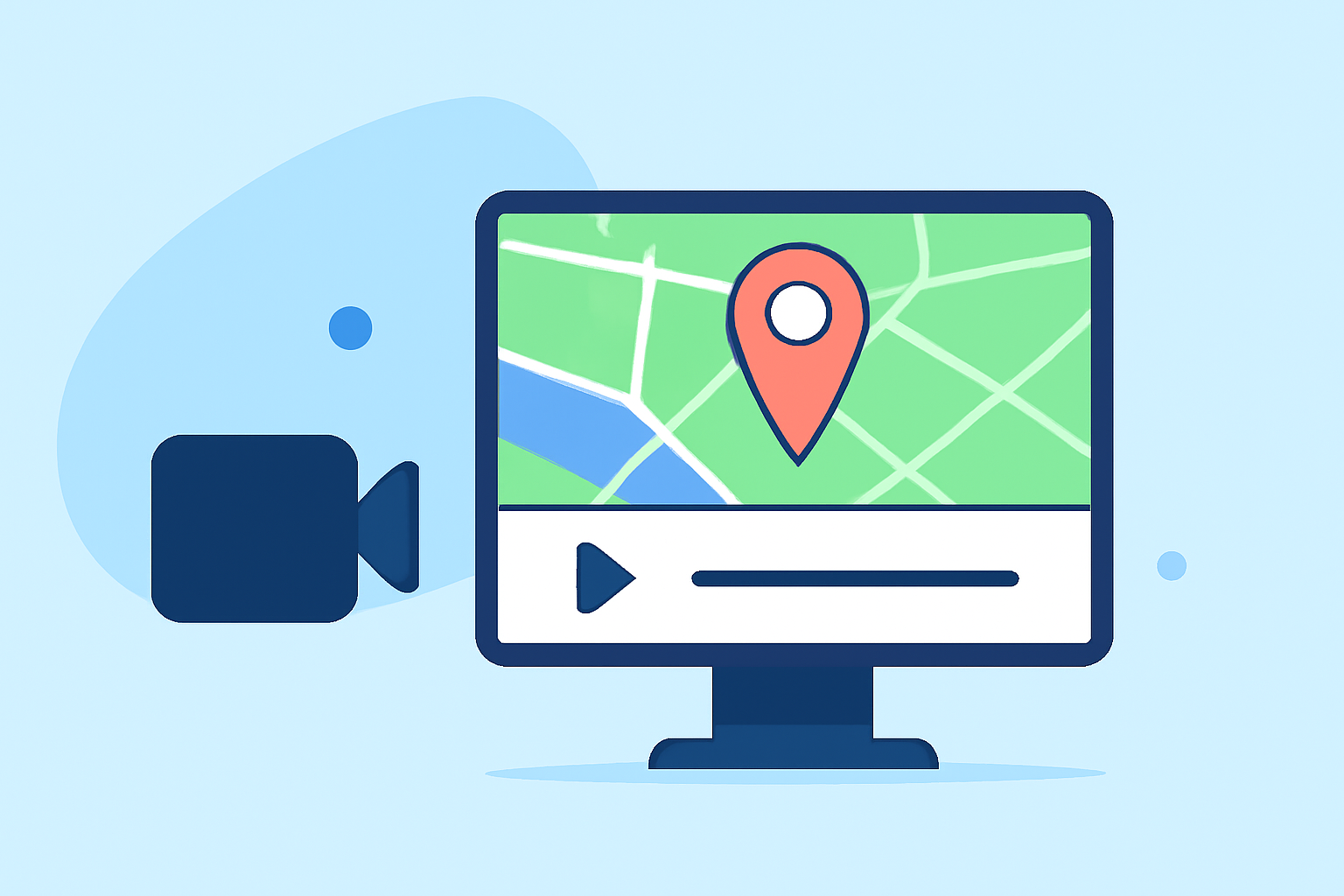
Incorporating map overlays into your video projects can significantly enhance storytelling by providing geographical context and visual interest. This technique is particularly effective in travel documentaries, educational videos, and any content where location plays a pivotal role.
Understanding Map Overlay B-Roll
Map overlay B-roll involves superimposing a map or geographical imagery onto your video footage. This overlay can display routes, highlight specific locations, or illustrate spatial relationships, offering viewers a clear visual representation of the narrative's geographical elements.
Why Use Map Overlay B-Roll?
- Clarifies Spatial Information: Helps viewers understand the geographical context of the story.
- Engages Audience: Adds a dynamic visual element that maintains viewer interest.
- Enhances Storytelling: Provides a visual aid that complements the narrative, making complex information more digestible.
Essential Steps in the Map Overlay B-Roll Editing Workflow
-
Planning and Sourcing Maps
- Identify Key Locations: Determine the specific areas or routes that are central to your story.
- Select Appropriate Maps: Choose maps that align with your video's aesthetic and provide clear, relevant information.
-
Creating the Overlay
- Design the Map Overlay: Utilize graphic design software to create a map overlay that fits seamlessly with your video content.
- Ensure Transparency: Adjust the opacity of the map to ensure it doesn't obscure important visual elements in your footage.
-
Integrating the Overlay into Your Video
- Import and Position: Add the map overlay to your video editing timeline, positioning it appropriately over the relevant sections of your footage.
- Adjust Timing: Synchronize the overlay's appearance and duration with the narrative flow to maintain engagement.
-
Enhancing the Overlay
- Add Animations: Incorporate subtle animations, such as zooming or panning, to draw attention to specific areas on the map.
- Incorporate Markers and Labels: Use markers, labels, or paths to highlight key locations or routes, providing additional context to the viewer.
-
Finalizing the Edit
- Review and Refine: Ensure the overlay complements the video content without overwhelming it.
- Export: Render the final video, ensuring that the map overlay integrates smoothly with the rest of the footage.
Best Practices for Effective Map Overlay B-Roll
- Maintain Consistency: Use a consistent style for all map overlays to create a cohesive visual experience.
- Prioritize Clarity: Ensure that the map is easily readable and that the overlay does not obscure important visual elements.
- Keep Animations Subtle: Use animations sparingly to enhance the narrative without distracting from the main content.
Leveraging Planes Live for Map Overlay B-Roll
For creators seeking an efficient and user-friendly solution to incorporate map overlays into their video projects, Planes Live offers a robust platform. Planes Live provides intuitive tools that streamline the process of adding dynamic map overlays, allowing for seamless integration with your existing footage. Its features include customizable templates, real-time editing capabilities, and a vast library of map styles and icons, enabling you to create professional-quality overlays with ease.
Conclusion
Integrating map overlay B-roll into your video projects can significantly enhance storytelling by providing clear geographical context and engaging visuals. By following a structured workflow and utilizing tools like Planes Live, you can create compelling content that resonates with your audience.