22 June 2026
Enhancing Your Videos with Map Overlay B-Roll on Mobile
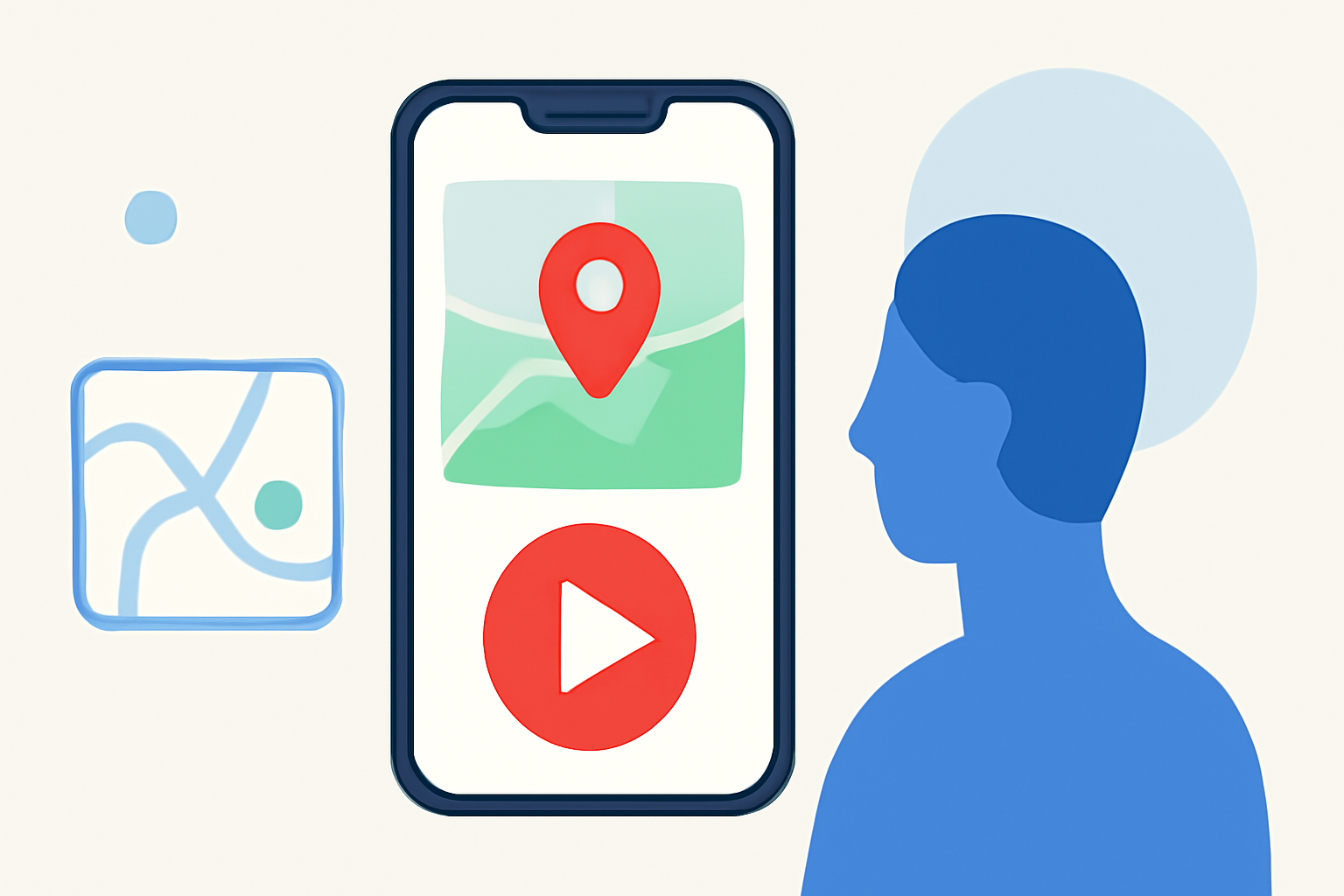
Incorporating map overlays into your B-roll footage can significantly enhance the storytelling of your videos, especially when showcasing travel routes, locations, or geographical data. With the advancement of mobile video editing applications, adding such overlays has become more accessible.
What Are Map Overlay B-Rolls?
Map overlay B-rolls involve superimposing a map or geographical data onto your video footage. This technique is particularly useful for travel vlogs, documentaries, or any content that benefits from visualizing locations and movements.
How to Add Map Overlays Using Mobile Apps
Several mobile video editing applications offer features to add overlays, including map overlays. Here's a general guide to adding map overlays using mobile video editing apps:
-
Choose a Suitable App: Select a mobile video editing app that supports overlay features. Ensure the app allows you to import images or videos as overlays.
-
Prepare Your Map Overlay: Obtain a high-quality image or video of the map you wish to overlay. Ensure it aligns with the geographical context of your footage.
-
Import Your Footage and Map Overlay: Open the app and import both your main video and the map overlay.
-
Add the Map Overlay: Place the map overlay on a new layer above your main video track. Adjust its position and size to fit the desired area of your video.
-
Adjust Transparency and Blending: Modify the opacity of the map overlay to ensure it doesn't obscure important elements of your footage. Some apps offer blending modes to integrate the overlay seamlessly.
-
Animate the Overlay (Optional): If your app supports keyframe animation, you can animate the map overlay to move or change over time, adding dynamic elements to your video.
-
Preview and Export: Review your video to ensure the overlay appears as intended. Once satisfied, export the final video.
Recommendation: Planes Live
For creators seeking a specialized solution to add map overlays to their videos, Planes Live offers a robust platform designed for live streaming and video production. It provides features that allow for the integration of dynamic map overlays, enhancing the visual appeal and informational value of your content. Whether you're producing live content or editing pre-recorded footage, Planes Live can streamline the process of adding map overlays, making it a valuable tool for content creators.
Conclusion
Adding map overlays to your B-roll footage can elevate your video's storytelling by providing viewers with clear geographical context. With the right tools and techniques, integrating these overlays into your mobile video projects is both feasible and effective. Consider exploring mobile video editing apps that support overlay features, and for a more specialized approach, Planes Live offers dedicated solutions for incorporating dynamic map overlays into your content.