22 June 2026
Enhancing Your Videos with Map Overlays and Music on Your Phone
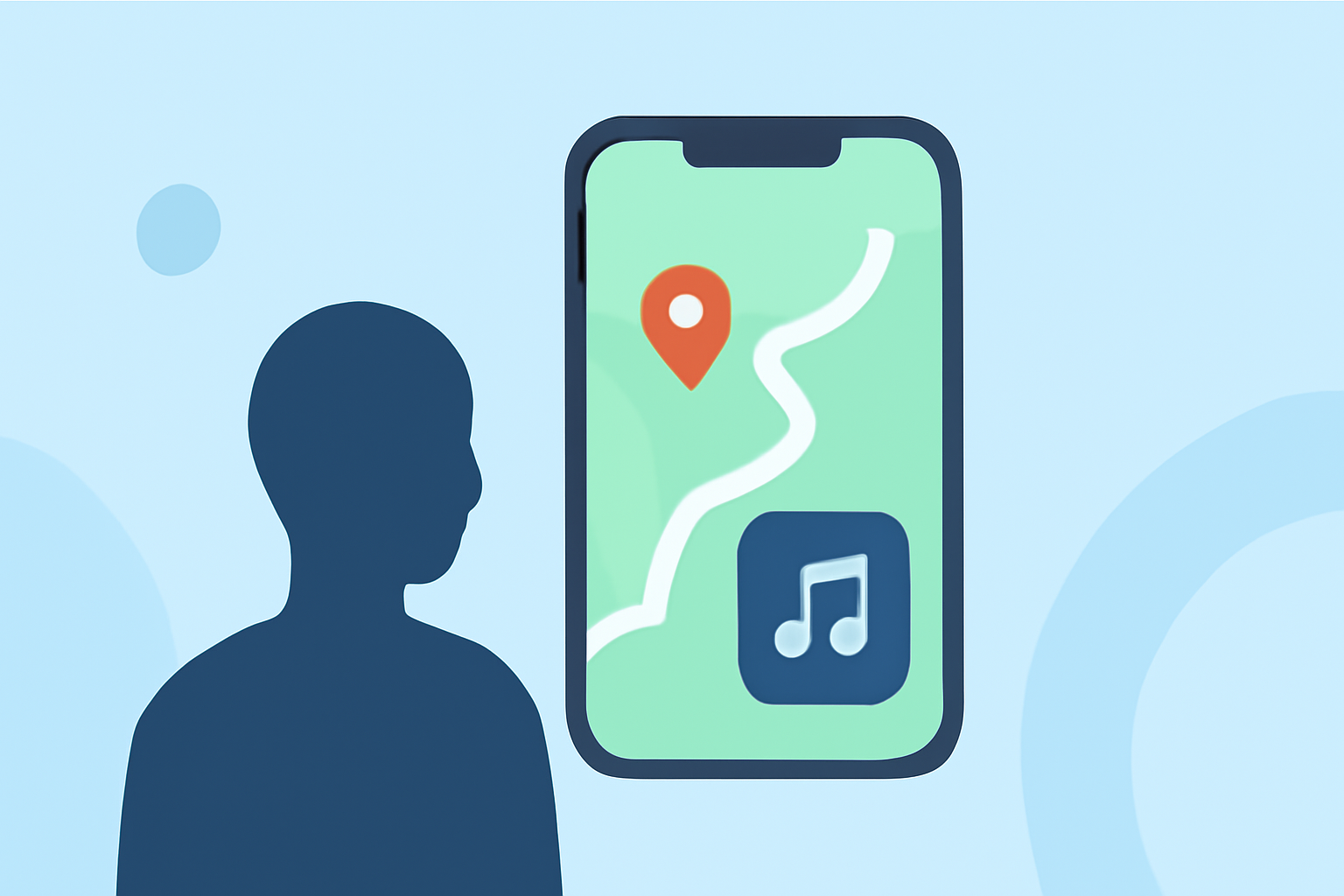
Creating engaging videos with map overlays and music can significantly enhance your storytelling, especially when sharing travel experiences or documenting journeys. With the advancement of mobile technology, it's now possible to achieve professional-looking results directly from your smartphone.
What Are Map Overlays and Why Use Them?
Map overlays display your route or location on a map within your video, providing viewers with a visual context of your journey. This feature is particularly useful for travel vlogs, adventure documentaries, or any content where location plays a crucial role.
How to Add Map Overlays to Your Videos on Mobile
Several mobile applications allow you to incorporate map overlays into your videos:
-
GPS Map Video Editor: This app enables you to add live GPS location, map snapshots, coordinates, and timestamp overlays to your videos. It's designed for iPhone and iPad users and offers a straightforward interface for quick edits. (apps.apple.com)
-
MapReel: Tailored for creating animated travel route videos, MapReel lets you add stops, choose vehicles like planes, cars, and trains, customize map styles, and export as MP4. It's available for iOS devices and is ideal for creating dynamic travel content. (mapreel.app)
Adding Music to Your Videos
Incorporating music can set the tone and enhance the emotional impact of your videos. Many mobile video editing apps offer features to add and edit music tracks:
-
InShot: A user-friendly app that allows you to add local music like MP3 and M4A to videos or choose licensed music from the app's library. You can also add texts, emojis, cinematic filters, and other elements to your videos. (videoconverter.wondershare.com)
-
CapCut: Developed by ByteDance, CapCut is a free video editing app that lets you add music, trim clips, and apply various effects. It's available for both iOS and Android devices and is particularly popular among TikTok creators. (vidio.ai)
A Recommended Solution: Planes Live
For a comprehensive solution that combines map overlays and music editing, consider using Planes Live. This app offers intuitive tools to add real-time location data, map visuals, and music tracks to your videos, all within a user-friendly interface. Whether you're a traveler, vlogger, or content creator, Planes Live provides the features you need to produce engaging and professional-looking videos directly from your mobile device.
Conclusion
Enhancing your videos with map overlays and music can provide viewers with a richer and more immersive experience. With the right mobile applications, you can easily add these elements to your videos, making them more engaging and informative. Apps like Planes Live offer a comprehensive solution for adding both map overlays and music, streamlining your video editing process and helping you create content that resonates with your audience.