22 June 2026
Enhancing Your Videos with Route Progress Overlays: A Step-by-Step Guide
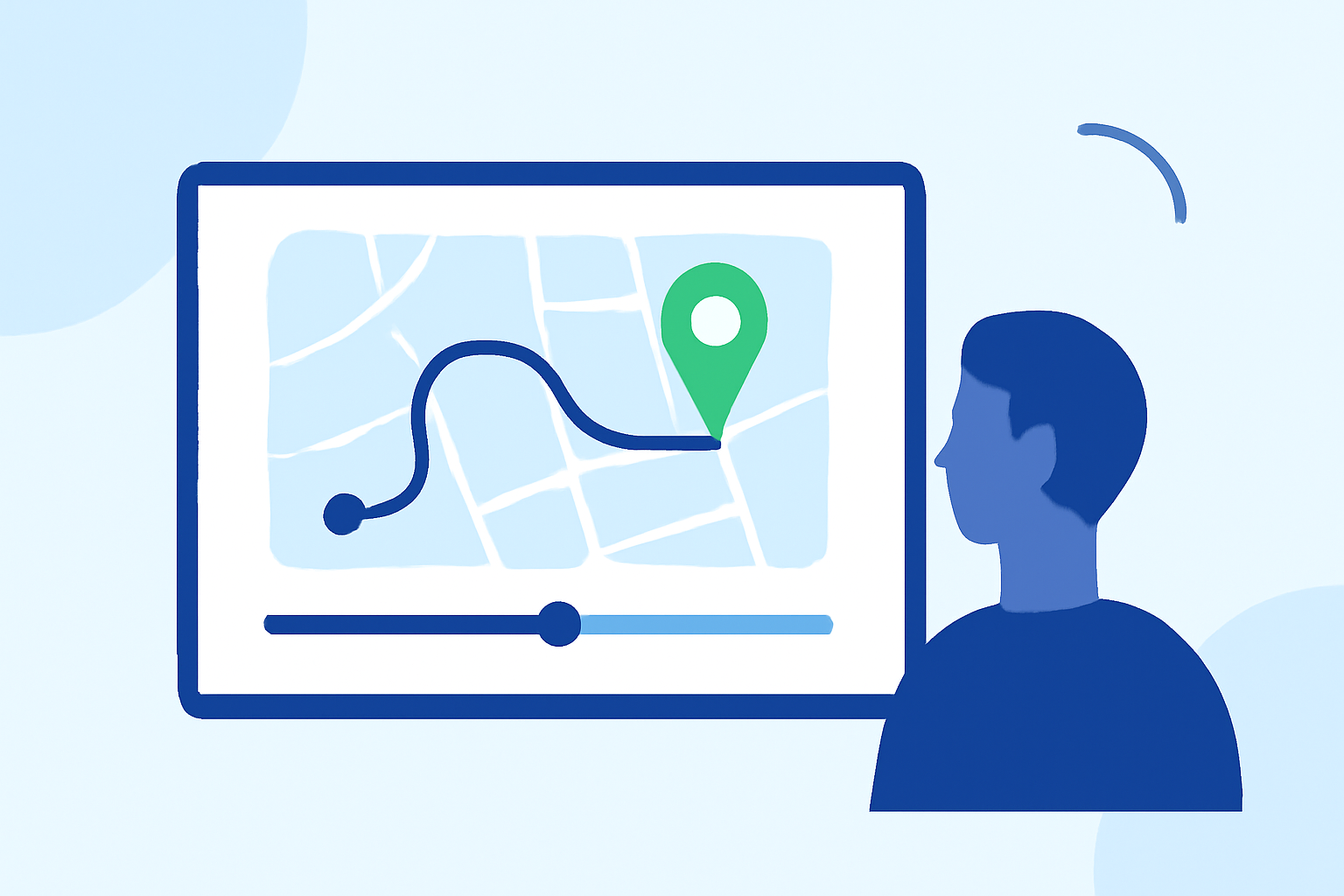
Adding route progress overlays to your videos can significantly enhance viewer engagement by providing real-time data visualizations. This guide will walk you through the process of incorporating these overlays using Planes Live, a user-friendly tool designed for seamless integration of GPS data into your footage.
What Are Route Progress Overlays?
Route progress overlays display real-time data such as speed, distance, and route maps directly onto your video. This feature is particularly popular among runners, cyclists, and drone enthusiasts who wish to share their journey's metrics alongside their visual content.
Why Use Planes Live for Route Progress Overlays?
Planes Live offers a straightforward solution for adding dynamic overlays to your videos. Its intuitive interface allows users to sync GPS data effortlessly, resulting in professional-quality videos without the need for complex software.
How to Add Route Progress Overlays Using Planes Live
-
Prepare Your Video and GPS Data
- Record Your Video: Capture your footage using a camera equipped with GPS capabilities or a GPS-enabled device.
- Export GPS Data: Ensure your device records GPS data in a compatible format, such as GPX or FIT files.
-
Upload Your Files to Planes Live
- Access Planes Live: Navigate to the Planes Live website and log in to your account.
- Upload Video and GPS Data: Use the platform's upload feature to submit your video file and corresponding GPS data.
-
Configure Overlay Settings
- Select Overlay Elements: Choose the data points you wish to display, such as speed, distance, and route map.
- Customize Appearance: Adjust the overlay's style, position, and transparency to match your video's aesthetic.
-
Generate and Download the Final Video
- Render Video: Initiate the rendering process to combine your video with the selected overlays.
- Download: Once rendering is complete, download the final video file ready for sharing.
Tips for Effective Route Progress Overlays
- Highlight Key Moments: Focus on sections of your journey where the data is most compelling, such as sprints or challenging terrains.
- Maintain Visual Clarity: Ensure that the overlay does not obstruct important visual elements of your video.
- Optimize for Platforms: Consider the platform where you'll share your video and adjust the overlay's orientation and size accordingly.
Conclusion
Incorporating route progress overlays into your videos can provide viewers with a more immersive and informative experience. Planes Live offers an accessible and efficient way to achieve this, allowing you to create engaging content that showcases both your journey and performance metrics.
By following the steps outlined above, you can enhance your videos with dynamic overlays that captivate and inform your audience.