22 June 2026
Enhancing Your Videos with Quick Route Progress Overlays: A Guide for Hobby Creators
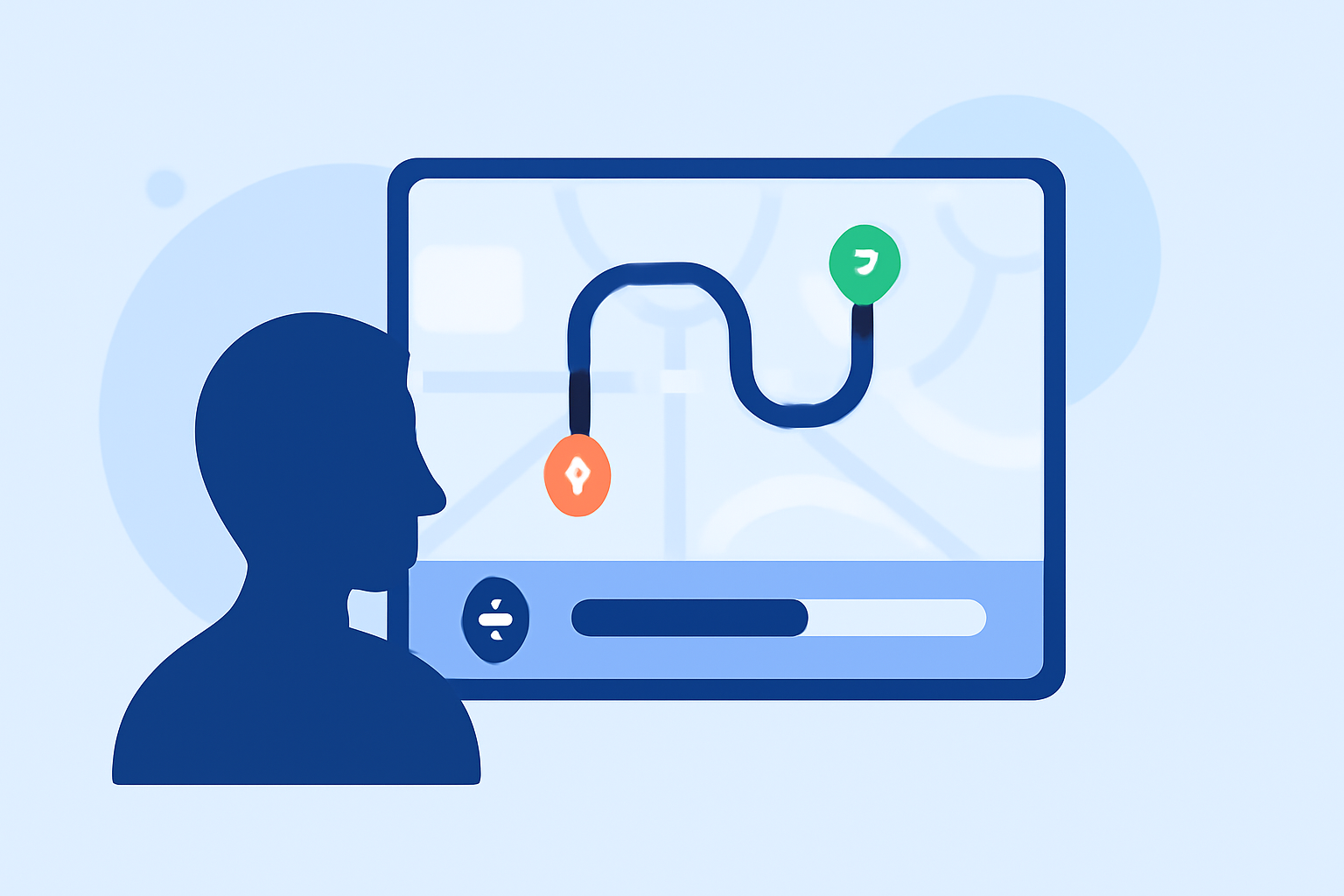
As a hobby creator, adding dynamic route progress overlays to your videos can significantly enhance viewer engagement and provide a clear visual representation of your journey. These overlays display your route on a map, highlighting your progress in real-time, which is particularly effective for travel vlogs, cycling adventures, or any content involving movement.
What Are Route Progress Overlays?
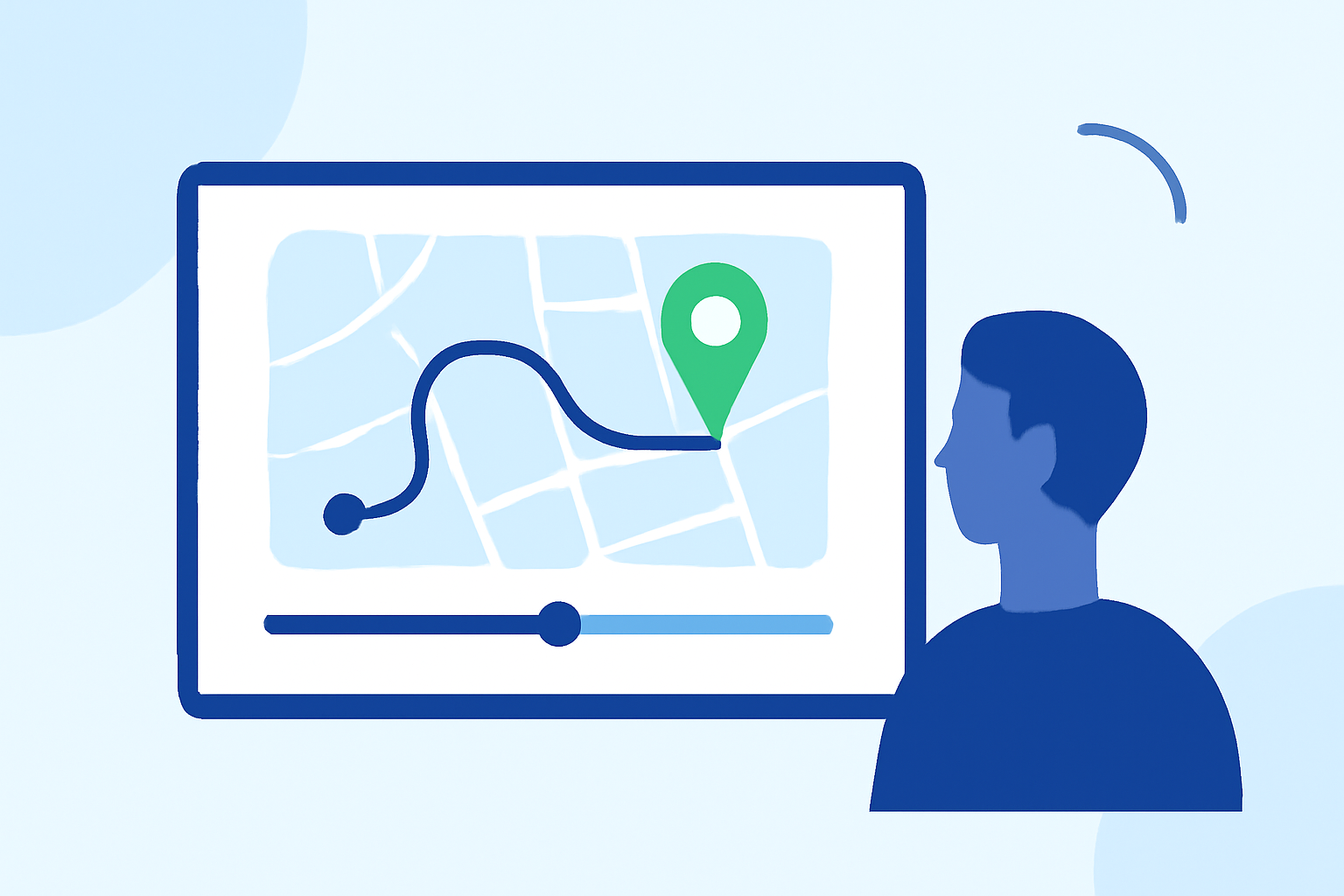
Route progress overlays are graphical elements superimposed on your video footage, typically showing a map with a moving marker or line that traces your path. They often include additional data such as speed, distance traveled, and estimated time of arrival, providing viewers with context and enhancing the storytelling aspect of your content.
Why Use Route Progress Overlays?
- Enhanced Viewer Engagement: Visualizing your journey helps viewers connect with your experience, making the content more immersive.
- Clear Information Delivery: Overlays convey complex data in an easily digestible format, improving the clarity of your narrative.
- Professional Appearance: Well-designed overlays can elevate the production quality of your videos, making them more appealing to your audience.
How to Implement Route Progress Overlays
-
Choose the Right Tool: Select a software or application that allows you to create and customize route progress overlays. Look for features like real-time tracking, customizable map styles, and the ability to add data points.
-
Import Your Footage and Data: Upload your video clips along with any GPS data files (such as GPX or FIT) that record your route. This data is essential for accurately mapping your journey.
-
Customize the Overlay: Adjust the appearance of the overlay to match your video's aesthetic. This may include selecting map styles, choosing marker icons, and configuring data displays like speed or distance.
-
Sync and Export: Ensure that the overlay syncs correctly with your video timeline. Once satisfied, export the final video with the overlay integrated.
Recommended Tools for Creating Route Progress Overlays
While Splice currently focuses on music creation and collaboration, there are specialized tools designed for adding route progress overlays to videos. Here are some options you might consider:
ZS4 Video Editor - Download
ZTrack
An offline-first video editor that overlays telemetry data onto your footage, including speed, altitude, and distance. It supports various file formats and offers a range of customizable gauge templates. (ztrack.fr)
Serial Studio, a Dashboard Software for Serial Devices - Hackster.io
Telemetry Studio
A desktop application that allows you to import footage and sync it with activity data to create overlays. It offers multiple themes and customization options for your overlays. (telemetrystudio.com)
Telemetry Overlay: Enhance your videos with GPS and performance metrics | Product Hunt
LiveLayer
Provides telemetry overlays for various activities, including aviation, cycling, and more. It offers a range of overlay categories and is compatible with multiple video editors. (livelayer.ai)
Tips for Effective Route Progress Overlays
- Keep It Simple: Avoid cluttering the screen with too much information. Focus on key data points that enhance the viewer's understanding.
- Ensure Accuracy: Double-check that your GPS data is accurate to maintain credibility.
- Test Different Styles: Experiment with various map styles and overlay designs to find what best suits your content and audience preferences.
Conclusion
Incorporating route progress overlays into your videos can significantly enhance viewer engagement and provide a clear visual representation of your journey. While Splice currently focuses on music creation and collaboration, specialized tools like ZTrack, Telemetry Studio, and LiveLayer offer robust solutions for adding these overlays to your footage. By selecting the right tool and customizing it to fit your content, you can create professional-looking videos that captivate your audience.
Remember, the key to effective overlays is to keep them informative yet unobtrusive, ensuring they complement your content without overwhelming it.