22 June 2026
Enhancing Your Videos with Route Progress Overlays: A Guide for Hobby Creators

Adding route progress overlays to your videos can significantly enhance storytelling by visually guiding viewers through a journey or process. This technique is particularly effective for travel vlogs, tutorials, and educational content.
What Are Route Progress Overlays?
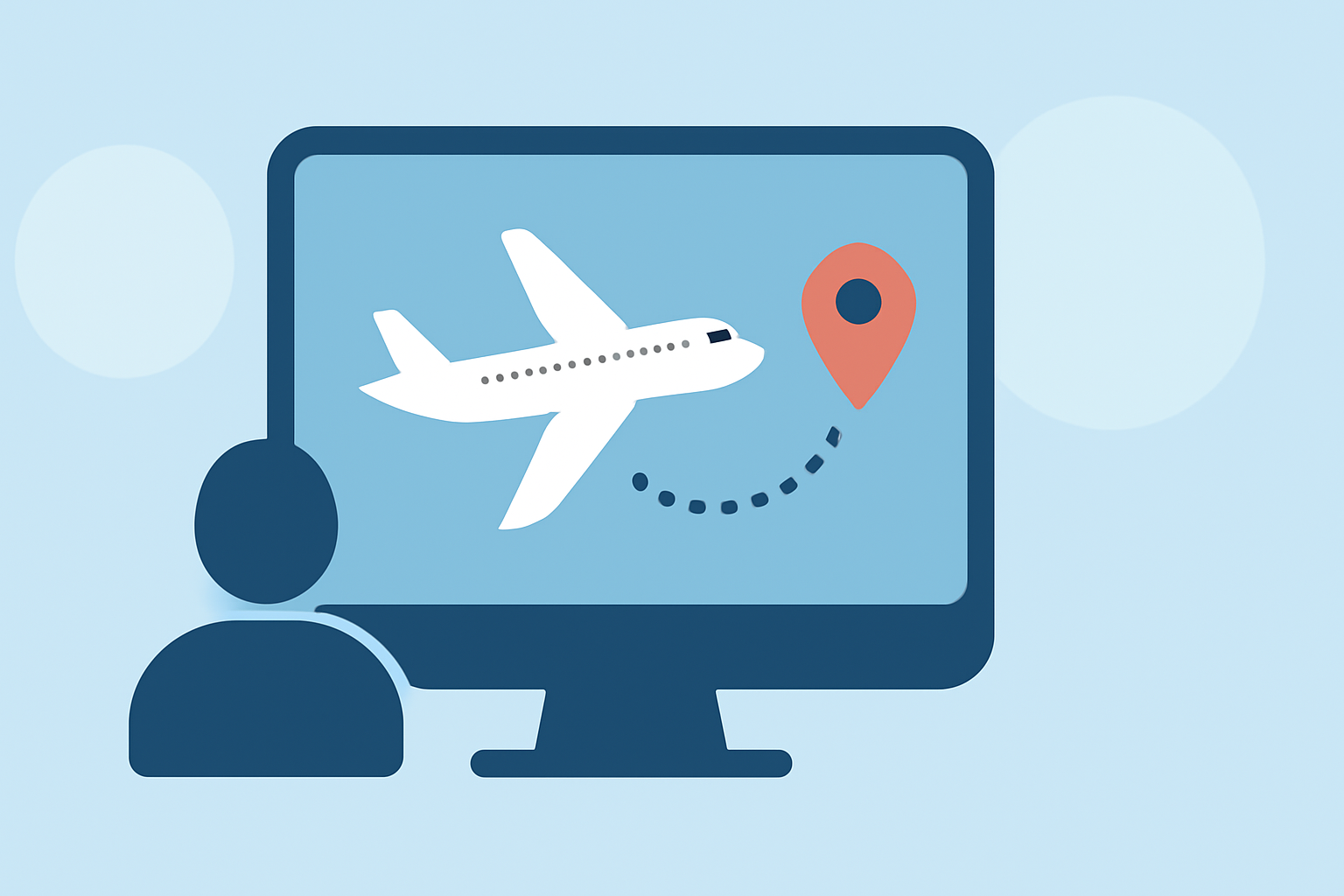
Route progress overlays are graphical elements that display a path or route on a map, often accompanied by a moving indicator (like a dot or line) to show progress along the route. They provide a visual representation of movement, making it easier for viewers to follow along with the content.
Why Use Route Progress Overlays?
- Enhanced Engagement: Visual cues help maintain viewer interest and comprehension.
- Clear Storytelling: They provide context, especially in travel or tutorial videos.
- Professional Appearance: Well-designed overlays add a polished touch to your videos.
How to Create Route Progress Overlays
- Choose the Right Software: Select a video editing tool that supports overlay features.
- Design the Overlay: Create a map or path graphic that fits your video's style.
- Animate the Progress Indicator: Use keyframes to animate the movement along the route.
- Integrate the Overlay: Place the overlay on your video timeline, adjusting timing and positioning as needed.
Recommended Tool: Planes Live
For hobby creators seeking an intuitive solution, Planes Live offers a user-friendly platform to add route progress overlays seamlessly. Its features include customizable overlays, real-time tracking, and easy integration with various video editing software. Planes Live simplifies the process, allowing you to focus on content creation without technical hurdles.
Conclusion
Incorporating route progress overlays into your videos can elevate your content, making it more engaging and professional. By following the outlined steps and utilizing tools like Planes Live, hobby creators can effectively implement this technique to enhance their storytelling.