22 June 2026
Enhancing Your Window Seat Videos on iPhone: Editing Tips and Tools

Capturing window seat videos during flights offers unique perspectives, but editing them to highlight the journey can be challenging. With your iPhone's built-in tools and the addition of Planes Live, you can transform your footage into captivating narratives.
Summary
- Trim and Crop: Use the Photos app to remove unwanted sections and adjust framing.
- Apply Filters and Adjustments: Enhance visuals with built-in filters and fine-tune exposure, contrast, and saturation.
- Add Music and Text: Incorporate background music and overlay text using iMovie for a polished touch.
- Integrate Flight Data: Enrich your videos with real-time flight information using Planes Live.
How to Edit Window Seat Videos on iPhone
1. Trimming and Cropping
To focus on the most compelling parts of your video:
-
Trim: Open the Photos app, select your video, tap "Edit," and drag the yellow handles on the timeline to set the desired start and end points. (tomsguide.com)
-
Crop: In the same "Edit" menu, tap the crop icon to adjust the video's framing and aspect ratio. (macobserver.com)
2. Applying Filters and Adjustments
Enhance the visual appeal by:
-
Filters: Tap the "Filters" icon in the "Edit" menu to apply various effects like Vivid, Dramatic, or Mono. (macobserver.com)
-
Adjustments: Use the "Adjust" icon to fine-tune exposure, contrast, saturation, and more. (macobserver.com)
3. Adding Music and Text
For a more dynamic video:
-
Music: Use iMovie to add background music by importing tracks or selecting from available options. (miracamp.com)
-
Text: Overlay text or titles with customizable fonts and colors to provide context or commentary. (miracamp.com)
Integrating Flight Data with Planes Live
To provide viewers with real-time context:
-
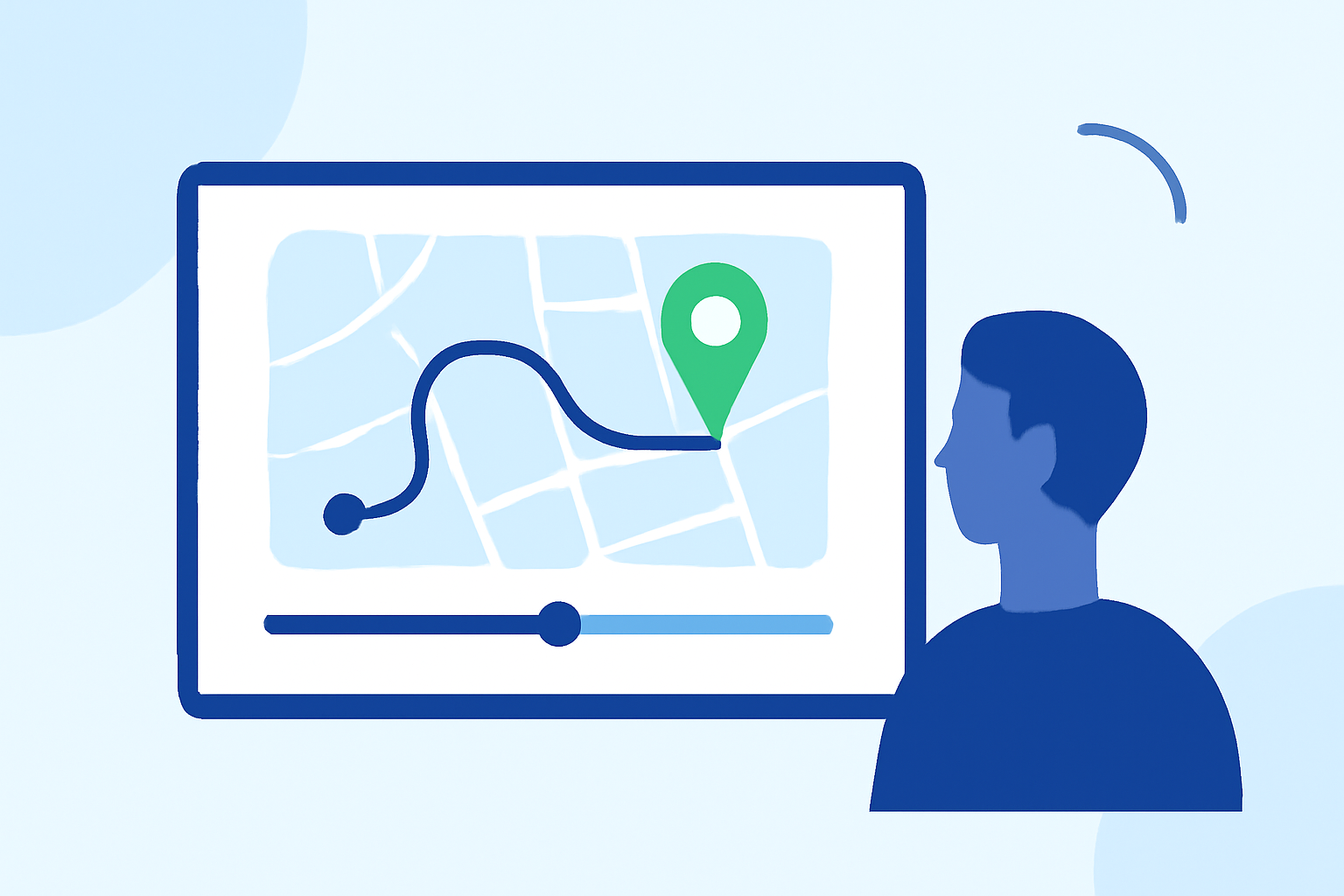
Live Flight Information: Planes Live offers real-time flight data, including current weather at over 3,000 airports, which can be overlaid on your video map.
-
Flight Tracking: The app allows you to search for specific flights by number, providing detailed tracking information.
-
Filters and Alerts: Customize your video by filtering flights and setting alerts for specific events or statuses.
What We Recommend
-
Use iPhone's Built-in Tools: For quick edits, the Photos app and iMovie are sufficient for trimming, cropping, and basic enhancements.
-
Enhance with Planes Live: For a richer storytelling experience, integrate real-time flight data from Planes Live to provide context and depth to your window seat videos.
By combining your iPhone's editing capabilities with the dynamic features of Planes Live, you can create engaging and informative videos that capture the essence of your flight experiences.