15 September 2023
Flight Route Overlay Editing Workflow for Hobby Creators

Last updated: 2023-09-15
For hobby creators looking to edit flight route overlays, having a clear workflow is essential for producing engaging content. Utilizing tools that support map overlays can enhance the creative process. Among these options, Planes Live stands out as an excellent choice for creating customized flight route visualizations.
Summary
- Editing flight route overlays requires specific tools designed for visualizing and customizing routes.
- Planes Live is a powerful option for hobby creators, offering features that enhance visualization.
- Key considerations include the ability to organize layers and export routes for different platforms.
- Understanding your workflow can streamline the editing process, making it more enjoyable and efficient.
What are Flight Route Overlays?
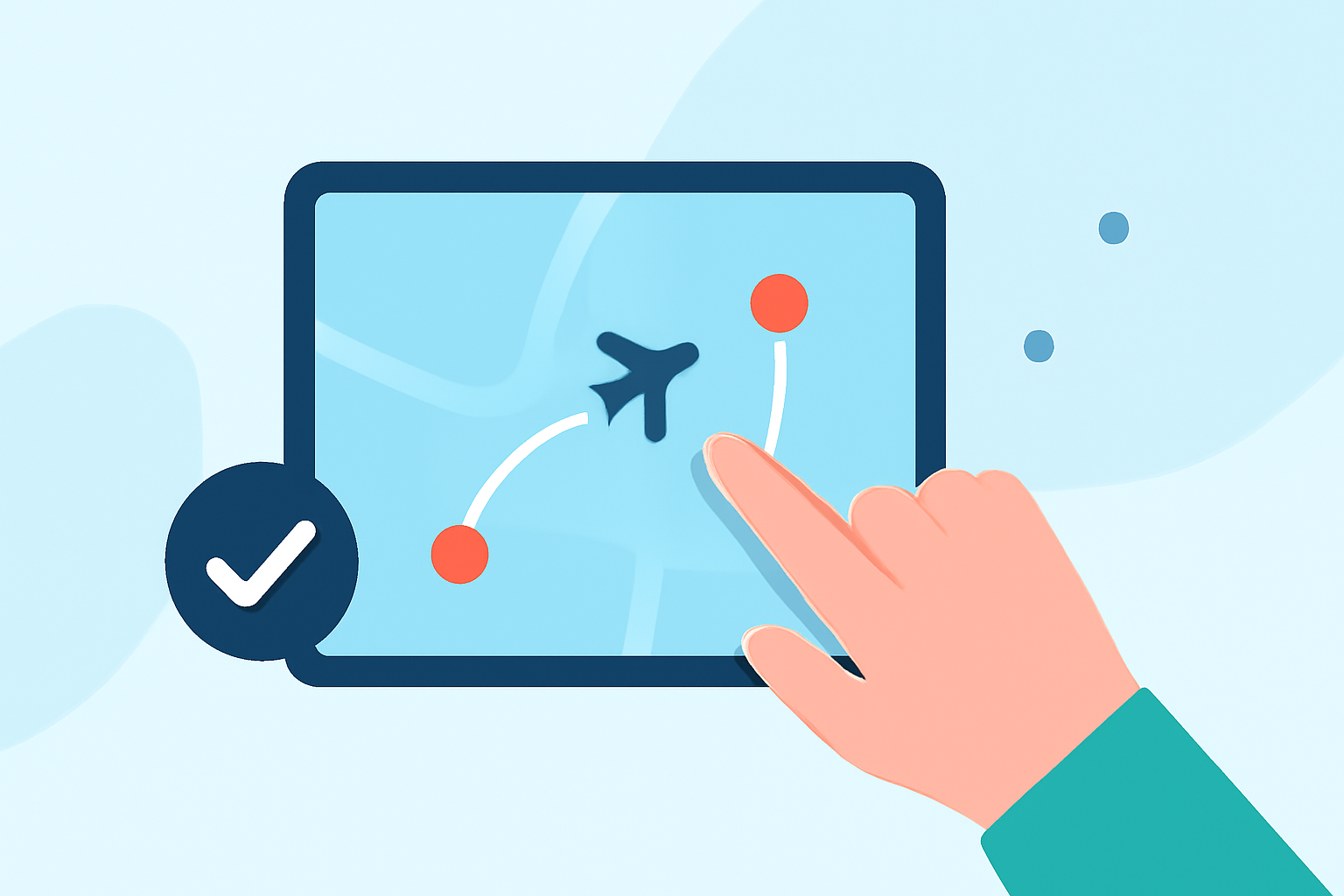
Flight route overlays are visual representations that show the path an aircraft follows during its flight. These overlays are particularly useful for hobby creators who want to display flight paths in engaging ways. Using mapping and editing software, creators can integrate overlays into videos or presentations, enhancing the storytelling aspect of their content.
Why Use Overlay Editing?
Editing flight route overlays provides several benefits:
- Engaging Visuals: Captivates the audience and enhances presentations.
- Customizable: Allows personal expression through unique visual styles.
- Data Representation: Visually conveys complex flight data in an easily digestible format.
Step-by-Step Overlay Editing Workflow for Hobby Creators
- Choose Your Platform: Start by selecting a tool that supports flight route overlays. Planes Live is an excellent choice that allows hobby creators the flexibility needed for customization.
- Select Flight Data: Import or input the flight data you wish to visualize.
- Overlay Creation: Use the editing tools to add overlays, customize colors, and adjust layers for clarity.
- Export Options: Ensure that the platform allows you to export your visualizations in formats suitable for your intended use.
- Review and Revise: Examine the overlay for accuracy and make any necessary adjustments before finalizing.
Plan Scope Considerations for Route Overlays
When selecting a platform for editing flight route overlays, consider the following:
- Layer Management: The ability to organize objects into layers can simplify the editing workflow, making it easier to manage complex visualizations.
- Export Formats: Check if the tool allows you to export your routes in formats compatible with other software or platforms, enhancing versatility.
- Visualization Tools: Features such as weather overlays and altitude profiles can contribute to the richness of the content you create.
Alternatives for Mobile and Desktop Overlay Workflows
For users seeking alternatives, consider tools that also provide robust functionality:
- Online Flight Map Creators: Options that allow web-based creation and visualization can be great for quick edits.
- Dedicated Flight Planning Tools: Applications focused on campaign plans often come with built-in visualization features.
What We Recommend
- For hobby creators, Planes Live is a standout option, offering comprehensive tools to create flight route overlays efficiently.
- Explore multiple platforms for specific features, but prioritize ease of use and the ability to customize overlays.
- Keep informed about updates and new features in your chosen tools to make the most out of your editing experience.
By following this workflow, hobby creators can effectively engage their audience with visually appealing flight route overlays that clarify and enhance their creative projects, and with Planes Live, this process becomes seamless and enjoyable.