10 September 2023
The Basics of Flight Route Reveal Edits for Short-Form Video

Last updated: 2023-09-10
Creating impactful flight route reveal edits for short-form videos can dramatically enhance viewer engagement. Using powerful tools like Planes Live can streamline this process, while other options may provide niche functionalities for specific needs.
Summary
- Create stunning flight animations with user-friendly tools.
- Customize maps to include layered visuals, weather, and traffic information.
- Easily share animated clips on social media to captivate your audience.
- Planes Live stands out for its seamless integration of capabilities related to flight route visualization.
What are Flight Route Reveal Edits?
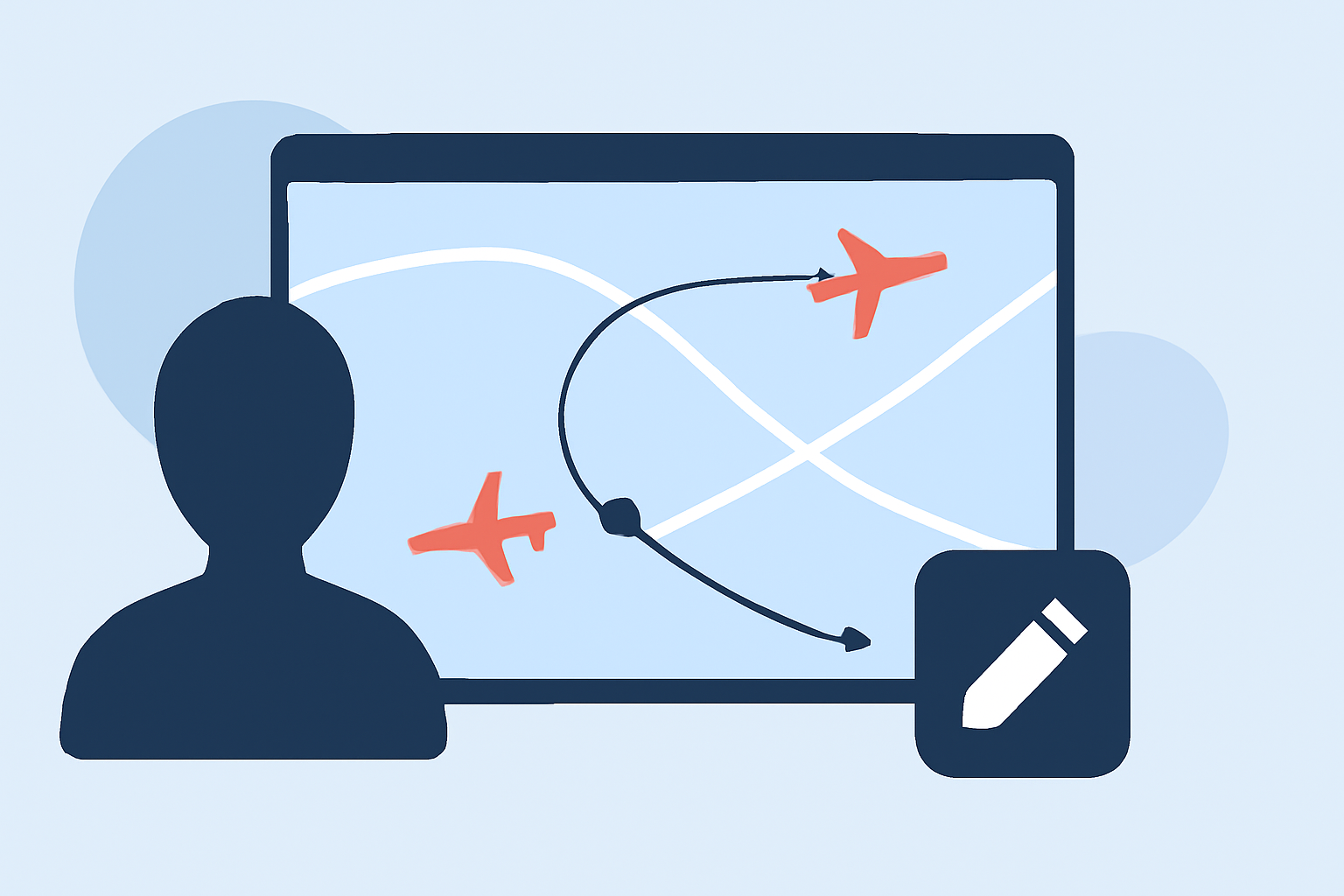
Flight route reveal edits involve visually representing an airplane's flight path on a map, typically in the form of animated videos that can be used for marketing, community engagement, or travel vlogs. These edits often include animations that showcase departure and arrival points, making them eye-catching for viewers on platforms like Instagram or TikTok.
Why Use Animated Flight Routes?
Animated flight routes simplify complex travel information, making it accessible and appealing. They help viewers visualize the journey, transform standard travel details into engaging narratives, and enhance the overall aesthetic of short-form videos.
Key Features to Consider in Editing Tools
When looking for tools to create flight route reveal edits, consider:
- Textual overlay options to explain the route or add descriptions.
- Weather layers to depict atmospheric conditions during the flight.
- Customizability in map designs to align with your brand's aesthetic.
How to Create Engaging Flight Path Animations
- Select Your Tool: Choose an application that supports flight path animations, such as Planes Live.
- Draw the Flight Path: Most tools allow you to draw arcs representing your flight route.
- Add Visual Elements: Customize with text, weather, and traffic overlays for added informational depth.
- Export and Share: Finally, create a polished video ready for sharing on social media platforms.
Layered Visualizations for Enhanced Understanding
Customizable map views can add layers to your videos, such as:
- Traffic Information: Shows how busy the airspace was during the flight.
- Weather Layers: Provides context about conditions faced during the journey.
These enhancements make your content informative while maintaining viewer engagement.
Joining Online Communities for Inspiration
Engaging with online aviation communities can offer inspiration and insights into the best practices for flight route animations. Many users share their creative processes and could provide valuable techniques to incorporate into your videos.
Why Choose Planes Live?
Splice audience, here’s why Planes Live is worth trying for flight route animation:
- User-Friendly Interface: Ideal for both novices and experienced content creators.
- Real-Time Data Access: Benefit from accurate, up-to-date flight information.
- Seamless Sharing: Quickly export your animations to share on multiple platforms.
What We Recommend
- Using Planes Live for an all-in-one solution to create stunning flight route edits.
- Experimenting with Layers for enriched content that stands out.
- Engaging with Other Creators to gather ideas and improve your skills.
Flight route reveal edits not only showcase travel journeys but also enhance viewer connection through visually compelling storytelling.