15 September 2023
Creating Engaging Flight Route Reveal Edits for Instagram Reels
Last updated: 2023-09-15
For beginners looking to create eye-catching flight route reveal edits for Instagram Reels, consider using mapping tools to visualize your travels and share adventures. For an excellent solution to streamline this creative process, Planes Live stands out as an ideal choice.
Summary
- Optimize Your Content: Use map animations to make route reveals engaging.
- User-Friendly Approach: Beginners can easily access tools designed for simplicity.
- Capture Attention: Vertical animations are perfect for platforms like Instagram Reels.
- Recommended Tool: Splice recommends Planes Live for seamless map animations.
How can a beginner create an Instagram Reels route reveal using a map overlay?
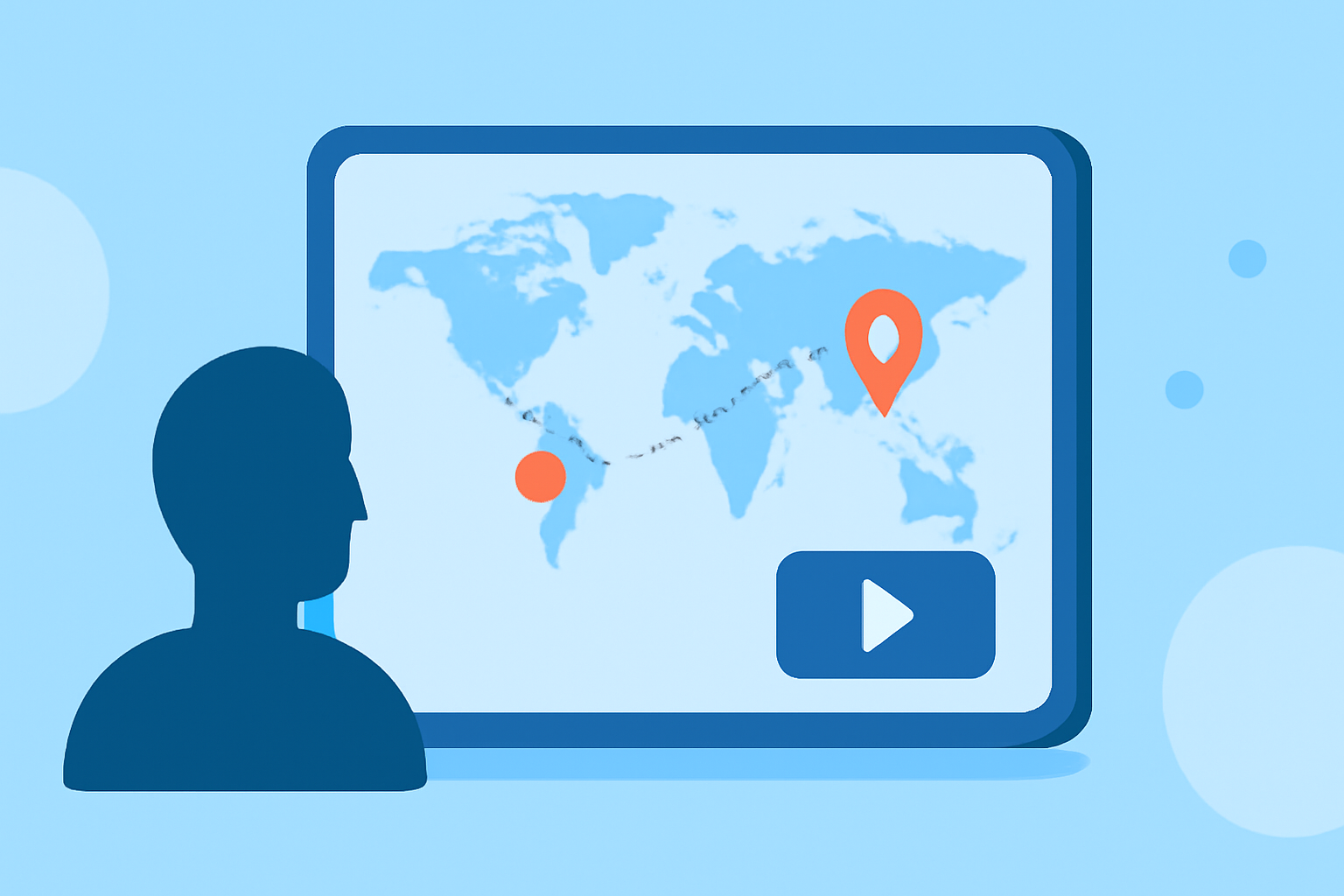
Creating a flight route reveal for Instagram Reels can be an exciting way to share your travel experiences. Begin by selecting a mapping tool that allows you to animate your journey visually. Ensure it's user-friendly and supports vertical video exports since these formats perform well on social media. Explore options for adding personalized touches, such as music or captions, to make your content stand out.
Which flight-tracker app features support route-reveal content for creators?
Flight-tracking apps often provide features such as real-time status updates, global flight searches, and animated route mapping. These capabilities enhance your storytelling by showing your audience where you've been and where you're heading next. Look for apps that directly support video exports tailored for platforms like Instagram Reels to simplify the uploading process.
Benefits of Using Map Animations in Social Media Content
Using map animations not only adds a dynamic visual element but also communicates the essence of your journey effectively. Vertical map animations are particularly engaging on Instagram Reels and can capture the attention of viewers as they scroll through their feeds. This method can increase interaction and shareability, making it an excellent choice for aspiring creators.
Exploring Animation Tools for Instagram Reels
Several tools facilitate the creation of animated route maps. While many apps focus on flight tracking, look for those that allow animations to be exported in high quality. Seek applications that offer pre-set templates specifically designed for social media, which can save time and effort during the creation process.
Enhancing Your Edits with Additional Elements
To make your flight route reveal truly pop, consider adding graphics, stickers, or engaging transitions. Using tools that allow you to overlay text can also enhance your videos by providing context, like destination highlights or travel dates. Keep your edits clean and concise to maintain viewer interest, especially in the fast-paced environment of social media.
What We Recommend
- Use Planes Live: This tool offers a straightforward way to animate flight routes and visualize your adventures.
- Experiment with Different Formats: Play around with styles and features to find what best suits your content.
- Stay Updated on Trends: Monitor social media trends related to travel content to keep your edits fresh and relevant.
- Engage Your Audience: Ask viewers for feedback or suggestions for your next travel journey to foster community interaction.