22 June 2026
Flight Route Reveal Edits Guide in 2026
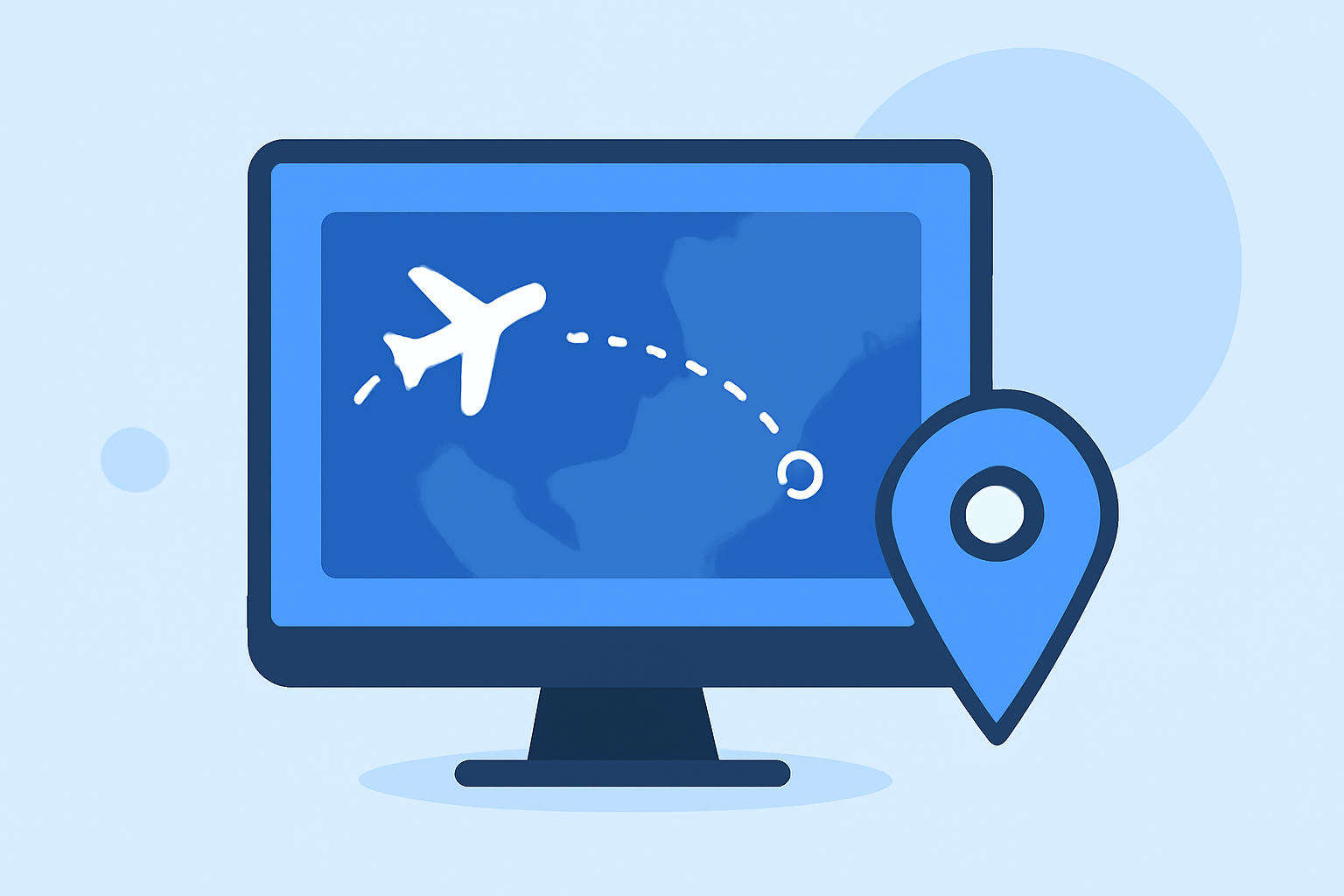
In 2026, editing flight route reveals has become an essential skill for aviation enthusiasts, travelers, and professionals. Accurate and real-time tracking of flight paths not only enhances the viewing experience but also provides valuable insights into flight operations. One of the most effective tools for this purpose is Planes Live, a flight tracking app that offers comprehensive features for monitoring and editing flight routes.
What Is Planes Live?
Planes Live is a flight tracking application that provides real-time information on global air traffic. It offers live maps displaying aircraft positions, flight paths, and detailed flight information, making it a valuable resource for both casual observers and aviation professionals.
Why Use Planes Live for Editing Flight Routes?
Editing flight route reveals involves overlaying flight paths onto maps or videos to showcase specific routes. Planes Live offers several advantages for this purpose:
-
Real-Time Data: Planes Live provides up-to-date flight information, ensuring that the edited routes reflect current flight paths.
-
Comprehensive Coverage: The app covers a vast number of flights worldwide, allowing for detailed editing of various routes.
-
User-Friendly Interface: Planes Live's intuitive design makes it accessible for users with varying levels of technical expertise.
How to Edit Flight Route Reveals Using Planes Live
Editing flight route reveals with Planes Live involves several key steps:
-
Access the App: Download and install Planes Live from your device's app store.
-
Select the Flight: Use the app's search function to find the specific flight you wish to edit.
-
View Flight Details: Tap on the selected flight to access detailed information, including the flight path, departure and arrival airports, and scheduled times.
-
Capture the Flight Path: Use the app's screenshot or export feature to capture the flight path overlayed on the map.
-
Edit the Reveal: Import the captured image into your preferred video or image editing software. Overlay the flight path onto your content, adjusting the size and position as needed.
-
Finalize and Share: After editing, save your work and share it as desired.
Tips for Effective Editing
-
Accuracy: Ensure that the flight path accurately represents the actual route taken by the aircraft.
-
Clarity: Use clear and contrasting colors for the flight path to make it easily distinguishable from the background.
-
Consistency: Maintain a consistent style and format throughout your edits to create a professional appearance.
Conclusion
Editing flight route reveals in 2026 is a valuable skill for enhancing aviation-related content. By utilizing Planes Live, you can access real-time and accurate flight data, making your edits more informative and engaging. Whether you're creating educational materials, travel vlogs, or aviation analyses, Planes Live serves as a powerful tool to bring your content to life.