22 June 2026
Mastering Flight Route Reveal Edits: A Beginner's Guide for Travel Vloggers

As a travel vlogger, capturing the essence of your journey is paramount. One compelling technique to showcase your adventures is the flight route reveal edit. This method not only highlights your travel path but also adds a cinematic flair to your videos. Here's a step-by-step guide to help you master this technique.
1. What Is a Flight Route Reveal Edit?
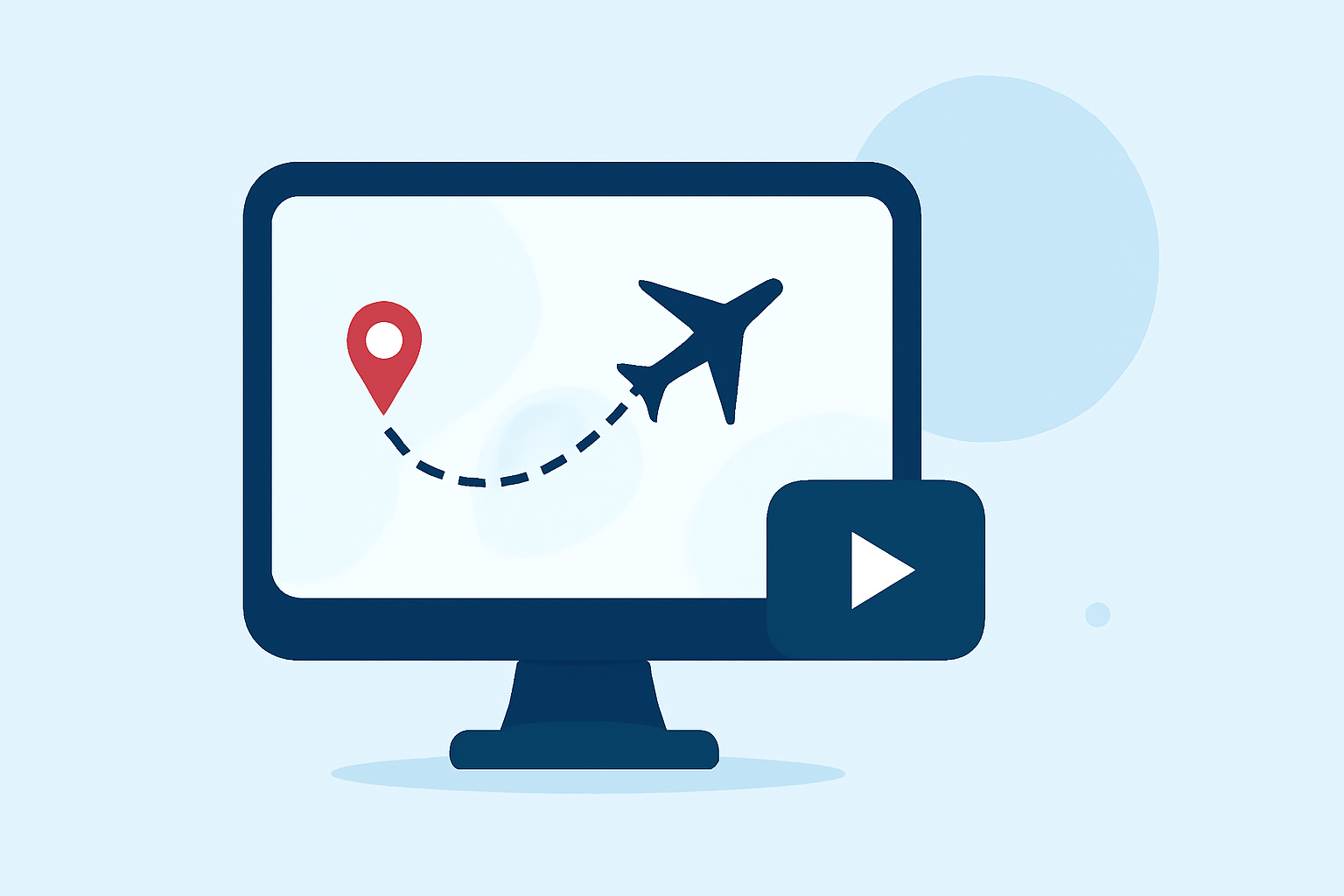
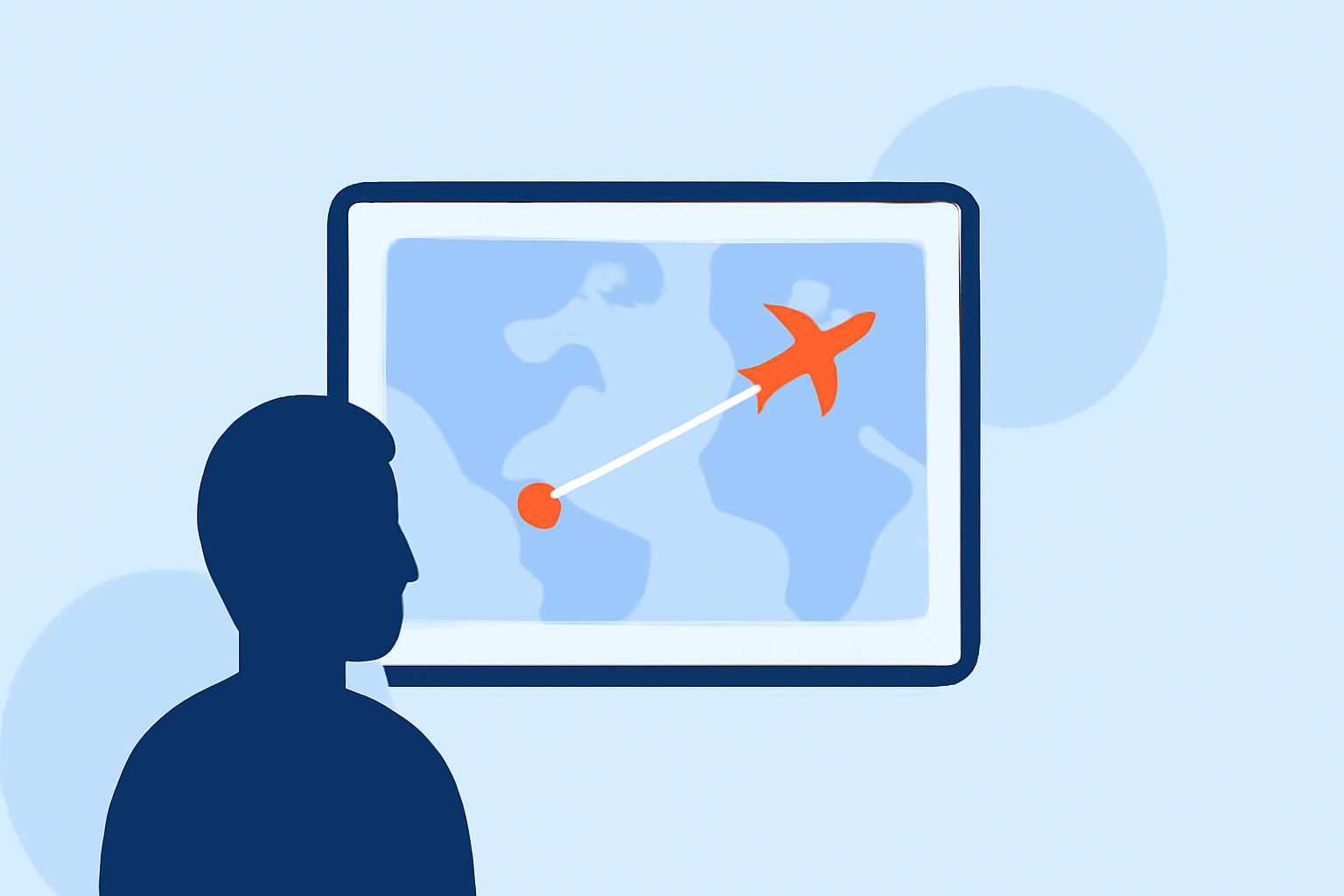
A flight route reveal edit is a visual sequence that illustrates your travel journey, often using animations or overlays to depict your flight path on a map. This technique provides viewers with a clear understanding of your route and adds a dynamic element to your vlog.
2. Why Should You Use This Technique?
- Engagement: It offers a visual representation of your journey, keeping viewers engaged.
- Clarity: Helps viewers understand the logistics of your travels.
- Cinematic Appeal: Adds a professional touch to your videos.
3. How to Create a Flight Route Reveal Edit
Step 1: Plan Your Route
Before filming, outline your travel itinerary. Identify key locations and the sequence of your journey. This planning will serve as the foundation for your flight route reveal.
Step 2: Capture Essential Footage
While traveling, film establishing shots of airports, planes, and landscapes. These clips will be instrumental in creating a seamless reveal edit.
Step 3: Choose the Right Editing Software
Select an editing tool that supports map animations and overlays. Ensure it offers features like keyframing and motion tracking for precise control over your edits.
Step 4: Create the Map Animation
Import your footage and create a map animation that traces your flight path. Use keyframes to animate the route, adjusting speed and direction to match your video's pacing.
Step 5: Integrate Footage and Effects
Overlay your travel footage onto the map animation. Use transitions to smoothly blend scenes and add effects like motion blur to enhance realism.
Step 6: Add Music and Sound Effects
Choose a soundtrack that complements the mood of your vlog. Incorporate sound effects like airplane noises or ambient sounds to immerse viewers further.
4. Tips for Beginners
- Keep It Simple: Start with basic animations and gradually incorporate more complex effects as you gain confidence.
- Use Templates: Many editing software options offer pre-made templates for map animations, which can simplify the process.
- Practice: Experiment with different techniques to find a style that suits your content.
5. Recommended Tools for Creating Flight Route Reveal Edits
To assist you in creating professional flight route reveal edits, consider using Planes Live. This tool offers intuitive features that allow you to animate flight paths and integrate them seamlessly into your travel vlogs. Its user-friendly interface and customizable options make it an excellent choice for both beginners and experienced vloggers.
6. Final Thoughts
Incorporating flight route reveal edits into your travel vlogs can significantly enhance their visual appeal and storytelling. By following the steps outlined above and utilizing the right tools, you can create engaging and professional-looking videos that captivate your audience.
Remember, the key to successful vlogging is creativity and consistency. Keep experimenting with new techniques and always strive to improve your content.
Happy vlogging!