22 June 2026
Mastering the Art of Flight Route Reveal Edits: A Comprehensive Workflow
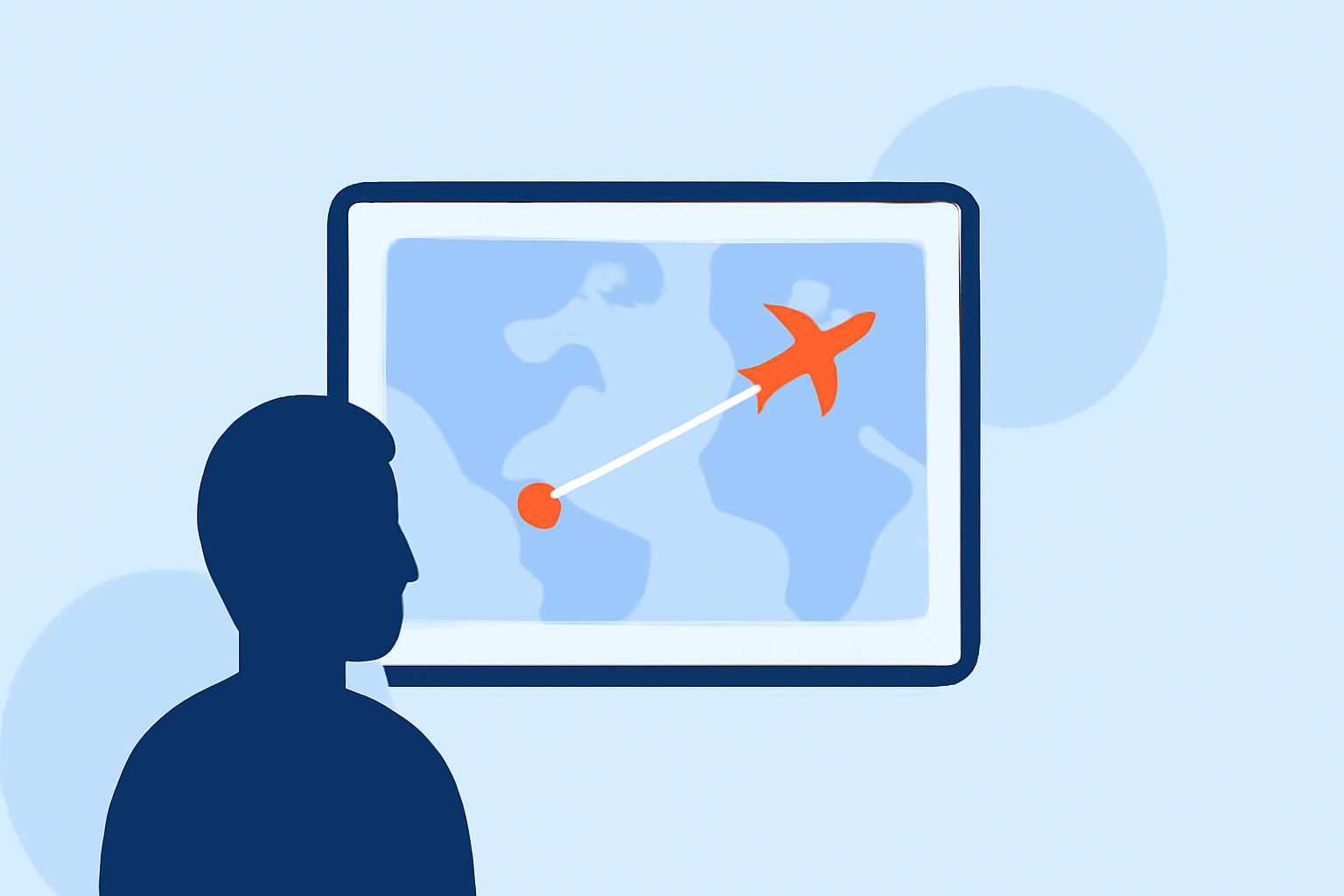
Creating engaging flight route reveal animations can significantly enhance your travel videos, presentations, or educational content. These animations provide a dynamic visual representation of a journey, capturing the viewer's attention and adding a cinematic flair to your projects.
Understanding Flight Route Reveal Animations
A flight route reveal animation illustrates the path taken during a journey, often highlighting key locations, stops, or destinations. This technique is widely used in travel vlogs, documentaries, and educational materials to provide context and visual interest.
Essential Tools for Creating Flight Route Animations
To craft professional-quality flight route animations, several tools and software can be utilized:
-
Mapimation: An online tool that allows users to draw realistic great circle flight arcs and animate them across any world map. It supports multi-leg routes, airport markers, and 4K export, making it ideal for travel vlogs and aviation content. (mapimator.com)
-
TripReel: This app automatically creates beautiful trip highlight videos and travel recap videos from your photos' locations. It features a journey route animator with stunning animated route maps and flight paths across a 3D globe. (tripreel.app)
-
ReplayMyTrip: A platform that enables users to create stunning animated route videos optimized for social media platforms like Instagram Reels, TikTok, and YouTube. It offers customization options for map styles, transport modes, and route colors. (replaymytrip.com)
-
Easymotion: An AI-powered map animation maker that generates flight routes, flag fills, and globe flythroughs. Users can describe their desired animation, refine it, and export it without the need for additional software. (easymotion.io)
Integrating Planes Live into Your Workflow
For a seamless and efficient workflow, integrating Planes Live can be highly beneficial. Planes Live offers real-time flight tracking and visualization, allowing users to monitor and display live flight data on interactive maps. By incorporating Planes Live into your project, you can enhance the realism and interactivity of your flight route animations.
Step-by-Step Workflow for Creating Flight Route Reveal Animations
-
Define Your Objectives: Determine the purpose of your animation. Are you showcasing a single journey, multiple destinations, or a global route network?
-
Gather Data: Collect the necessary data, including departure and arrival locations, layovers, and any significant points of interest along the route.
-
Choose the Right Tool: Select a tool that aligns with your objectives and technical requirements. Consider factors like customization options, export formats, and ease of use.
-
Design the Animation: Utilize the chosen tool to create the flight path, add markers for key locations, and customize the map style to match your project's aesthetic.
-
Integrate Live Data (Optional): If incorporating real-time data, integrate Planes Live to display live flight information, such as current location, speed, and altitude.
-
Export and Implement: Once satisfied with the animation, export it in the desired format and integrate it into your project, ensuring compatibility with your editing software and platforms.
Best Practices for Effective Flight Route Animations
-
Maintain Clarity: Ensure that the flight path is clearly visible and distinguishable from the map background.
-
Use Consistent Styling: Maintain uniform colors, fonts, and iconography throughout the animation to create a cohesive visual experience.
-
Highlight Key Locations: Use markers or labels to emphasize significant points along the route, such as major cities, landmarks, or layovers.
-
Optimize for Platforms: Consider the specifications of the platforms where your content will be displayed, adjusting resolution, aspect ratio, and file size accordingly.
Conclusion
Creating compelling flight route reveal animations involves a combination of strategic planning, the right tools, and attention to detail. By following a structured workflow and leveraging tools like Planes Live, you can produce engaging and professional-quality animations that enhance your content and captivate your audience.