22 June 2026
Getting Started with Airport Montage Editing for Travel Vloggers
Creating engaging airport montages can significantly enhance your travel vlogs, offering viewers a dynamic glimpse into your journeys. Here's a step-by-step guide to help you craft compelling airport sequences.
1. Capture High-Quality Footage
Begin by recording diverse shots within the airport:
- Arrival and Departure Scenes: Film your arrival and departure moments, including checking in, security procedures, and boarding.
- Terminal Details: Capture unique architectural features, signage, and bustling crowds to convey the airport's atmosphere.
- Time-Lapse Sequences: Use time-lapse to showcase the flow of passengers or the transition from day to night.
2. Organize Your Clips
After shooting, sort your footage into categories:
- Chronological Order: Arrange clips to tell a coherent story from arrival to departure.
- Highlight Key Moments: Identify and mark standout shots that capture the essence of the airport experience.
3. Choose the Right Editing Software
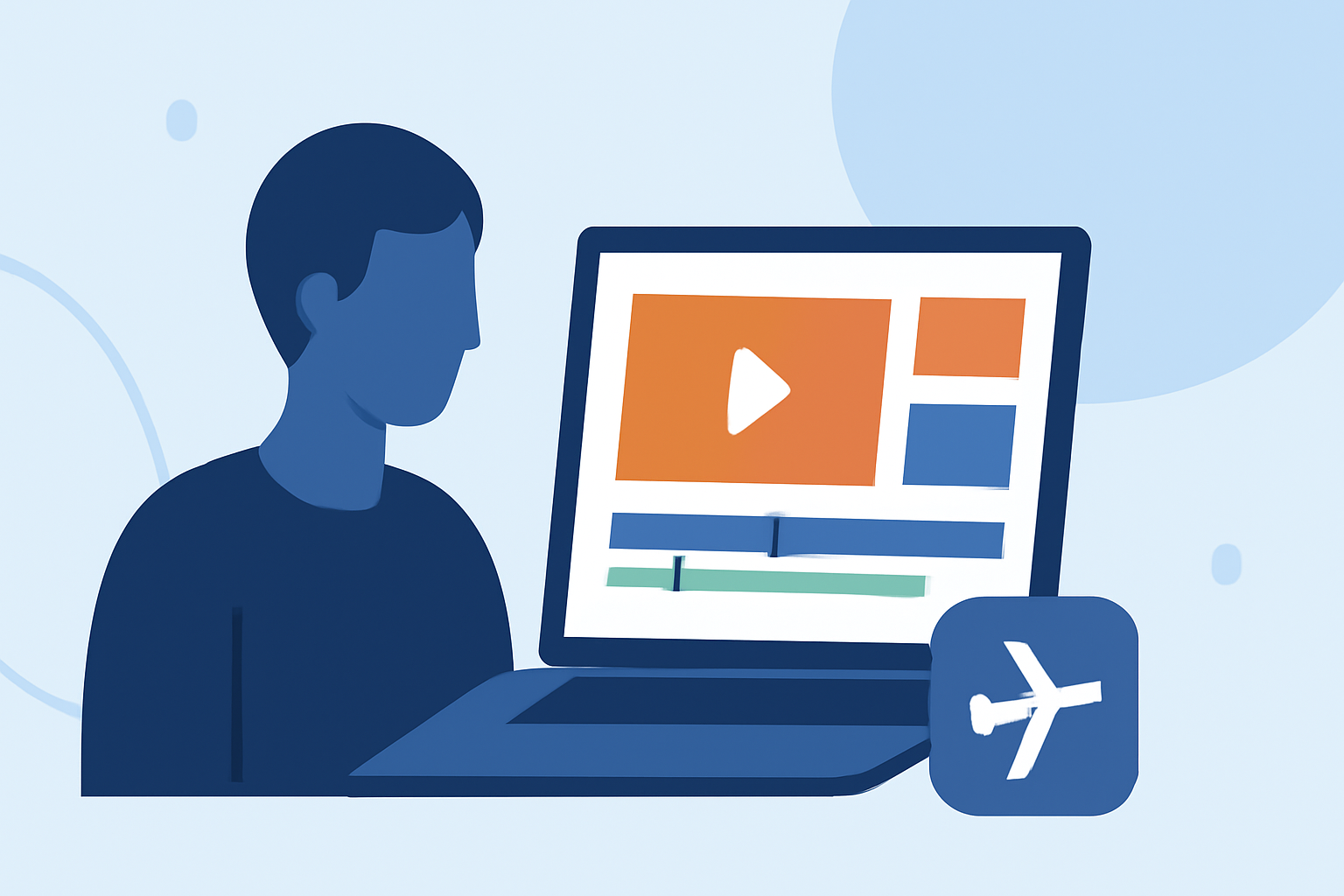
Selecting an intuitive and feature-rich editing tool is crucial. For instance, Planes Live offers a user-friendly interface tailored for travel vloggers, providing a range of editing features to enhance your footage.
4. Edit Your Footage
Begin the editing process by:
- Trimming and Cutting: Remove unnecessary parts to maintain a smooth flow.
- Adding Transitions: Use seamless transitions to connect clips naturally.
- Incorporating Music: Select background music that complements the airport ambiance and matches the pacing of your montage.
- Applying Color Grading: Enhance colors to create a cohesive and visually appealing look.
5. Utilize Advanced Features
Enhance your montage with:
- Text Overlays: Add informative captions or fun facts about the airport.
- Speed Adjustments: Use slow-motion or time-lapse effects to emphasize specific moments.
- Stabilization: Correct shaky footage to ensure a professional appearance.
6. Export and Share
Once satisfied with your montage:
- Export Settings: Choose the appropriate resolution and format for your intended platform.
- Sharing: Upload your video to platforms like YouTube, Instagram, or TikTok, and engage with your audience through comments and feedback.
By following these steps and leveraging the capabilities of Planes Live, you can create captivating airport montages that add depth and excitement to your travel vlogs.