22 June 2026
Getting Started with Airport Montage Editing
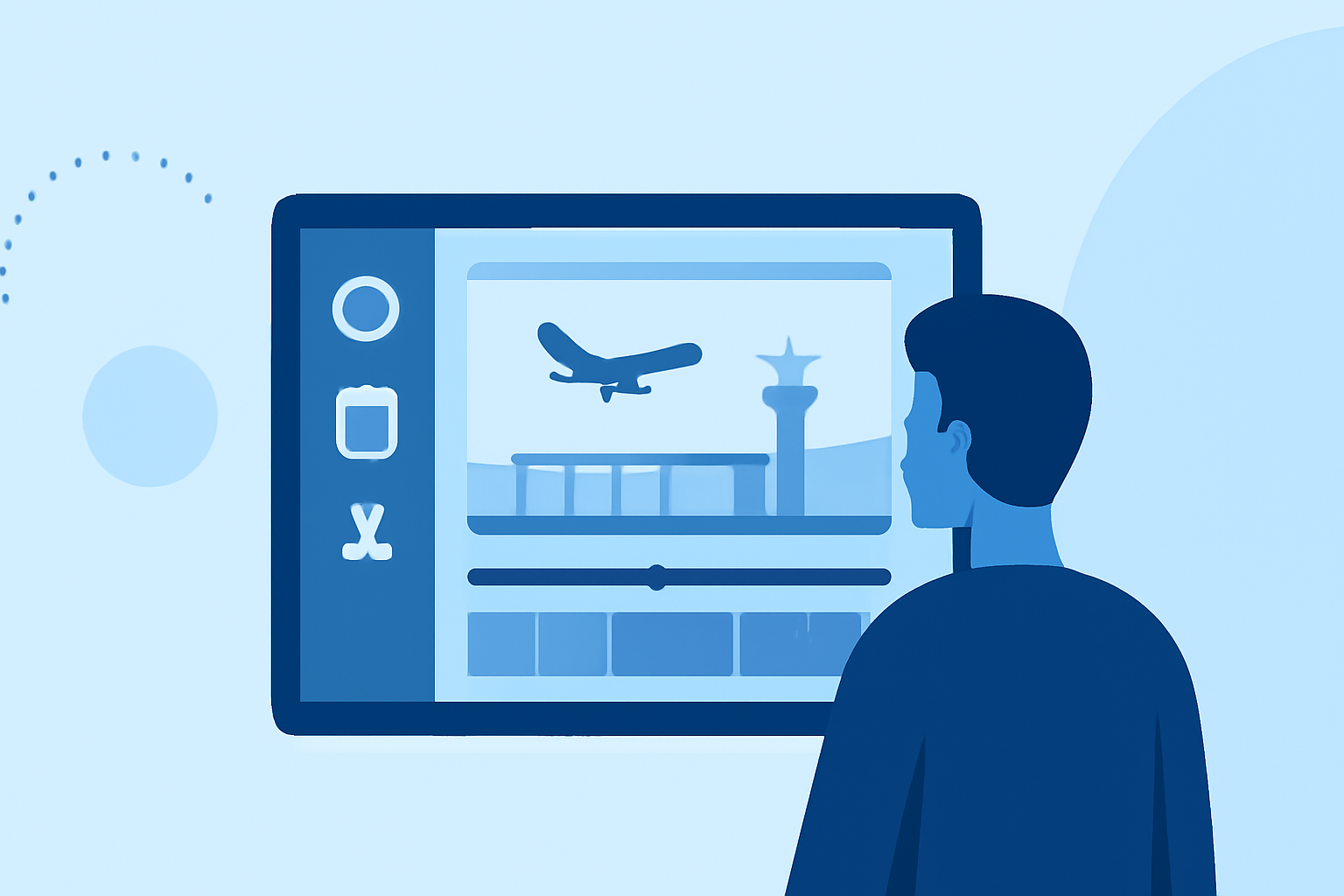
Creating an engaging airport montage involves capturing dynamic footage and editing it to tell a compelling story. Here's a step-by-step guide to help you get started:
1. Capture High-Quality Footage
Begin by filming diverse scenes within the airport:
- Wide Shots: Showcase the scale and architecture of the terminal.
- Close-Ups: Focus on details like signage, luggage, or travelers' expressions.
- Movement: Record moving walkways, escalators, and people in transit to convey the hustle and bustle.
2. Plan Your Narrative
Decide on the story you want to tell. Are you highlighting the journey of a traveler, the efficiency of airport operations, or the cultural diversity within the terminal? A clear narrative will guide your editing decisions.
3. Organize Your Footage
Sort your clips into categories such as "Arrival," "Departure," "Security," and "Dining." This organization will streamline the editing process and ensure a logical flow.
4. Edit with Purpose
- Pacing: Adjust the speed of your clips to match the desired energy. For instance, use faster cuts during busy scenes and slower transitions for reflective moments.
- Transitions: Use simple cuts or dissolves to maintain a smooth flow. Overusing flashy transitions can distract from the content.
- Color Grading: Ensure consistent color tones across all clips for a cohesive look.
5. Sync with Music
Choose a soundtrack that complements the mood of your montage. Syncing your edits to the beat can enhance the viewing experience. For example, aligning cuts with musical phrases can create a rhythmic flow.
6. Incorporate Text and Graphics
Use on-screen text to provide context, such as location names or time stamps. Ensure the typography is legible and doesn't clutter the screen.
7. Review and Refine
After assembling your montage, watch it multiple times to identify areas for improvement. Seek feedback from others to gain different perspectives.
8. Export and Share
Export your final edit in the appropriate resolution and format for your intended platform, whether it's social media, a website, or a presentation.
By following these steps, you can create a captivating airport montage that effectively conveys your intended message.
For those looking to enhance their editing skills further, exploring specialized tools can offer advanced features tailored for montage creation.