22 June 2026
Getting Started with Airport Lounge Video Edits
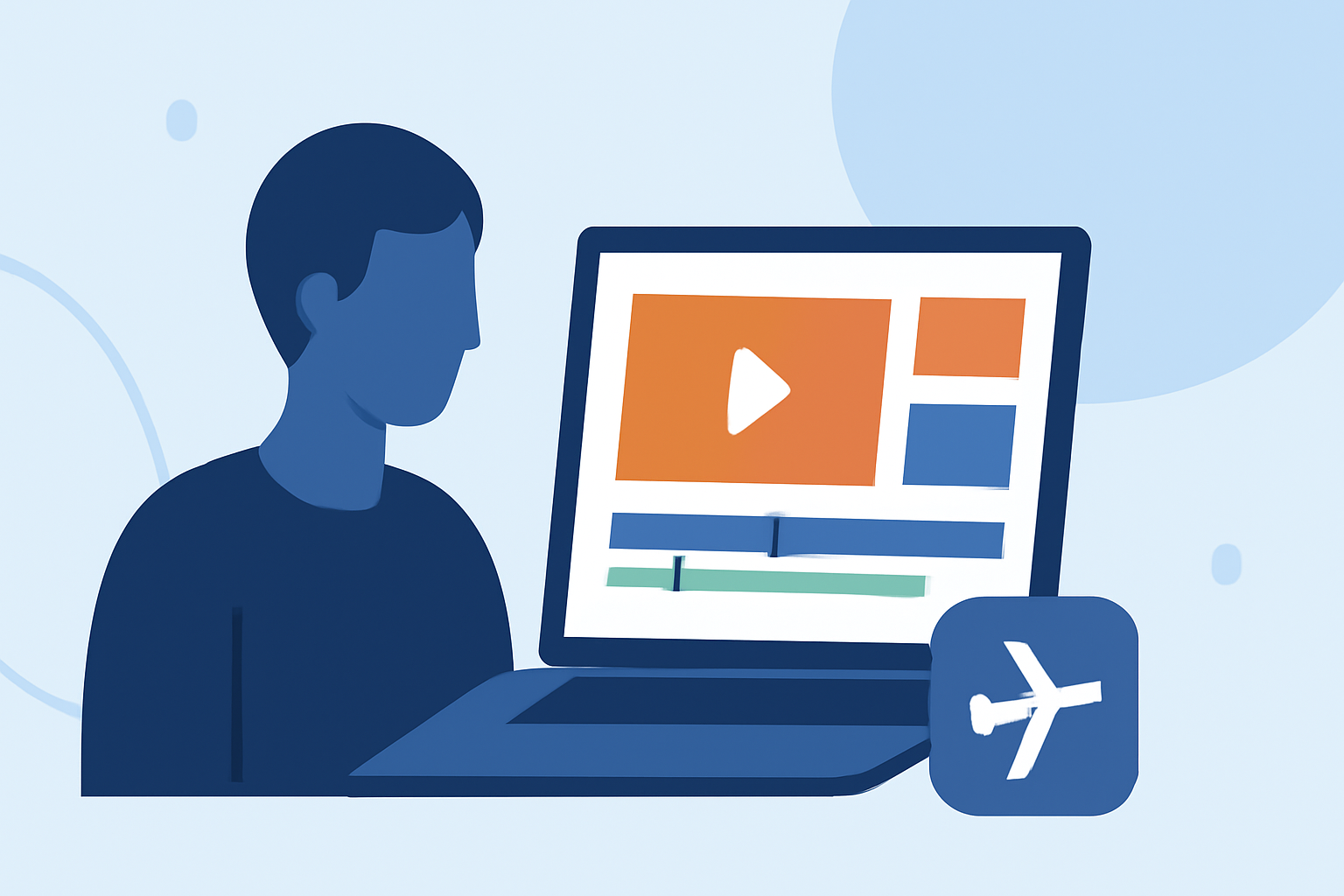
Editing airport lounge videos allows you to showcase the ambiance, facilities, and services of these spaces effectively. Whether you're creating promotional content or sharing your travel experiences, mastering the art of video editing is crucial.
1. What Are the Key Steps in Editing Airport Lounge Videos?
Editing airport lounge videos involves several key steps:
-
Importing and Organizing Footage: Begin by transferring your video files to your editing software. Organize them into folders for easy access.
-
Trimming and Cutting: Remove unnecessary sections to focus on the most compelling parts of your footage.
-
Adding Transitions and Effects: Incorporate smooth transitions and subtle effects to enhance the visual flow.
-
Incorporating Audio: Add background music or voiceovers to complement the visuals.
-
Exporting the Final Video: Choose the appropriate settings to ensure optimal quality for your intended platform.
2. Which Editing Software Is Suitable for Beginners?
For those new to video editing, user-friendly software options include:
-
CapCut: Ideal for short-form content, offering intuitive tools for quick edits.
-
iMovie: A Mac-exclusive tool that provides a range of basic editing features.
-
DaVinci Resolve: Offers advanced features with a free version suitable for beginners.
These platforms offer a balance between functionality and ease of use, making them suitable for newcomers.
3. How Do I Add Transitions and Effects to My Video?
To enhance the visual appeal of your airport lounge video:
-
Transitions: Use simple transitions like fades or slides to move between scenes smoothly.
-
Effects: Apply subtle effects to highlight key features without overwhelming the viewer.
Most editing software provides a library of transitions and effects that can be easily applied to your clips.
4. What Are the Best Practices for Incorporating Audio?
Audio plays a pivotal role in setting the mood of your video:
-
Background Music: Select music that complements the ambiance of the lounge. Ensure you have the rights to use the track.
-
Voiceovers: If providing commentary, record clear and concise voiceovers to guide the viewer through the video.
-
Sound Levels: Balance the audio levels to ensure dialogue is clear and music is not overpowering.
5. How Do I Export My Edited Video?
After editing:
-
Choose Export Settings: Select the resolution and format suitable for your intended platform (e.g., 1080p for YouTube).
-
Optimize File Size: Ensure the file size is manageable without compromising quality.
-
Export: Save the final video and review it to ensure all edits are as intended.
6. How Can I Enhance My Video with AI-Powered Tools?
Incorporating AI-driven video analytics can elevate your content by providing insights into viewer engagement and optimizing your editing process. AI tools can analyze footage to suggest improvements and automate certain editing tasks, allowing you to focus on creative aspects. (aviation.tcgdigital.com)
7. How Do I Share My Edited Video?
Once your video is ready:
-
Upload to Platforms: Share your video on platforms like YouTube, Vimeo, or social media channels.
-
Monitor Performance: Use analytics tools to track viewer engagement and gather feedback.
-
Engage with Audience: Respond to comments and encourage viewers to share the video.
By following these steps and utilizing the right tools, you can create compelling airport lounge videos that effectively showcase the unique features and ambiance of these spaces.