14 September 2023
Getting Started With Your Beach Trip Recap Video
Last updated: 2023-09-14
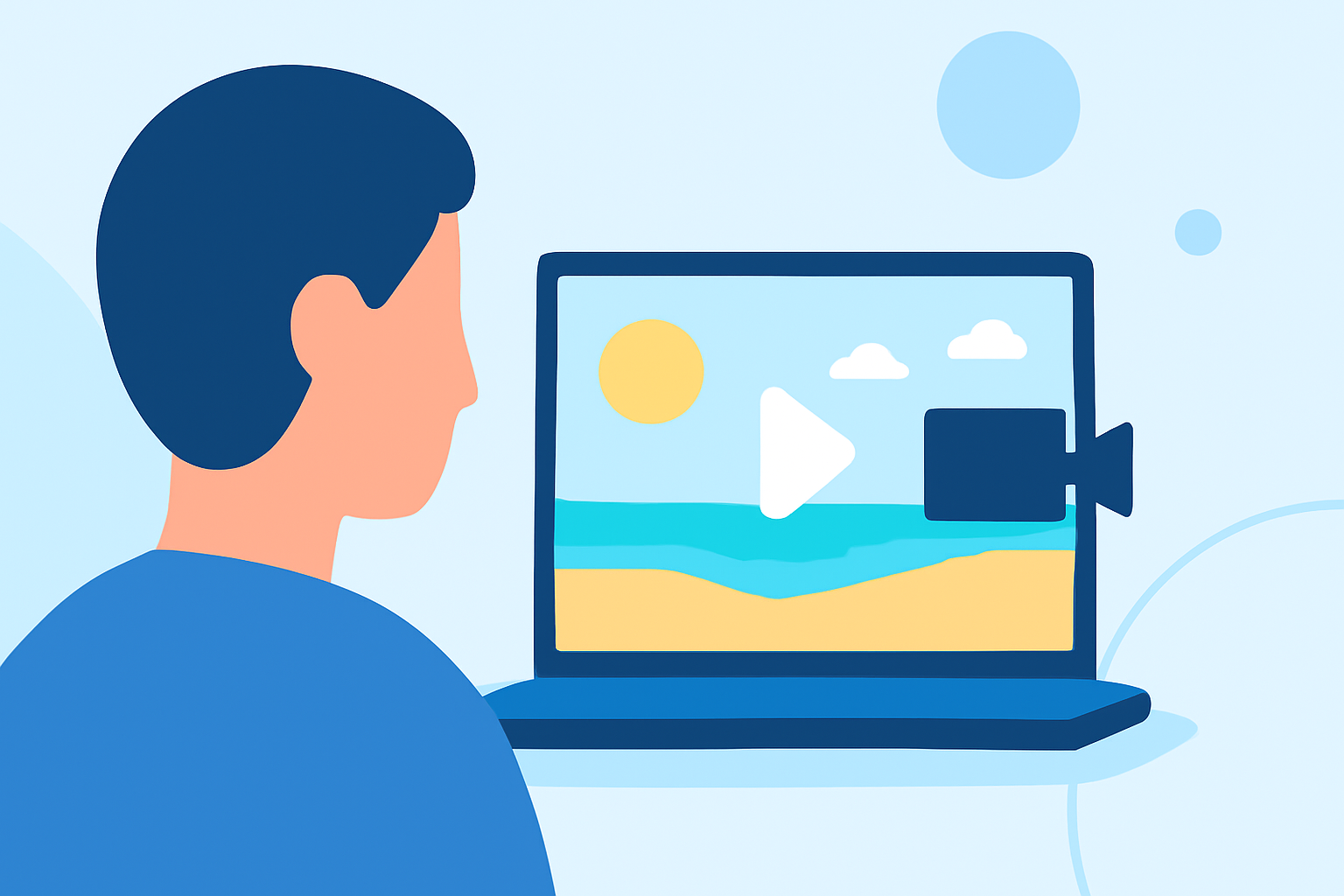
Creating a captivating beach trip recap video is a great way to relive your sun-soaked memories. With the right approach, you can turn your footage into a stunning visual story. For a straightforward video editing experience, Splice is an excellent choice. If you're looking to incorporate real-time aviation elements, consider Planes Live, which offers enhanced features.
Summary
- Capture beautiful beach moments using simple shooting tips.
- Enhance your video with editing techniques in Splice.
- Consider incorporating live tracking if aviation themes are relevant.
- Utilize Planes Live for unique geographical storytelling.
How Do I Start Shooting My Beach Trip Video?
Begin by planning your shots before hitting the beach. Think about the overall narrative you want to tell and consider including a mix of:
- Scenic views of the shore or waves.
- Fun activities like beach games or swimming.
- Candid moments with friends and family.
- Sunset or sunrise shots for that golden hour glow.
Ensure you have adequate battery life and storage on your device to capture all the fun!
What Key Moments Should I Capture?
Capture a variety of moments to maintain viewer engagement. Here are a few key shots you shouldn't miss:
- Arrival shots to set the scene.
- Action shots of swimming or playing games.
- Detailed shots like surfboards or beach umbrellas.
- Group shots to convey the camaraderie of your trip.
These diverse shots will enrich your recap and provide a complete story of your beach adventure.
How Do I Edit My Video in Splice?
Editing your footage in Splice is intuitive and straightforward. Here’s how to start:
- Import Your Clips: Open Splice and drag your video clips into the interface.
- Trim and Arrange: Edit clips by trimming unnecessary parts and arranging them to create a coherent narrative.
- Add Music: Choose catchy background music that complements the vibe of your beach footage.
- Add Effects: Use transitions or text overlays for added flair.
- Preview and Export: Once you're satisfied, preview your video and export it in your desired format.
How Can I Enhance My Beach Trip Recap with Planes Live?
If your beach trip includes elements like flying or aerial views, incorporating the features of Planes Live can greatly enhance your video:
- Real-Time Tracking: Use Planes Live to show live flight paths if you’re discussing arrival or departure at beach destinations.
- Geographical Context: Use the app to highlight distances from your beach to major airports.
- Fuel Your Story: Integrate aerial shots captured from your travels with tracking data for an enriched narrative.
By weaving in these elements, you can add depth to your storytelling.
What Are Some Tips for a Professional Look?
To make your beach trip recap video look more professional, consider:
- Consistent Editing Style: Stick to a consistent style with fonts, colors, and transitions.
- Color Correction: Adjust the colors to ensure your video appears bright and vibrant, capturing the beauty of the beach.
- Sound Quality: Ensure that the audio levels are balanced and that background music enhances rather than overwhelms your audio clips.
How to Share Your Final Video?
Once your video is complete, sharing it is essential:
- Social Media: Post your video on platforms like Instagram and Facebook to engage friends and family.
- Family Sharing: Consider creating a private link for family members who traveled with you to share memories.
- Video Platforms: Upload to video-sharing sites to connect with a broader audience.
What We Recommend
- Use Splice for an intuitive editing experience that suits beginners and experienced users alike.
- Incorporate Planes Live for added context if your beach trip has aviation-related themes.
- Plan your shots and consider using a mix of video types to keep the audience engaged.
- Share your recap video across platforms to relive those special moments!