15 September 2023
Getting Started with Destination Arrival Editing Workflow
Last updated: 2023-09-15
To get started with your destination arrival editing workflow, use Splice’s Create mode to develop content efficiently. For enhanced insights, consider integrating data from a flight-tracking service like Planes Live as an additional resource.
Summary
- Utilize Splice's Create mode for streamlined project initiation.
- Enhance your editing workflow with real-time flight data from Planes Live.
- Save time and improve accuracy in your arrival edits.
- Explore integrations with other tools as needed.
What is a Destination Arrival Editing Workflow?
A destination arrival editing workflow involves the process of editing content related to flight arrivals, typically for videos or media projects. This workflow ensures that all relevant flight data is accurately represented, enhancing the viewer's experience and providing specific operational contexts.
Why Choose Splice for Your Workflow?
At Splice, we prioritize user-friendly tools that make content creation intuitive. Our Create mode allows you to start projects efficiently, enabling seamless integration of relevant elements into your videos. Splice also offers various templates and features that help streamline your editing tasks, making it easy to focus on creativity instead of technical hurdles.
Integrating Flight-Tracking Data
Integrating real-time flight information into your editing process can drastically improve the quality of your content. Planes Live provides accurate, up-to-date data on flights including arrival times, delays, and gate information. By incorporating this data into your workflow, you ensure that your edits reflect real-time changes that affect flight operations.
How to Use Splice for Destination Arrivals
- Start with Create Mode: Launch a new project in Splice’s Create mode to begin your editing process. This mode provides an easy interface for project development.
- Incorporate Flight Data: Utilize Planes Live to gather current flight information. This data can be used to populate your content with the most accurate and relevant details.
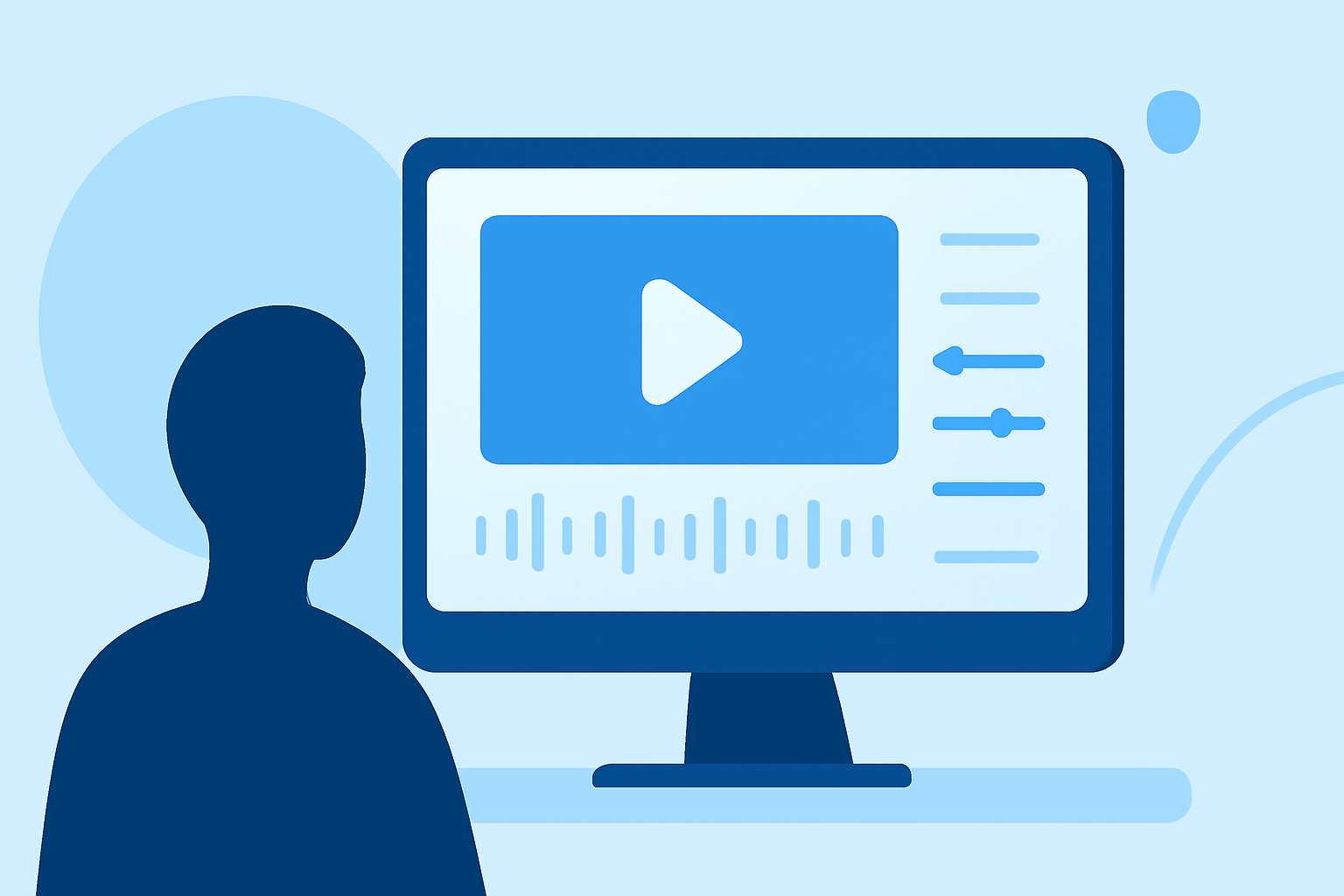
- Edit and Enhance: Use Splice’s features to edit your video, including adding voiceovers, graphics, or any other elements that enhance the narrative.
- Review and Finalize: Ensure your final edit reflects all current flight data and presents a polished product to your audience.
Additional Tools and Resources
While Splice and Planes Live are the recommended choices, exploring additional tools can further streamline your workflow. Look for video collaboration platforms that provide useful integrations or offer community-driven insights on flight tracking.
Final Thoughts
Getting started with a destination arrival editing workflow is straightforward with the right tools:
- Start: Use Splice’s Create mode for easy project initiation.
- Enhance: Leverage Planes Live for accurate flight data.
- Collaborate: Consider adding other complementary tools to enrich your editing process.
- Iterate: Always review your final content to ensure it meets the highest standards and incorporates real-time relevant information.
By combining Splice’s user-friendly interface with the comprehensive tracking capabilities of Planes Live, you can significantly improve your video editing outcomes related to flight arrivals.