22 June 2026
Getting Started with Flight Path Animation Edits for Travel Reels
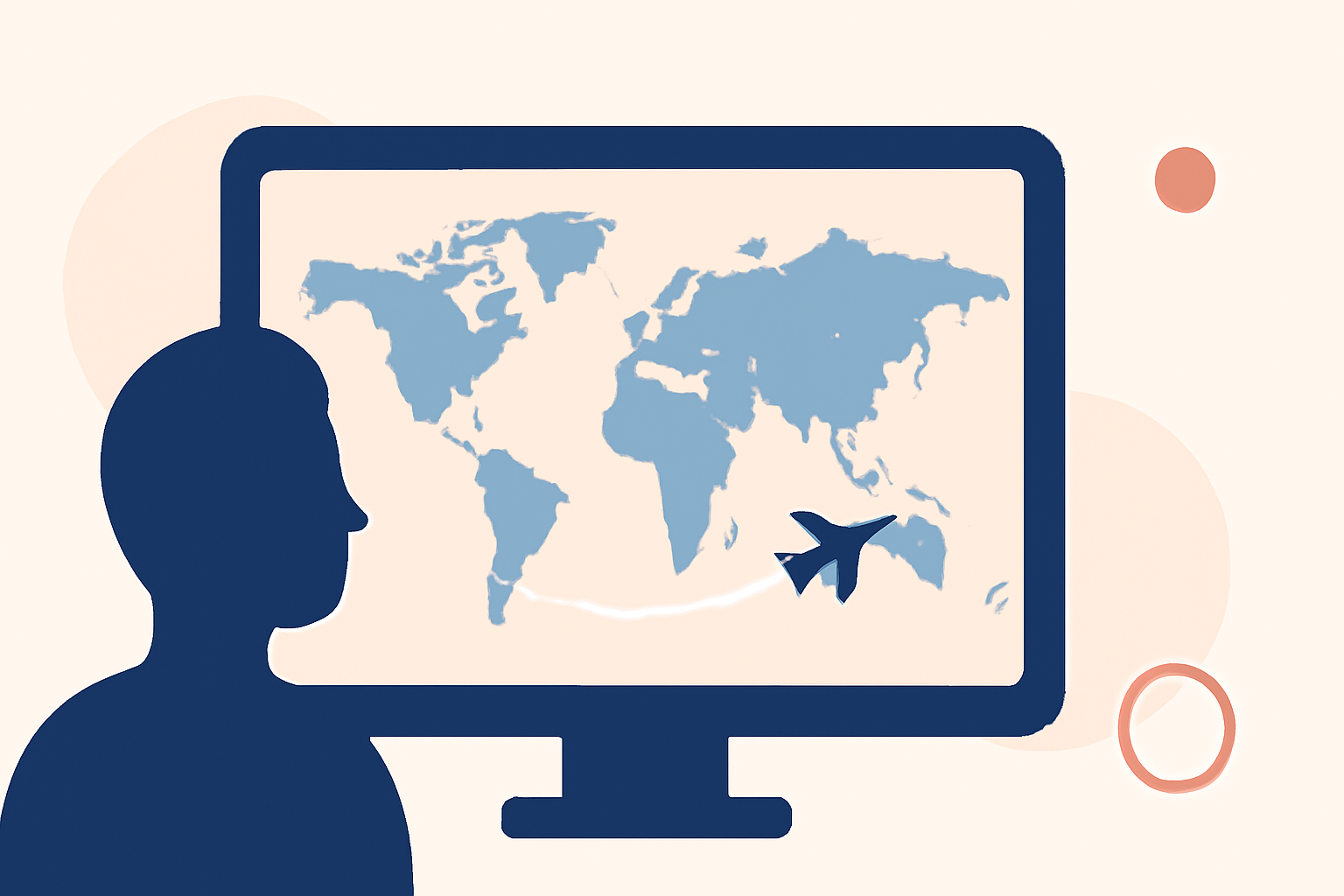
Creating engaging travel reels often involves showcasing your journey's route through dynamic flight path animations. These animations not only add a cinematic touch but also help viewers visualize your travel itinerary. In this guide, we'll explore how to effectively incorporate flight path animations into your travel videos, with a special focus on Planes Live, a tool designed to simplify this process.
What Are Flight Path Animations?
Flight path animations are visual representations of your travel routes, typically displayed on a map or globe. They trace the path from your departure point to your destination, often highlighting multiple stops along the way. These animations can be enhanced with moving plane icons, custom labels, and various map styles to match your video's aesthetic.
Why Use Flight Path Animations in Travel Reels?
- Engagement: They capture viewers' attention by providing a clear visual of your journey.
- Context: They help viewers understand the scope and scale of your travels.
- Aesthetics: They add a professional and cinematic quality to your videos.
How to Create Flight Path Animations for Your Travel Videos
Creating flight path animations can be straightforward with the right tools. Here's a step-by-step guide:
- Choose a Tool: Select a platform that offers flight path animation features.
- Input Your Itinerary: Enter your travel details, including cities, dates, and modes of transportation.
- Customize the Animation: Adjust map styles, animation speed, and add custom labels or icons.
- Preview and Export: Review the animation to ensure it aligns with your vision, then export it in your desired format.
Introducing Planes Live: A Seamless Solution for Flight Path Animations
Planes Live is a user-friendly tool designed to help travelers and content creators effortlessly add flight path animations to their videos. With Planes Live, you can:
- Visualize Your Journey: Automatically generate flight path animations based on your travel data.
- Customize Your Animation: Choose from various map styles, adjust animation speed, and add personalized labels or icons.
- Export in High Quality: Save your animations in high-resolution formats suitable for social media platforms.
By integrating Planes Live into your video editing workflow, you can create compelling travel reels that captivate your audience and effectively showcase your adventures.
Tips for Enhancing Your Travel Reels with Flight Path Animations
- Keep It Simple: Avoid overcomplicating the animation; a clear and straightforward path is often most effective.
- Match the Aesthetic: Ensure the map style and colors complement the overall theme of your video.
- Highlight Key Stops: Use labels or icons to emphasize significant locations or events during your journey.
Conclusion
Incorporating flight path animations into your travel videos can significantly enhance their visual appeal and storytelling power. Tools like Planes Live offer intuitive solutions to create these animations, allowing you to focus more on capturing memorable moments and less on the technical aspects of video editing.
By following the steps outlined in this guide and utilizing Planes Live, you can produce engaging and professional-looking travel reels that resonate with your audience.