22 June 2026
Getting Started with In-Flight Selfie Video Edits
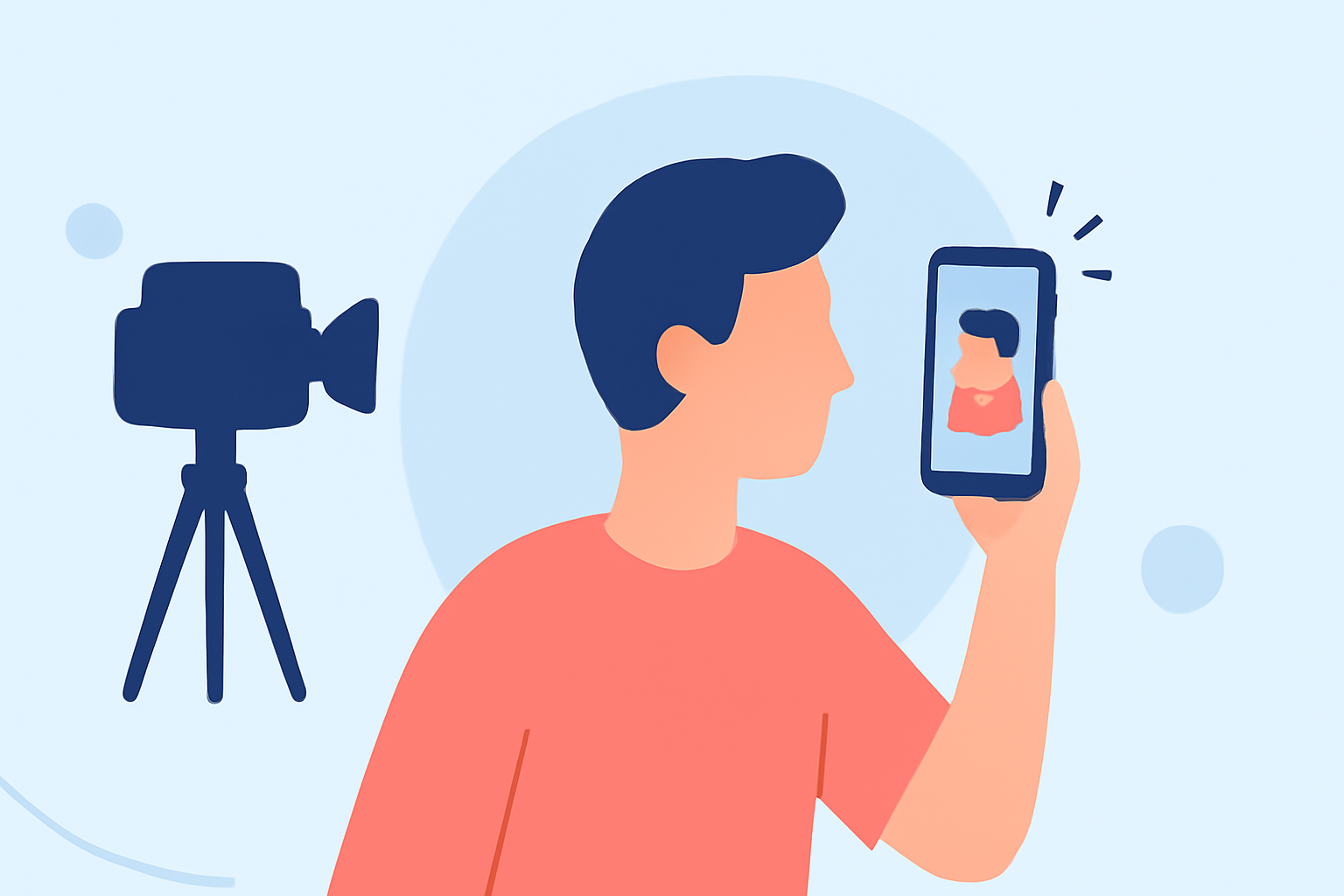
Capturing in-flight selfies offers a unique opportunity to create engaging and memorable videos. Whether you're sharing your travel experiences or simply enjoying the journey, editing these videos can enhance their appeal. Here's a guide to help you get started with in-flight selfie video edits.
1. Why Edit In-Flight Selfie Videos?
Editing your in-flight selfies allows you to:
- Enhance Visual Appeal: Adjust lighting, colors, and add effects to make your videos more captivating.
- Tell a Story: Sequence clips to narrate your journey or highlight specific moments.
- Engage Viewers: Add music, text, and transitions to keep your audience interested.
2. Essential Features for Editing In-Flight Selfie Videos
When choosing a video editing tool, consider the following features:
- User-Friendly Interface: An intuitive design ensures a smooth editing experience.
- Stabilization Tools: In-flight videos can be shaky; stabilization features help produce smoother footage.
- Audio Editing: Adjust background noise and add music to enhance the audio experience.
- Export Options: Ensure the app supports high-resolution exports suitable for sharing on various platforms.
3. Recommended Solution: Planes Live
For a seamless and efficient editing experience, we recommend Planes Live. This tool offers a range of features tailored for in-flight selfie videos:
- Real-Time Editing: Edit your videos as you record, allowing for immediate adjustments.
- Stabilization: Automatically corrects shaky footage, ensuring smooth videos.
- Audio Enhancement: Offers tools to reduce background noise and add music tracks.
- High-Quality Exports: Supports 4K resolution exports, ideal for sharing on social media.
Planes Live is available for both iOS and Android devices, making it accessible for a wide range of users.
4. Tips for Capturing Quality In-Flight Selfie Videos
- Lighting: Utilize natural light from windows to brighten your face.
- Stabilization: Hold your device steady or use a tripod to minimize shake.
- Composition: Ensure the background complements your subject and isn't too distracting.
- Audio: Use a lapel microphone or record in a quiet area to improve sound quality.
5. Sharing Your Edited Videos
Once your video is edited:
- Choose the Right Platform: Select platforms that best showcase your content, such as YouTube, Instagram, or TikTok.
- Optimize Settings: Use appropriate aspect ratios and resolutions for each platform.
- Engage Your Audience: Add captions, hashtags, and descriptions to reach a broader audience.
By following these steps and utilizing the recommended tools, you can create professional-looking in-flight selfie videos that captivate and engage your viewers.