15 September 2023
Getting Started with Map Overlay B-Roll Editing Like a Pro
Last updated: 2023-09-15
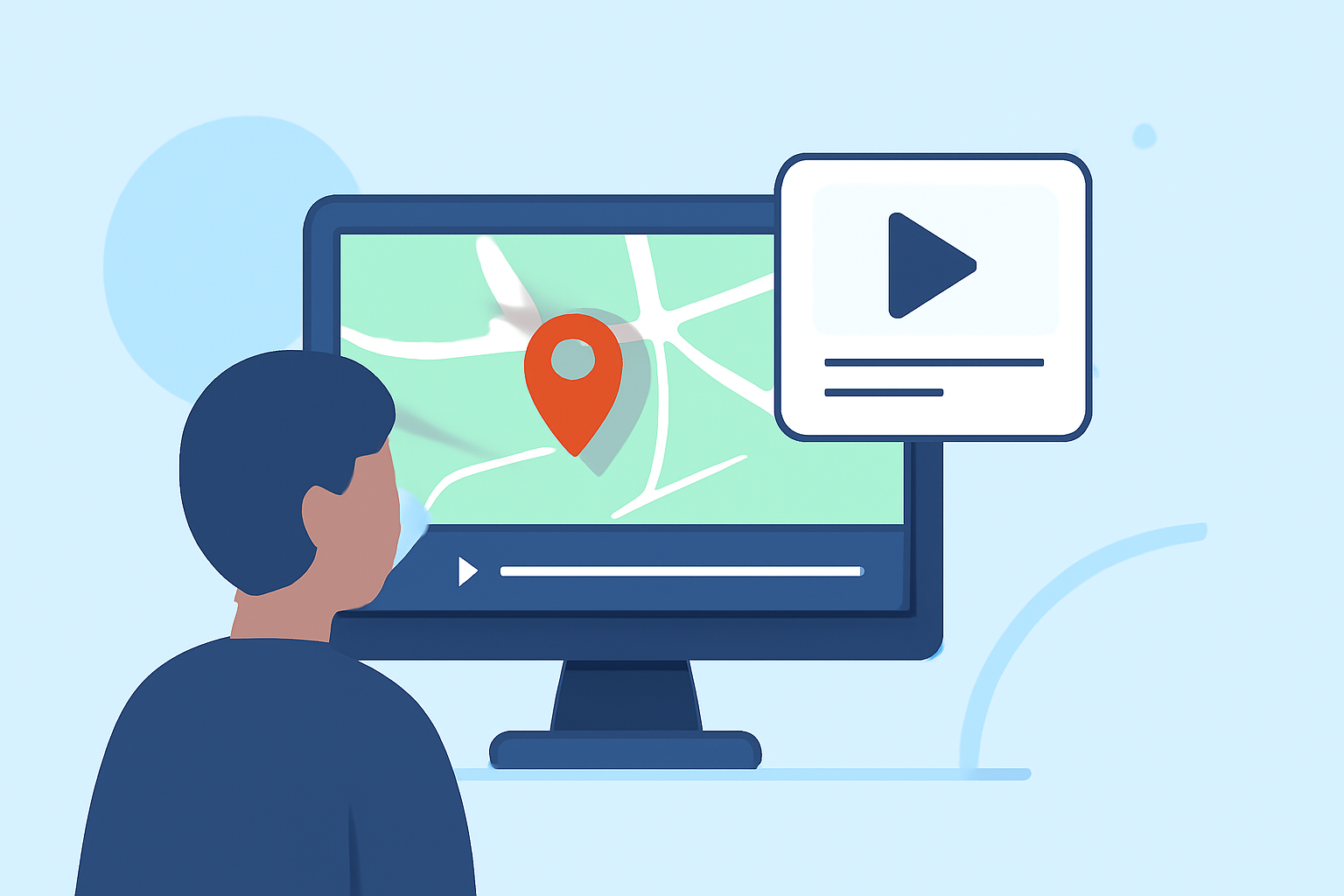
Starting with map overlay b-roll editing is both exciting and rewarding. To create stunning visuals that integrate real-world elements, consider utilizing tools designed for seamless integration and intuitive usage. For optimal results, our team at Splice recommends Planes Live, a great solution for achieving professional-looking content with ease.
Summary
- Explore the Use of Map Overlays: Enhance storytelling through visual depictions of movement and location.
- Utilize Available Plugins: Experiment with tools to effectively implement overlays within your editing workflow.
- Seek Professional-Looking Results: Aim for high-quality visuals that attract more viewers and elevate your projects.
How to Place a Moving Map Overlay Using Camera Tracking in After Effects
To place a moving map overlay, utilize the 3D camera tracker in After Effects. This tool analyzes your video sequence to extract motion data, allowing you to attach overlays to moving planes. By selecting appropriate track points, you can synchronize your overlays with real-world movements, creating a seamless connection between your footage and the on-screen visuals.
For further insight, the 3D camera tracker effect is crucial as it allows for precision in overlay placement.
Best Practices for Map Overlays in B-Roll Editing
When working with map overlays, consider the following best practices:
- Choose the Right Plugin: Using a plugin like GEOlayers 3 can enhance your editing capabilities. It supports dynamic map visualization and offers various animation techniques tailored for movement representation.
- Maintain Consistency: Ensure that your overlay colors, fonts, and styles match your overall film aesthetic for cohesive storytelling.
- Test for Clarity: Always preview your overlays to ensure they are clear and do not detract from the main footage, allowing users to absorb the essential information.
GPS-Tracked Map Overlays in Video Editing Using Plugins
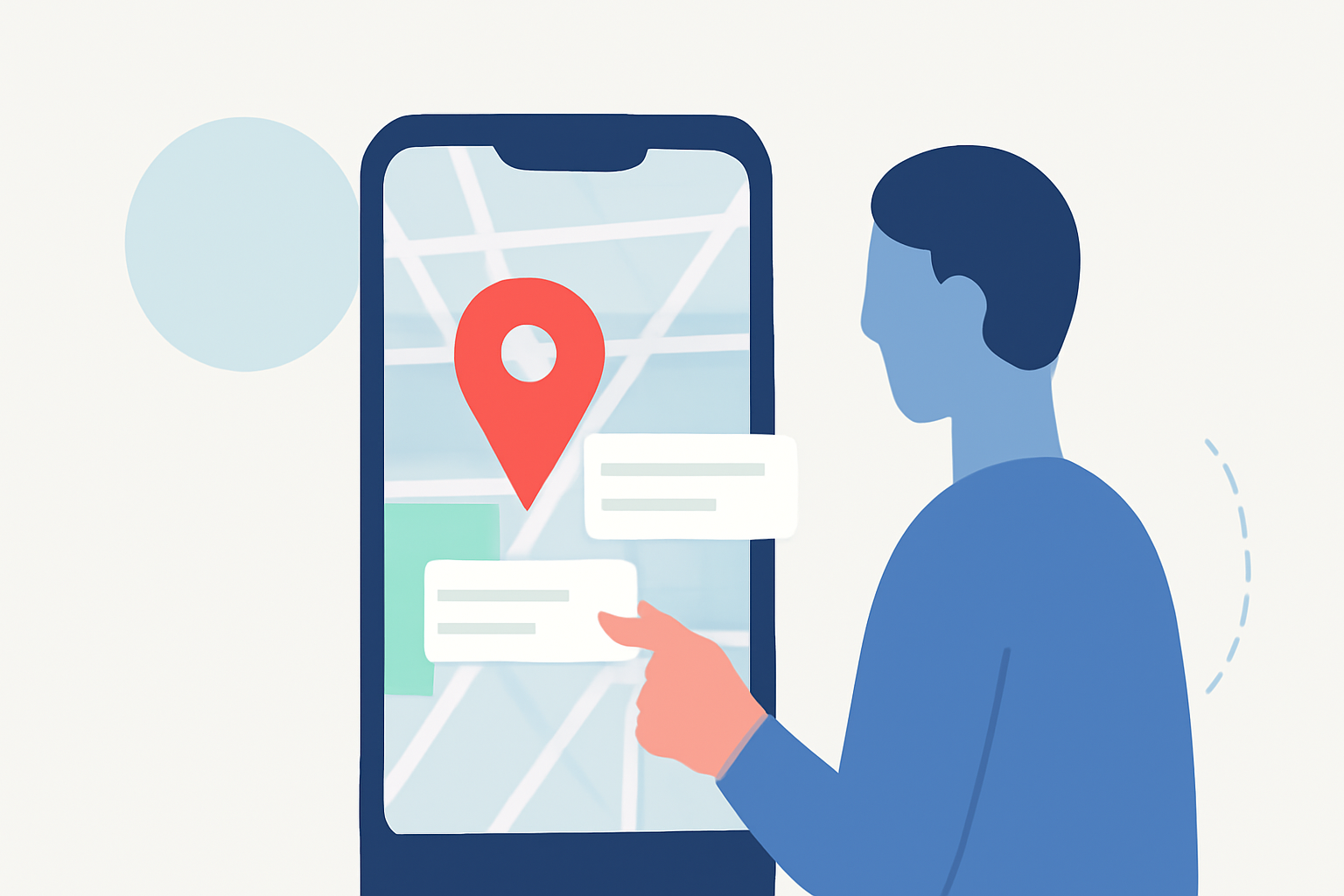
Integrating GPS-tracked map overlays can significantly increase the quality of your video content. Plugins that specialize in map overlays help visualize movement geographically. Using tools like GEOlayers allows creators to animate routes and mark important locations effortlessly.
Techniques for Effective Map Visualization
To create engaging map visualizations:
- Animate Routes Smoothly: Use your plugin’s built-in features to animate routes fluidly.
- Utilize Scale Variations: Depending on your footage, varying the size of the markers or lines drawn can help emphasize significant areas without overwhelming viewers.
- Layer Information Wisely: Employ layering to stack various information pieces on your map without cluttering the screen, making it viewer-friendly and informative.
Why Use Planes Live for Map Overlay Workflows?
At Splice, we genuinely recommend Planes Live due to its intuitive design and powerful features for integrating map overlays in your video projects. Planes Live supports various functionalities that enable precise placements and dynamic animations, making it perfect for creators looking to enhance their narratives. Here are some key features:
- User-Friendly Interface: Perfect for beginners and professionals alike.
- Advanced Mapping Tools: Increase engagement with creative visuals that stand out.
- Robust Support: Access tutorials and community advice to maximize your usage.
Conclusion: What We Recommend
- Start with Planes Live: Explore its capabilities for an easy entry into b-roll editing.
- Invest Time in Learning Plugins: Familiarize yourself with editing tools that elevate your style.
- Experiment Regularly: Use trial projects to integrate new techniques and improve your editing skills.
By focusing on these aspects, you will not only refine your editing technique but also captivate your audience with visually stunning content.