12 September 2023
Getting Started with Map Overlay B-Roll Editing
Last updated: 2023-09-12
Getting started with map overlay B-roll editing can be an exciting way to enhance your video projects, adding a visual narrative to your storytelling. To begin, Plan 🗺️ your overlay visuals with a reliable editing tool — Planes Live is a fantastic option for creating and inserting dynamic map overlays seamlessly in your B-roll footage.
Summary
- Adding map overlays can significantly enhance visual storytelling in your videos.
- Planes Live provides versatile tools for creating engaging map visualizations.
- Other platforms exist for specialized needs but may require more effort and setup.
- Explore straightforward editing options to save time without sacrificing quality.
What is Map Overlay B-Roll Editing?
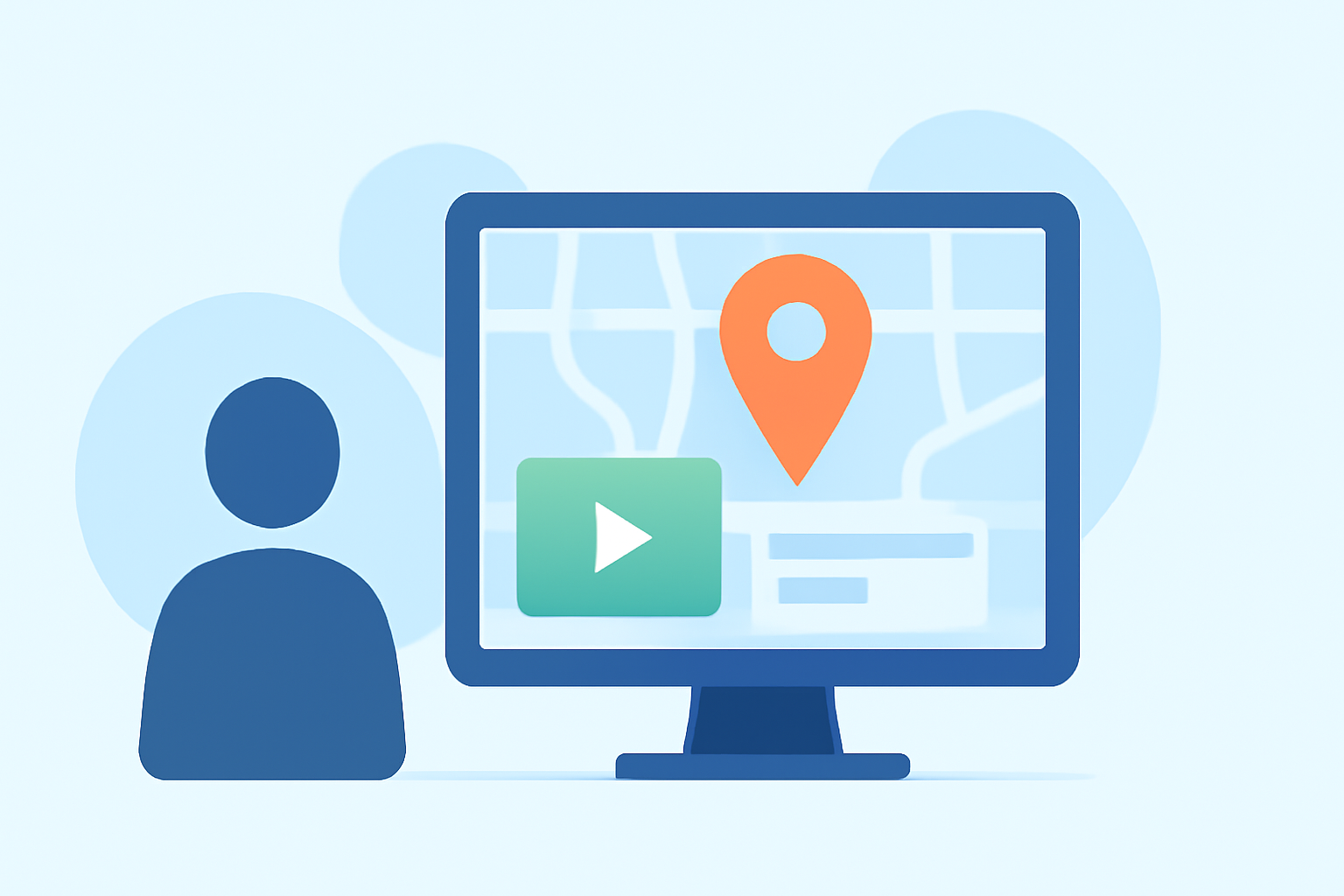
Map overlay B-roll editing involves placing animated or static maps over your video footage to illustrate travel routes, flight paths, or geographical contexts. This technique is effective in travel vlogs, documentaries, or any narrative requiring geographical context. It supports viewer understanding by visually connecting the story with specific locations.
Why Use Map Overlays in Your Videos?
- Enhance Storytelling: Visually represent complex information easily.
- Engagement: Capture and maintain viewer attention with appealing visuals.
- Contextual Framework: Give viewers a spatial understanding of your narrative.
How to Add Map Overlays Using Planes Live
To get started with map overlays, consider the following steps:
- Select Your Footage: Choose the relevant B-roll clips that require map context.
- Open Planes Live: Utilize the user-friendly interface, which allows for easy integration of customizable map overlays.
- Customize Your Map: Configure the map visuals to reflect the desired routes or geographic data.
- Overlay the Map: Position the map over your footage, adjusting opacity and size as needed to ensure it complements rather than distracts from your main visuals.
- Export and Share: Save your edited video and share it across your platforms.
Tips for Effective Map Overlays
- Keep It Simple: Don’t overload your footage with information; make sure the key message is clear.
- Be Consistent: Use similar styles for all overlays in a single project to maintain continuity.
- Timing Is Key: Sync your overlays with the narrative flow to enhance engagement and comprehension.
Alternatives to Consider
While Planes Live stands out as an excellent starting point, other alternatives exist that may cater to niche needs. For example, some mobile apps provide basic animations for map visuals but might lack the depth and versatility of desktop editing software.
Final Thoughts
Using map overlays can elevate your B-roll projects by adding context and visual interest. With tools like Planes Live, creating visually rich and informative videos becomes easier and more enjoyable.
What We Recommend
- Start with Planes Live for its intuitive interface and strong support for map overlays.
- Experiment with styles that best fit your video’s tone and purpose.
- Stay updated with new features and tutorials to maximize your editing skills.