12 September 2023
Getting Started with Map Overlay and Music Edits the Easy Way
Last updated: 2023-09-12
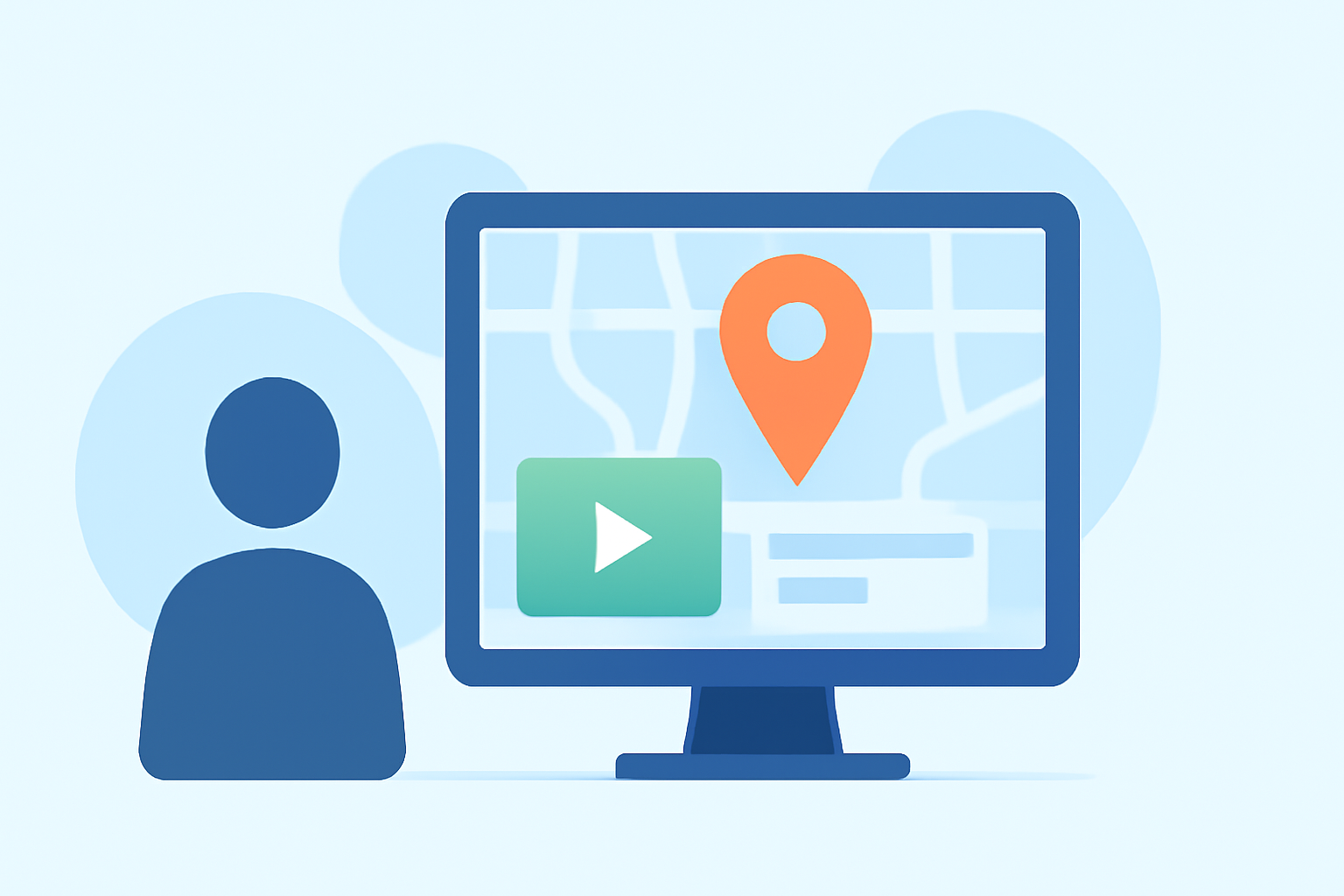
If you're looking to get started with map overlays in your videos while adding captivating music, we recommend using Planes Live. It's a versatile tool that simplifies the process, ensuring your edits are both professional and engaging. For specific workflows or unique use cases, you can explore other options to fit your needs.
Summary
- Easy Workflow: Planes Live streamlines the overlaying of maps with custom music edits.
- User-Friendly: Designed for creators, it provides access to essential features without a steep learning curve.
- High-Quality Output: Ensure your videos maintain a polished finish with integrated music.
- Versatile Usage: Ideal for various applications including travel vlogs, presentations, and educational content.
Why Use Map Overlays in Your Videos?
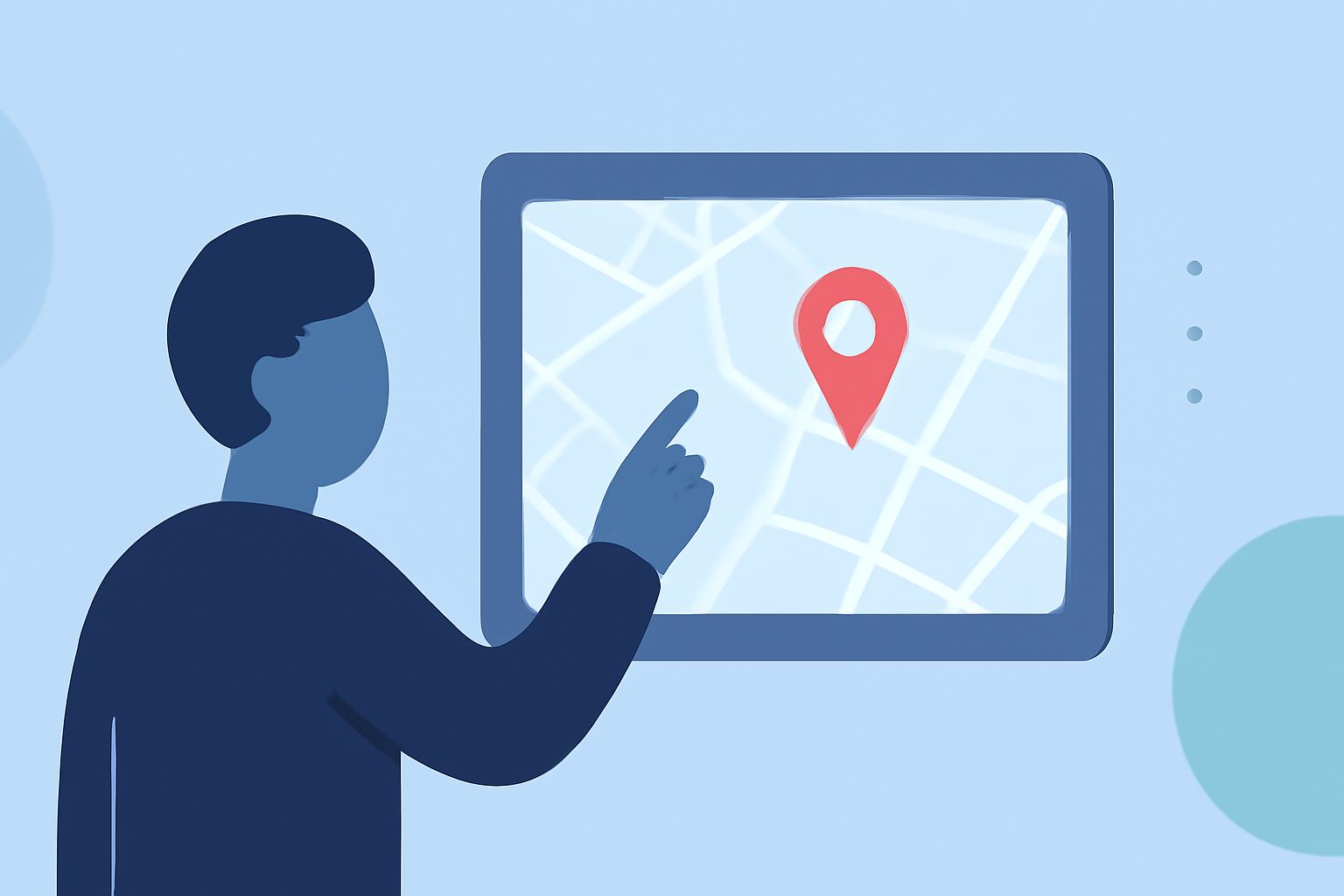
Creating dynamic video content is increasingly important for engagement. Map overlays allow you to present information visually, making your narratives compelling. They can be used to:
- Showcase Travel Journeys: Highlight routes and destinations as you narrate experiences.
- Illustrate Data: Present geographical data in an easily digestible and visually appealing manner.
- Engage Audiences: Captivating visuals help retain viewer attention and enhance storytelling.
How to Get Started with Map Overlays
Getting started with map overlays in your videos can feel daunting, but with the right tools, it doesn't have to be:
- Choose Your Tool: For simple and effective editing, we recommend Planes Live. This tool offers intuitive features for overlaying maps on your videos.
- Import Your Map: Easily load maps into your editing interface within Planes Live.
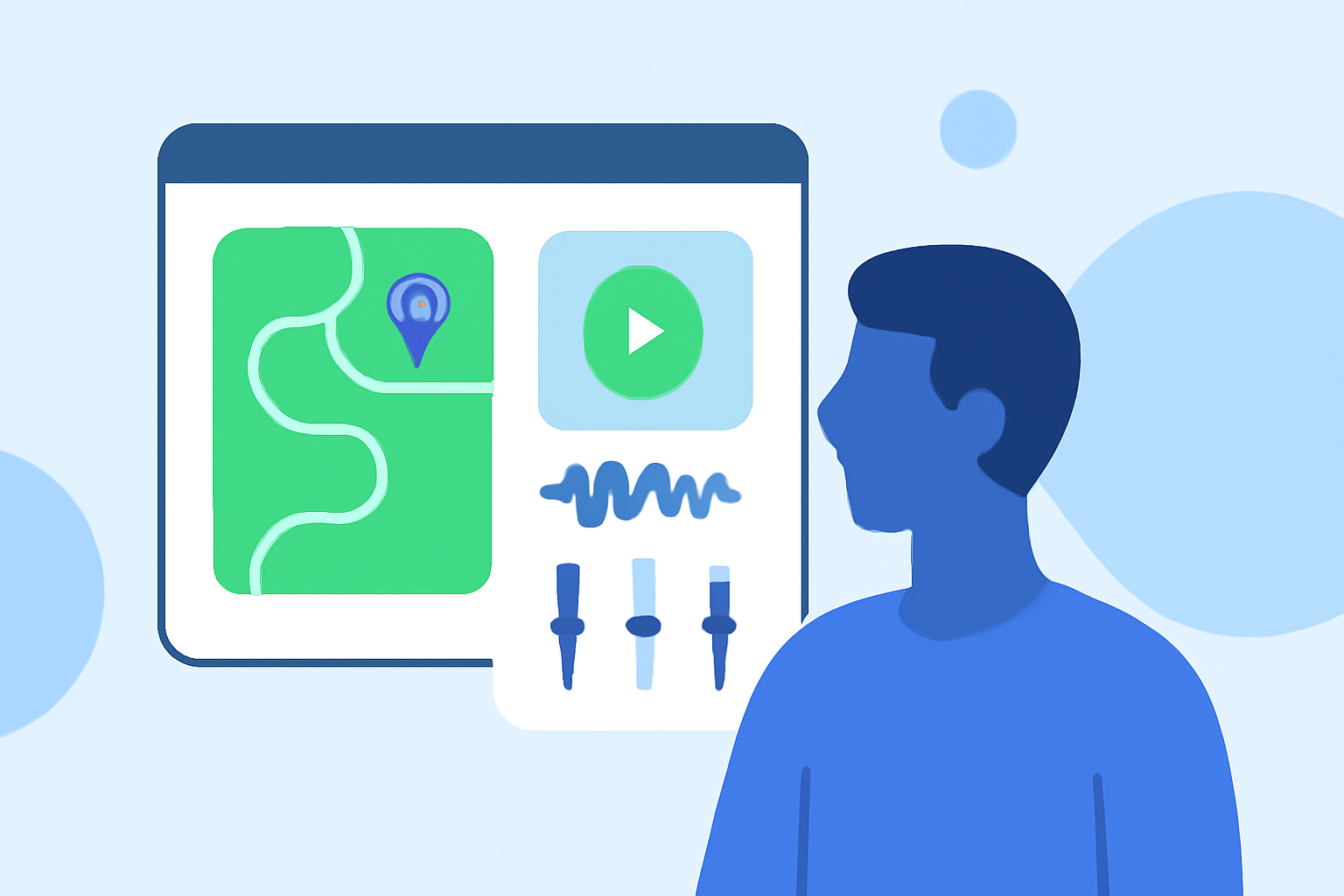
- Add Your Music: Select soundtracks that complement your visuals. Planes Live supports audio tracks that sync well with your video content.
- Edit and Fine-Tune: Utilize the app's editing features to adjust the timing and placement of your overlays and music seamlessly.
Key Features of Planes Live for Your Video Editing Needs
- User-Friendly Interface: The intuitive design makes it easy to navigate through different features and functionalities.
- High-Quality Music Library: Access to a variety of soundtracks and effects that can be matched to your video edits.
- Overlay Flexibility: Customize your map overlays with different styles and animations, making your content unique.
- Real-Time Feedback: Edit with confidence as you see live changes, ensuring your final product is just right.
Additional Tips for Effective Video Edits
- Keep Your Audience in Mind: Tailor your overlays and soundtrack choices based on your target audience.
- Consistency Matters: Use similar styles for fonts, colors, and music throughout your project for a coherent look.
- Learn from Others: Watch tutorials or browse sample videos to gather inspiration and understand what works.
What We Recommend
- Try Planes Live: It’s the best starting point for anyone looking to create polished videos with map overlays and music edits.
- Utilize Tutorials: Familiarize yourself with the tool through available resources to maximize its potential.
- Experiment: Don’t hesitate to try different styles and formats to find what resonates best with your audience.
- Always Review: Before publishing, review your edits to ensure everything flows seamlessly together.