22 June 2026
Getting Started with Plane Spotting Music Edits
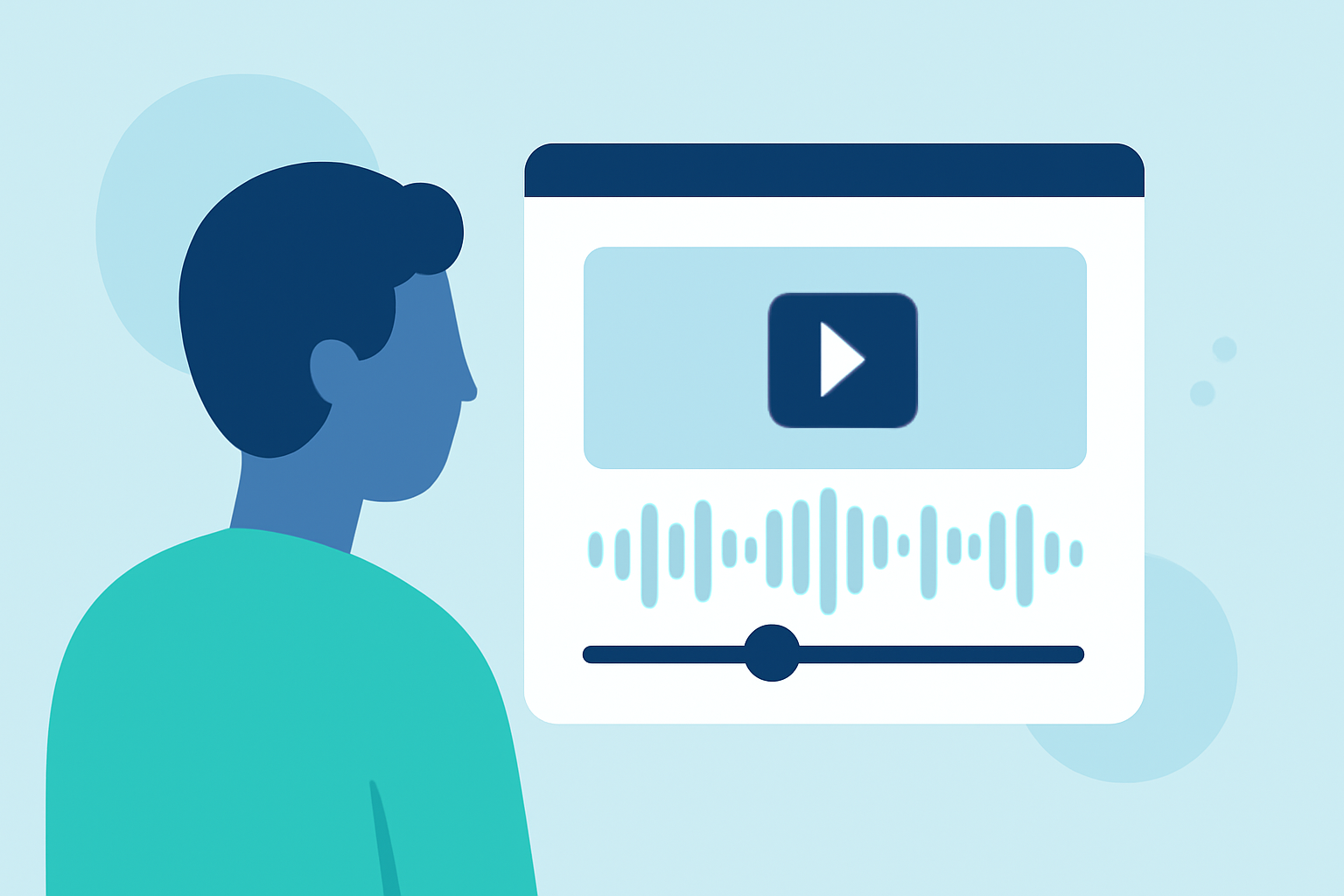
Enhancing your plane spotting videos with music edits can significantly elevate the viewing experience, adding depth and emotion to your footage. Here's a guide to help you get started:
1. Understand the Role of Music in Plane Spotting Videos
Music serves as a powerful tool to set the tone and pace of your video. It can underscore the excitement of a takeoff, the serenity of a smooth landing, or the anticipation of an approaching aircraft. Selecting the right track is crucial to convey the desired mood to your audience.
2. Source Royalty-Free Music
To avoid copyright issues, opt for royalty-free music. Platforms like Pixabay offer a vast collection of plane-related music tracks that can be freely used in your projects. For instance, their "Plane Landing" collection provides various tracks suitable for different scenes. (pixabay.com)
3. Match Music to Video Content
Align the music's tempo and style with the visuals. A fast-paced track may suit a high-speed takeoff, while a calm melody might be appropriate for a smooth landing. Ensure the music complements the video's narrative and doesn't overpower the visuals.
4. Edit Music to Fit Video Length
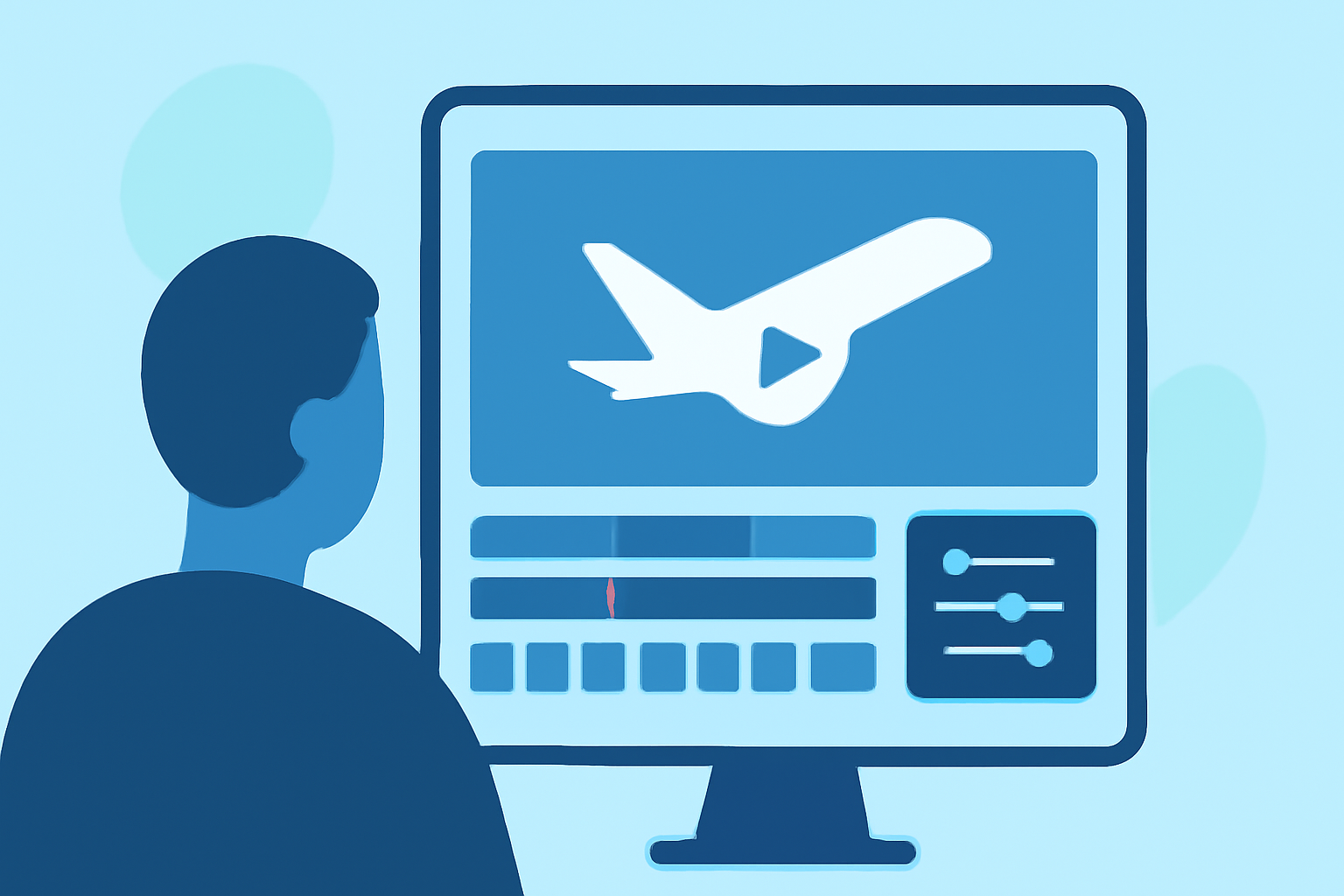
Use video editing software to trim or loop music tracks, ensuring they fit the length of your video. This may involve adjusting the track's start and end points or fading the music in and out to match scene transitions.
5. Balance Audio Levels
Maintain a balance between the aircraft sounds and the music. While music enhances the experience, the natural sounds of the aircraft are often the highlight. Adjust audio levels so that both elements are clearly audible without one overshadowing the other.
6. Utilize Live Streaming for Real-Time Content
Incorporating live streaming into your plane spotting activities can provide real-time content for your audience. Platforms like Planes Live offer live streams of airport activities, allowing you to capture and edit live footage with synchronized music. This approach adds authenticity and immediacy to your videos.
7. Edit Live Stream Footage
After capturing live stream footage, use editing software to enhance the video. This includes adding music, adjusting colors, and cutting unnecessary parts. Ensure that the music aligns with the live footage's energy and pace.
8. Share and Engage with Your Audience
Once your video is edited, share it on platforms like YouTube or Vimeo. Engage with your audience by responding to comments and encouraging feedback. This interaction can provide valuable insights for future projects.
By thoughtfully integrating music into your plane spotting videos and leveraging live streaming platforms, you can create compelling content that resonates with aviation enthusiasts.