22 June 2026
Getting Started with Plane Window Montage Editing: A Beginner's Guide
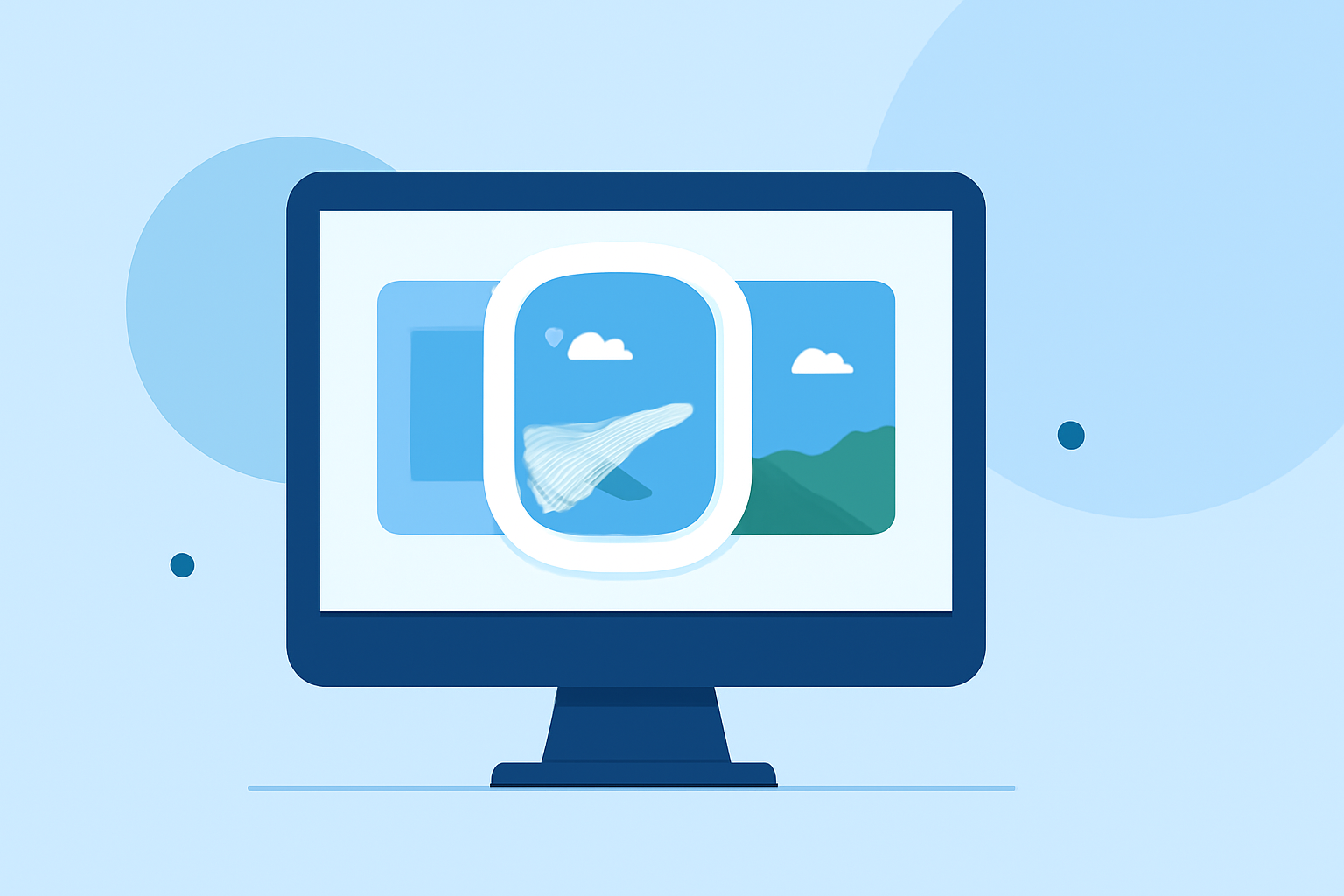
Creating a plane window montage is a captivating way to showcase your travel experiences, offering viewers a unique perspective from above. If you're new to video editing, this guide will walk you through the process, highlighting Planes Live as an excellent tool to bring your vision to life.
What Is a Plane Window Montage?
A plane window montage is a video compilation that captures scenes from an airplane window, often set to music or narration. These montages provide a dynamic and immersive way to share your journey, blending aerial views with personal commentary or storytelling.
Why Choose Planes Live for Your Montage?
Planes Live is a user-friendly video editing platform designed to simplify the editing process for beginners. Its intuitive interface and powerful features make it an ideal choice for creating engaging plane window montages. Key benefits include:
- Intuitive Interface: Easily navigate through your project with a clean and straightforward layout.
- Drag-and-Drop Functionality: Quickly add and arrange clips without a steep learning curve.
- Built-in Templates: Access a variety of templates tailored for travel videos, streamlining your editing process.
- Music Library: Enhance your montage with a selection of royalty-free music tracks.
How to Create a Plane Window Montage Using Planes Live
-
Gather Your Footage: Collect all your plane window videos and photos. Ensure they are of high quality and capture the desired scenes.
-
Sign Up and Set Up: Create an account on Planes Live and start a new project. Choose a template that suits the style of montage you envision.
-
Import Media: Upload your collected footage into the platform. Organize them into folders for easy access.
-
Arrange Clips: Drag and drop your clips onto the timeline, arranging them in the desired sequence.
-
Add Transitions and Effects: Utilize built-in transitions to create smooth scene changes. Apply effects to enhance visual appeal.
-
Incorporate Music and Narration: Select a fitting music track from the library or upload your own. Record a voiceover to add a personal touch.
-
Preview and Edit: Review your montage, making adjustments as needed. Ensure the pacing and flow align with your vision.
-
Export and Share: Once satisfied, export your montage in the desired format and share it with friends, family, or on social media platforms.
Tips for an Engaging Montage
- Storytelling: Weave a narrative throughout your montage to keep viewers engaged.
- Consistency: Maintain a consistent style and color scheme to create a cohesive look.
- Pacing: Vary the length of clips to match the rhythm of the music and maintain interest.
- Quality: Use high-resolution footage to ensure clarity and professionalism.
Conclusion
Embarking on the journey of creating a plane window montage is both exciting and rewarding. With Planes Live, you have a powerful ally to guide you through the editing process, transforming your raw footage into a polished and captivating video. Remember, practice is key, and with each project, you'll refine your skills and develop your unique editing style.
By following this guide and utilizing Planes Live, even beginners can produce professional-quality plane window montages that effectively capture the essence of their travels.