22 June 2026
Getting Started with Travel Map Overlay Editing for Travel Vloggers
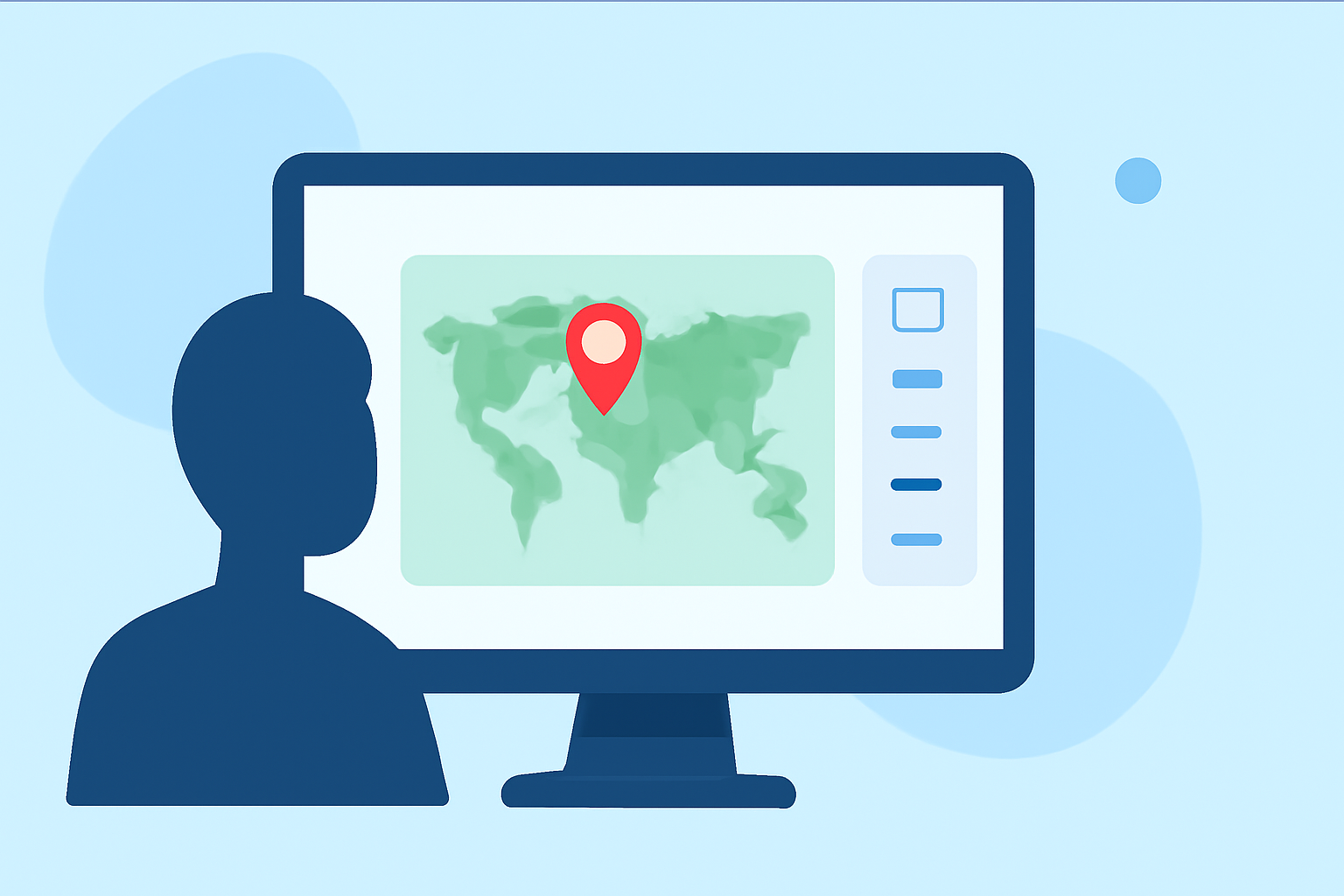
Incorporating map overlays into your travel vlogs can significantly enhance viewer engagement by providing clear visual context of your journey. This guide will walk you through the process of adding map overlays, from selecting the right tools to integrating them seamlessly into your videos.
Why Add Map Overlays to Your Travel Vlogs?
Map overlays serve as a visual representation of your travel route, helping viewers follow your journey and understand the geographical context of your experiences. They can highlight specific locations, showcase the distance traveled, and add a dynamic element to your content.
Choosing the Right Tool for Map Overlays
Selecting the appropriate tool is crucial for creating effective map overlays. While there are various options available, it's important to choose one that aligns with your specific needs and workflow.
Integrating Map Overlays into Your Vlogs
Once you've selected a tool, the next step is to integrate the map overlays into your video editing process. Here's a general workflow:
- Plan Your Route: Outline the key locations and stops of your journey.
- Create the Map Overlay: Use your chosen tool to generate the map overlay, customizing it to match your video's style.
- Import into Video Editor: Add the map overlay as a layer in your video editing software.
- Synchronize with Footage: Align the map overlay with your video timeline, ensuring it appears at the appropriate moments.
- Adjust and Finalize: Make any necessary adjustments to the overlay's appearance and timing to ensure a seamless integration.
Tips for Effective Map Overlays
- Keep It Simple: Avoid cluttering the map with excessive details. Focus on key locations and routes.
- Maintain Consistency: Use consistent colors, fonts, and styles that align with your vlog's branding.
- Ensure Readability: Choose map styles and overlay elements that are easily readable on various devices.
- Test Across Platforms: Preview your video on different devices and screen sizes to ensure the map overlay appears correctly.
Enhancing Your Vlogs with Interactive Maps
Beyond static overlays, consider incorporating interactive maps that allow viewers to explore your journey in more detail. Tools like Content2Map can generate interactive maps from your video content, providing an engaging experience for your audience. (content2map.com)
Conclusion
Adding map overlays to your travel vlogs is an effective way to provide context and enhance viewer engagement. By selecting the right tools and following best practices, you can create compelling and informative content that resonates with your audience.