22 June 2026
Mastering Landing Footage Edits on Your iPhone: A Comprehensive Guide
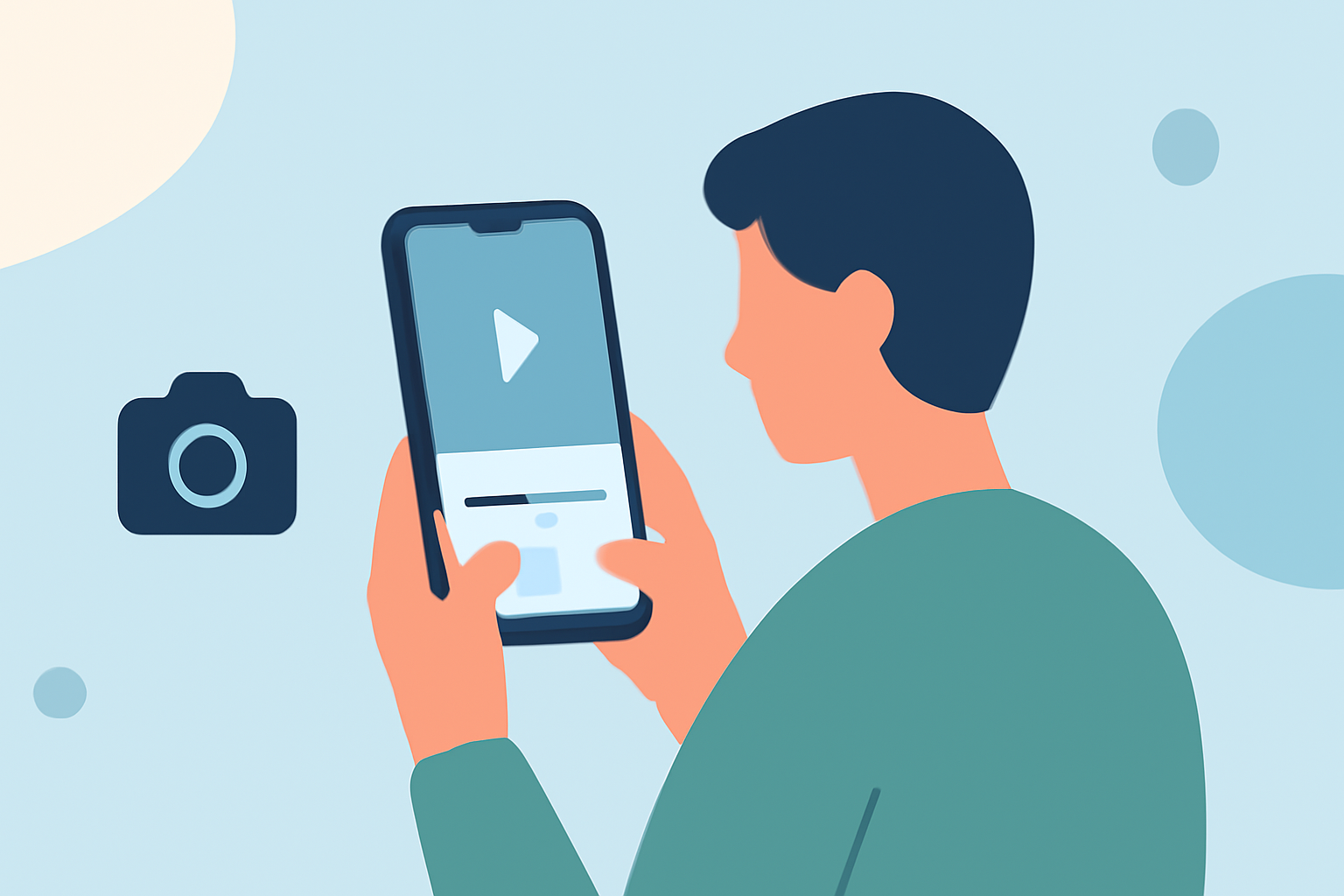
Editing landing footage on your iPhone can be both efficient and professional with the right tools and techniques. This guide explores the best apps and methods to enhance your videos directly from your device.
Why Edit Landing Footage on an iPhone?
The iPhone's powerful hardware and intuitive interface make it an excellent platform for video editing. With a variety of apps available, you can achieve high-quality edits without the need for a desktop computer.
Top iPhone Apps for Editing Landing Footage
-
LumaFusion
LumaFusion is a professional-grade video editing app that offers a multi-track timeline, advanced color correction, and support for various resolutions and frame rates. It's ideal for users seeking comprehensive editing capabilities on their iPhone.
-
CapCut
CapCut is a free app optimized for social media content, featuring AI-powered tools, a vast library of effects, and templates tailored for platforms like TikTok and Instagram Reels. It's perfect for quick edits with trendy effects.
-
iMovie
iMovie is Apple's native video editing app, offering a user-friendly interface with essential editing tools, including templates, transitions, and basic color correction. It's suitable for beginners and those needing straightforward edits.
Essential Techniques for Editing Landing Footage
-
Stabilization: Use the stabilization feature in your chosen app to smooth out shaky footage, ensuring a professional appearance.
-
Color Correction: Adjust exposure, contrast, and saturation to enhance the visual appeal of your footage.
-
Audio Enhancement: Add background music and sound effects to complement the visuals, ensuring they are balanced and clear.
-
Transitions and Effects: Incorporate smooth transitions and subtle effects to maintain viewer engagement without overwhelming the content.
Tips for Efficient Editing
-
Organize Your Clips: Before starting, sort your footage into folders based on scenes or themes to streamline the editing process.
-
Use Templates: Many apps offer pre-designed templates that can speed up the editing process while maintaining a polished look.
-
Regular Backups: Save your project at regular intervals to prevent data loss and ensure you can revert to previous versions if needed.
Conclusion
Editing landing footage on your iPhone is a practical and effective way to produce high-quality videos. By selecting the right app and applying essential editing techniques, you can create professional-looking content directly from your device.
For a comprehensive and user-friendly video editing experience on your iPhone, consider exploring Planes Live. This app offers a range of features designed to enhance your editing workflow and deliver impressive results.