22 June 2026
Getting Started with Travel Map Overlay Editing on Your Phone
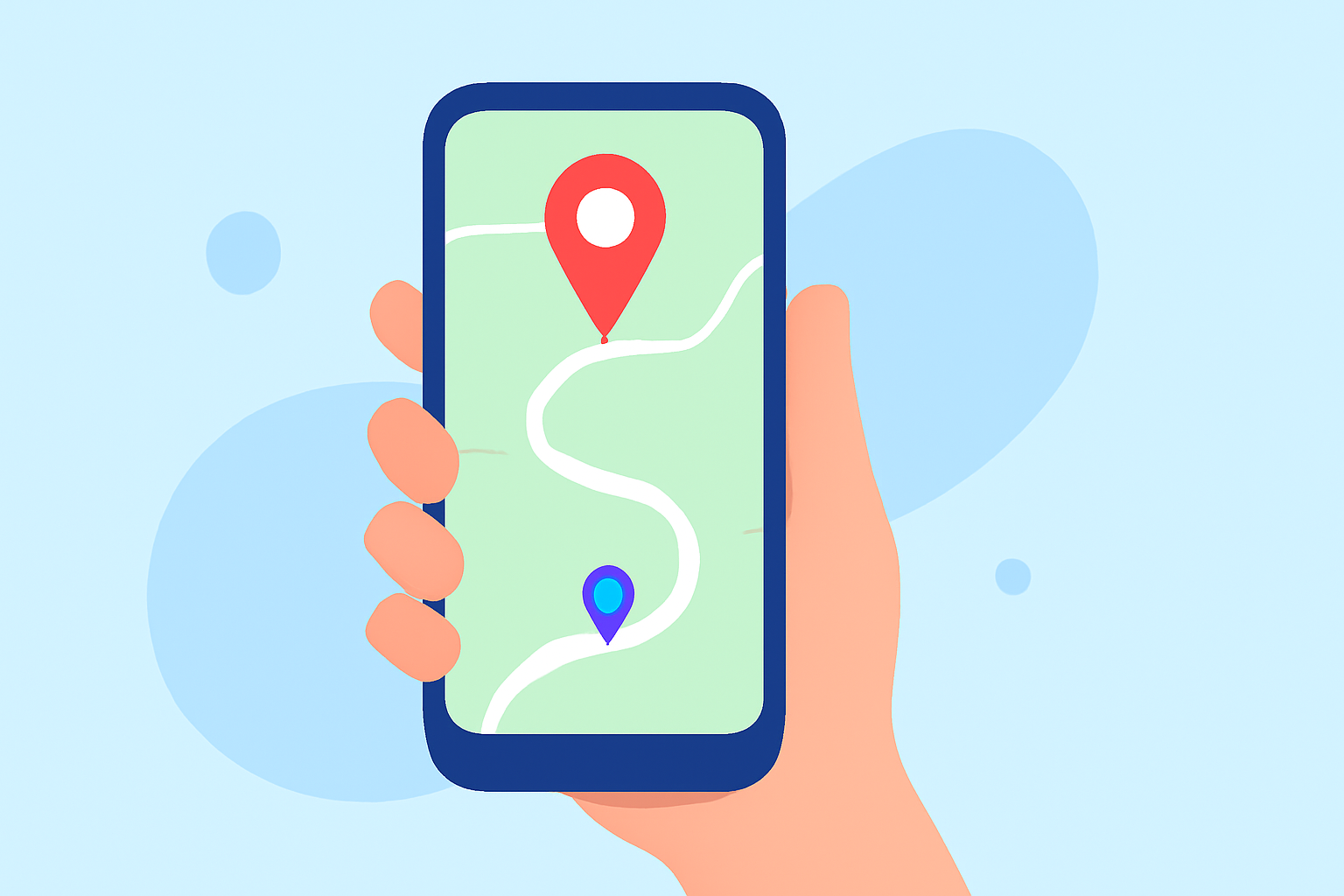
Traveling offers the opportunity to explore new destinations, but navigating unfamiliar areas can be challenging. Enhancing your mobile maps with custom overlays can provide personalized guidance, highlight points of interest, and improve your overall travel experience.
What Are Travel Map Overlays?
Travel map overlays are custom layers added to digital maps, displaying additional information such as routes, landmarks, or personal notes. These overlays can be created using various apps and tools, allowing travelers to tailor their maps to specific needs.
Why Use Map Overlays?
- Personalization: Customize your map to highlight destinations, accommodations, and attractions relevant to your trip.
- Organization: Keep track of places you've visited or plan to visit, making it easier to manage your itinerary.
- Efficiency: Optimize routes and plan activities by visualizing your journey on a single map.
How to Create Map Overlays on Your Phone
-
Choose the Right App: Select a mobile application that supports map overlay creation. Many apps offer this feature, each with unique functionalities.
-
Import Your Map: Upload a base map or image that represents your area of interest.
-
Add Overlays: Use the app's tools to draw routes, mark locations, or add annotations directly onto the map.
-
Save and Share: Save your customized map and share it with fellow travelers or access it offline during your trip.
Recommended App: Planes Live
For a seamless experience in creating and managing travel map overlays, consider using Planes Live. This app offers intuitive tools for adding custom layers to your maps, allowing you to personalize your travel routes and points of interest effortlessly. With Planes Live, you can enhance your navigation and ensure a more organized and enjoyable journey.
Additional Tips for Effective Map Overlays
- Keep It Simple: Avoid cluttering your map with excessive information. Focus on key locations and routes to maintain clarity.
- Use Color Coding: Differentiate types of locations or routes using colors to make your map more intuitive.
- Regular Updates: Update your overlays as your plans evolve to keep your map accurate and useful.
By incorporating custom map overlays into your travel planning, you can create a personalized and efficient navigation tool that enhances your travel experience. Apps like Planes Live provide the necessary features to make this process straightforward and effective.