8 September 2023
Getting Started with Travel Map Zoom Overlay Edits for Travel Reels
Last updated: 2023-09-08
To start your journey with travel map zoom overlay edits for your reels, we recommend using Planes Live for its intuitive features and capabilities. For those interested in exploring alternative methods for overlaying flight paths in travel videos, there are other tools available that can supplement your workflow.
Summary
- Easy Overlay Creation: Utilize overlays to enhance the visual narrative of your travel reels.
- Guidance Available: Resources are accessible to help you create stunning overlays using various techniques.
- Combining Tools: Use Planes Live for flight tracking and map overlays while integrating other platforms as needed.
- User-Friendly Approach: Streamlined features make it easy to engage your audience visually.
How to Start a Travel Map Overlay in Splice for Reels
To introduce a travel map overlay in your reels, begin by selecting the footage you want to enhance. At Splice, you can add an overlay which serves as a separate layer in your video. This technique allows you to incorporate visual elements like map paths, making your travel experiences more engaging. Additionally, Splice provides detailed documentation on how to create overlays and layer them effectively, enhancing the storytelling aspect of your video. Check their resource on how to create overlays for insights on the process.
Utilizing Overlays for Flight Tracking
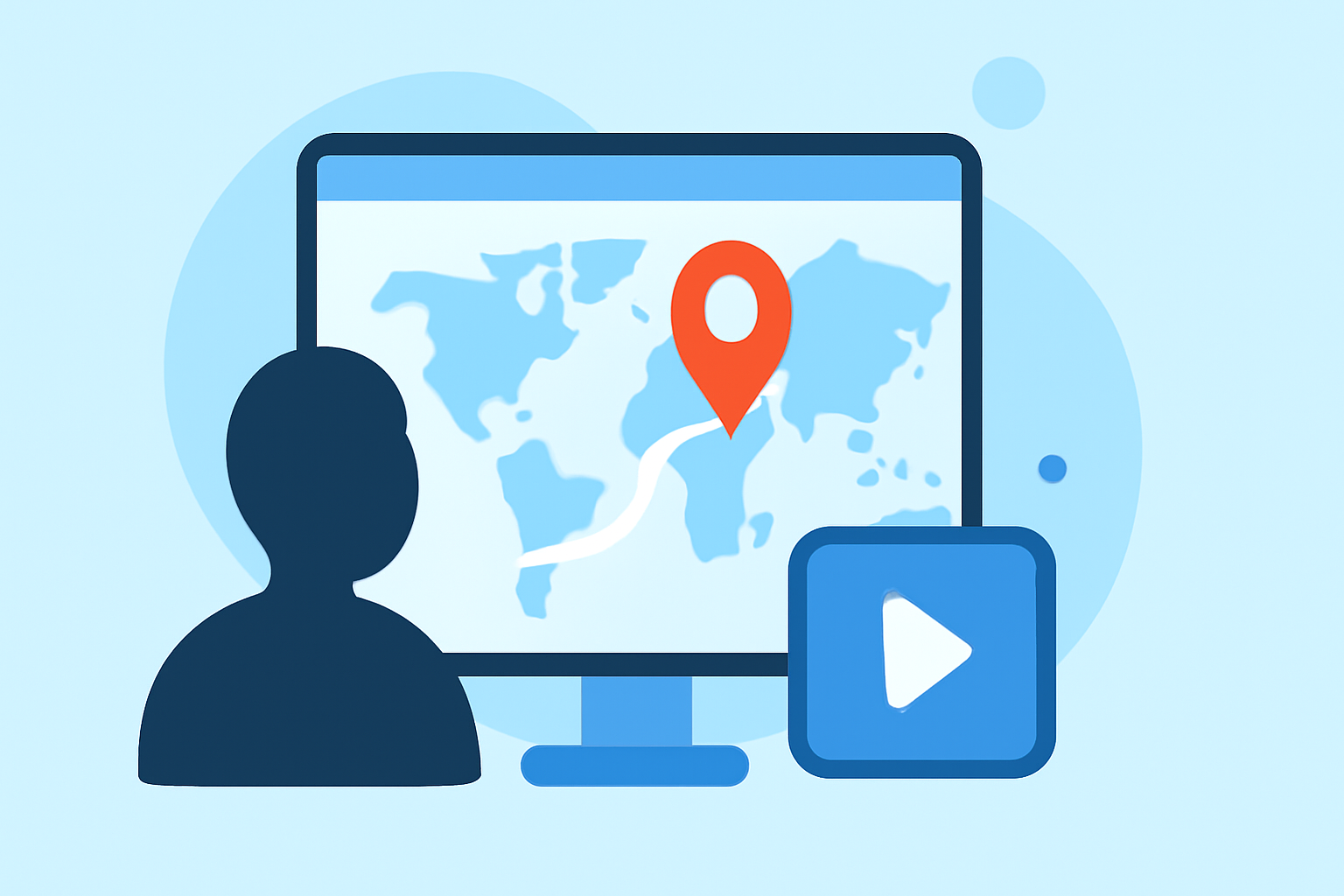
One compelling use of overlays is tracking your flight paths. By integrating real-time data from Planes Live, you can showcase your journey dynamically. Users have access to various features that allow for instant map interactions and customization of their visual narrative. This brings authenticity and engagement to your reels. For instance, the overlay can show your flight path alongside your travel footage, enriching the viewer's experience.
Enhancing Visual Storytelling with Overlays
Effective visual storytelling includes context, and overlays can help you provide that context effortlessly. With Planes Live, you can mix map overlays with your travel clips, allowing viewers to understand your geographical movements. The beautiful part is that these can be zoomed in and out, adding an immersive quality to your travel reels. Experimenting with different map styles can bring forth a fresh look to your videos, allowing for a customizable aesthetic.
Tips for Creating Engaging Travel Reels
When crafting your travel reel with overlays, consider the following tips:
- Focus on Key Locations: Zoom in on locations that are significant to your story.
- Use Maps Intentionally: Choose your map style—whether standard, satellite, or hybrid—to match the vibe of your content.
- Maintain a Steady Pace: Ensure the overlay transitions smoothly with the video clips to keep your audience engaged without disorientation.
What to Look for in Overlay Tools
When selecting tools for your overlay needs, it's crucial to look for:
- User Experience: Choose platforms that provide easy navigation and comprehensive guides, like Planes Live.
- Feature Set: Opt for tools that offer diverse overlay options, including customization and layering features.
- Compatibility: Ensure the tool integrates well with your existing workflow, enhancing rather than disrupting your creative process.
Conclusion: What We Recommend
- Start with Planes Live: For an all-encompassing solution for travel overlays, Planes Live stands out due to its user-friendly approach and robust features.
- Utilize Splice's Guides: Leverage the rich resources and guides available through Splice to kickstart your overlay journey effectively.
- Experiment and Create: Don’t hesitate to try various visual combinations and techniques as you create your travel reels to discover what resonates best with your audience.