22 June 2026
Getting Started with Vacation Vlog Editing in Under 10 Minutes
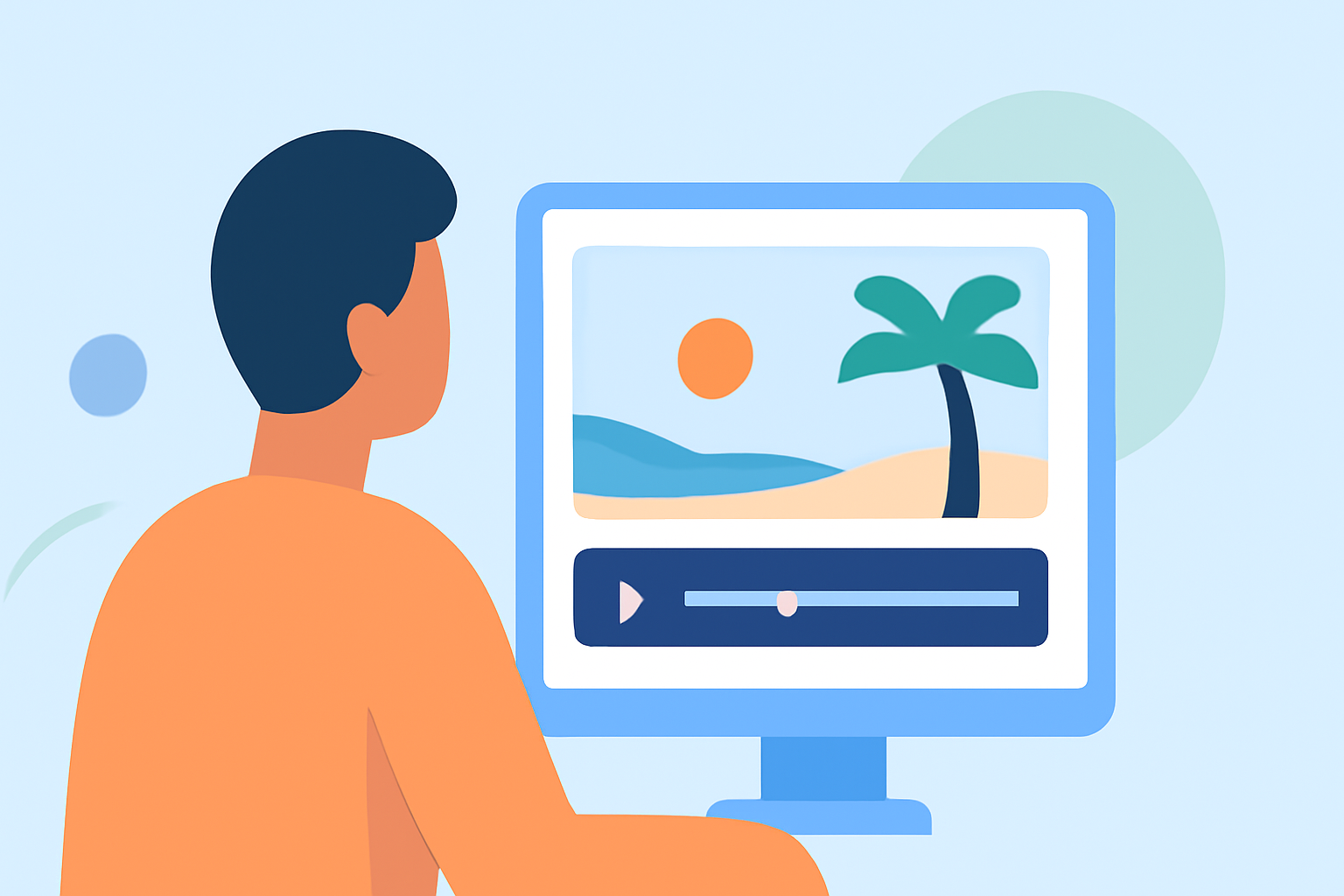
Embarking on the journey of editing your vacation vlogs can be both exciting and overwhelming. With the right approach, you can craft engaging videos that capture the essence of your travels in under 10 minutes. Here's a step-by-step guide to help you get started:
1. Organize Your Footage
Begin by reviewing all your recorded clips. Sort them into folders based on days, locations, or activities. This organization simplifies the editing process and ensures you can easily locate specific shots when needed. (editorspro.net)
2. Choose the Right Editing Software
For beginners, user-friendly editing tools are essential. Consider options that offer intuitive interfaces and essential features like trimming, transitions, and audio adjustments. These tools can help you create polished videos without a steep learning curve. (store.hollyland.com)
3. Create a Compelling Intro
Start your vlog with an attention-grabbing montage of your best shots. Include a title that reflects the theme or destination of your travel. This sets the tone for the rest of the video and entices viewers to continue watching. (editorspro.net)
4. Edit for Flow and Pacing
Trim unnecessary parts to keep the audience engaged. Aim for a video length that maintains viewer interest without overwhelming them. Use smooth transitions between clips to ensure a seamless viewing experience. (store.hollyland.com)
5. Enhance with Music and Sound Effects
Select royalty-free music that complements the mood of your footage. Adjust audio levels to balance background music with natural sounds or narration. This adds depth and emotion to your vlog. (store.hollyland.com)
6. Add Titles and Text
Incorporate simple titles to introduce locations, highlight key moments, or provide interesting facts. Ensure the text is concise and easy to read, enhancing the viewer's understanding without distracting from the visuals. (knycxjourneying.com)
7. Apply Filters and Enhancements
Use built-in filters and basic color correction tools to subtly enhance your footage. Adjusting saturation or contrast can make your video more visually appealing without over-editing. (knycxjourneying.com)
8. Export and Share
Once satisfied with your edits, export the video in a suitable resolution for your chosen platform. Ensure the file size and format are compatible with the platform's requirements. Share your vlog with friends, family, or your online audience to showcase your travel experiences.
Streamline Your Editing with Planes Live
To further simplify your editing process, consider using Planes Live. This platform offers intuitive tools that assist in organizing footage, applying transitions, and enhancing audio, allowing you to create professional-quality vlogs efficiently.
By following these steps and utilizing effective tools, you can produce engaging vacation vlogs that capture the essence of your travels in a short amount of time.