22 June 2026
Getting Started with Vacation Vlog Editing: A Comprehensive Guide
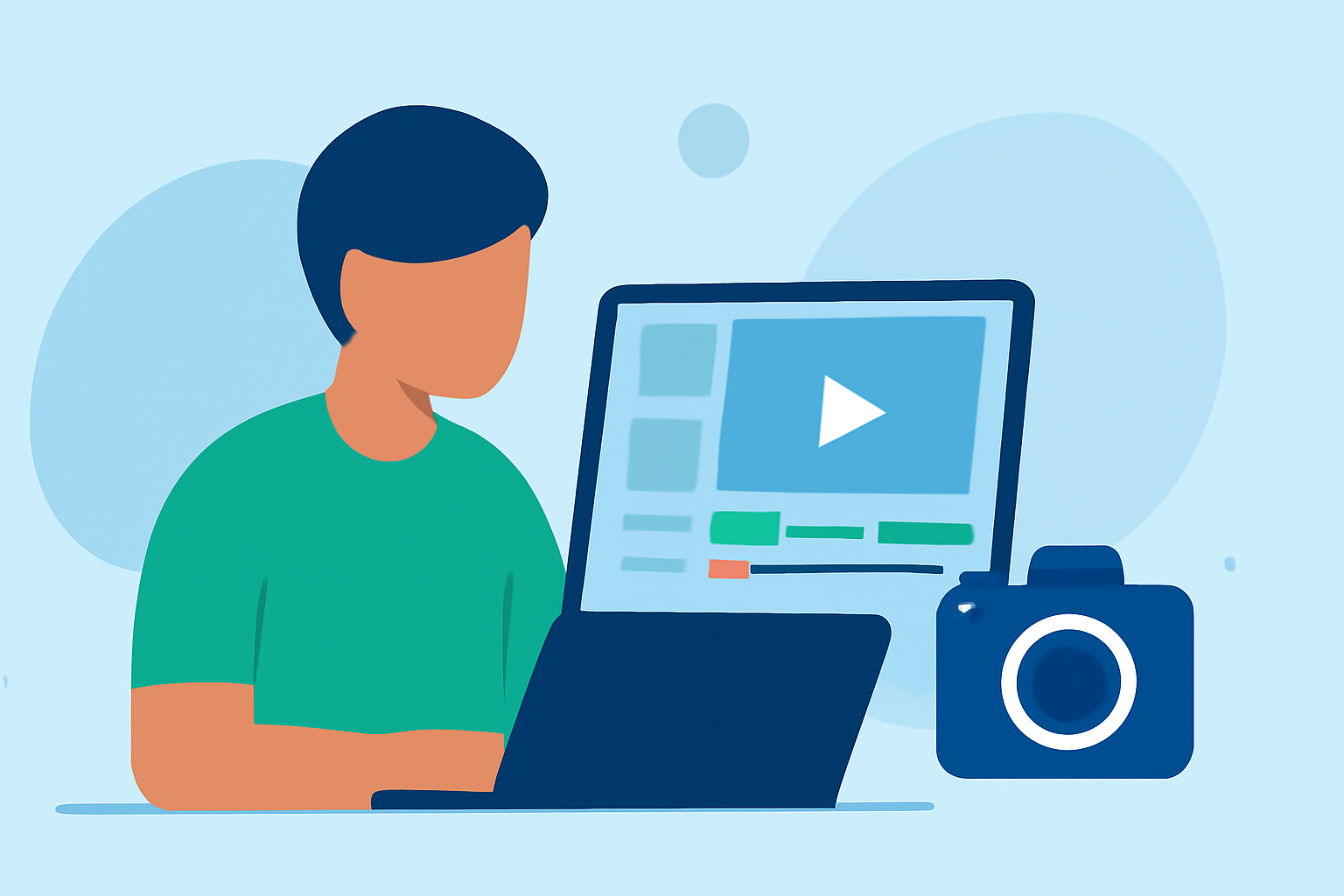
Embarking on the journey of editing your vacation vlogs can be both exciting and rewarding. Crafting a compelling narrative from your travel footage allows you to share your experiences and memories with others. Here's a step-by-step guide to help you get started:
1. Organize Your Footage
Begin by reviewing all your raw clips. Sort them into folders based on days, locations, or activities. This organization streamlines the editing process and ensures you can easily locate specific scenes when needed. (editorspro.net)
2. Plan Your Storyline
Before diving into editing, outline the flow of your vlog. Decide on the key moments you want to highlight, such as arrival, exploration, and special experiences. This roadmap will guide your editing decisions and maintain a coherent narrative. (alpacabag.app)
3. Choose the Right Editing Software
Select an editing tool that aligns with your skill level and the complexity of your project. Options range from user-friendly applications for beginners to more advanced software for seasoned editors. Ensure the software supports the features you need, such as multi-track editing and color correction. (editorspro.net)
4. Trim and Arrange Clips
Start by cutting out unnecessary parts of your footage, like long pauses or repetitive scenes. Focus on the most engaging moments that advance your story. Arrange these clips in a sequence that flows naturally, keeping the audience engaged from start to finish. (quartzmountain.org)
5. Add Transitions and Effects
Incorporate smooth transitions between scenes to maintain a natural flow. Use effects sparingly to enhance the visual appeal without overwhelming the viewer. For instance, subtle color grading can unify the look of your footage, while slow-motion can emphasize key moments. (store.hollyland.com)
6. Enhance Audio Quality
Clear audio is crucial for a professional-looking vlog. Use a good microphone during filming to capture high-quality sound. In post-production, adjust audio levels, reduce background noise, and consider adding background music that complements the mood of your video. (anymp4.com)
7. Incorporate Text and Graphics
Adding text overlays can provide context, such as location names or interesting facts. Ensure the fonts are legible and the text is on screen long enough for viewers to read comfortably. Graphics like maps or infographics can also enrich your vlog and offer additional information to your audience. (travellingweasels.com)
8. Export and Share Your Vlog
Once satisfied with your edit, export the video in a high-resolution format suitable for your chosen platform, whether it's YouTube, Vimeo, or social media. Consider the platform's specific requirements, such as aspect ratio and file size, to ensure optimal playback quality. (store.hollyland.com)
9. Seek Feedback and Iterate
Before finalizing your vlog, share it with friends or fellow travelers to gather feedback. Constructive criticism can help you identify areas for improvement and refine your editing skills for future projects.
By following these steps, you'll be well on your way to creating engaging and memorable vacation vlogs that capture the essence of your travels.
For a visual demonstration of these techniques, you might find this tutorial helpful: