22 June 2026
Getting Started with World Map Travel Overlay Edits the Easy Way
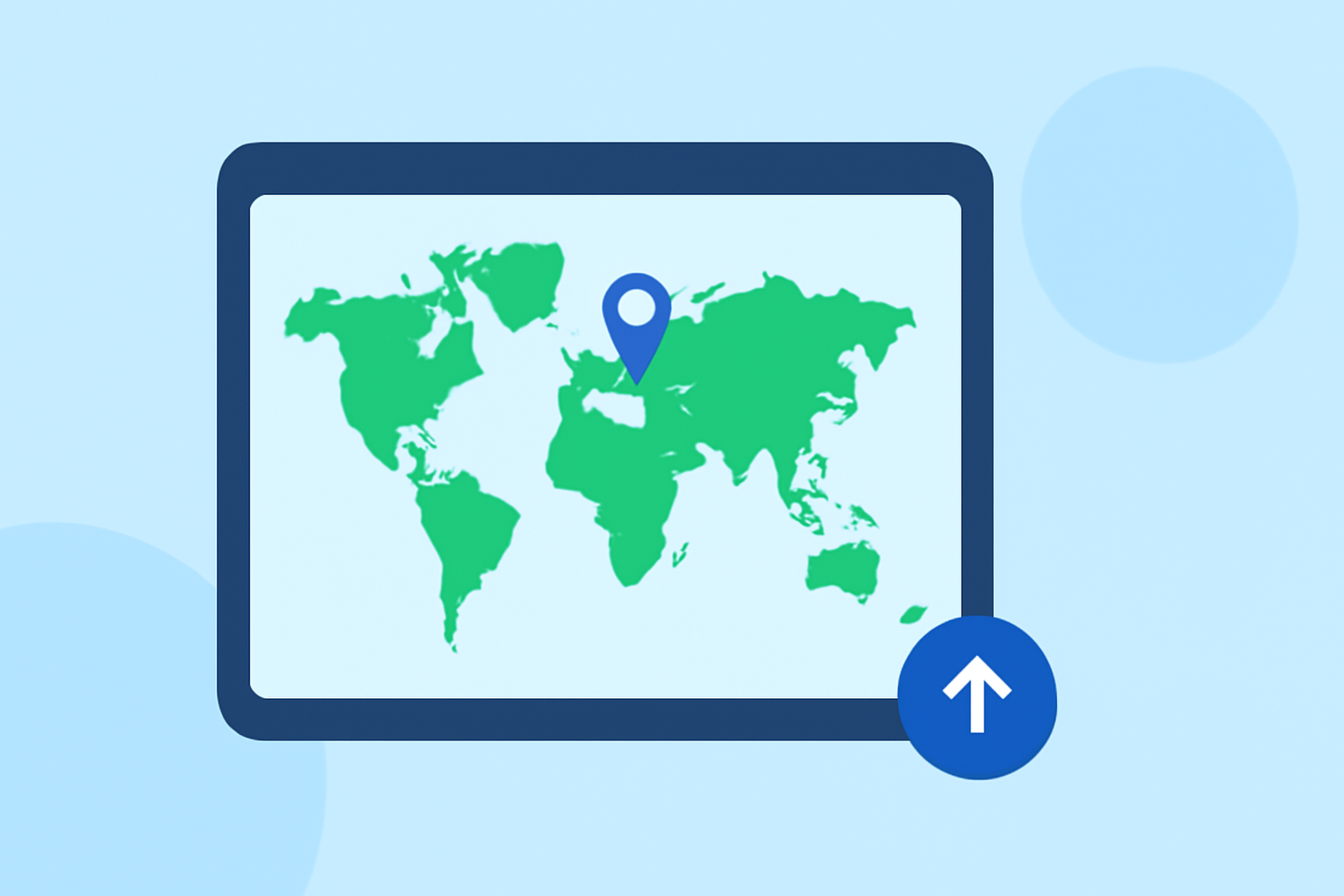
Creating captivating world map travel overlays can significantly enhance your travel videos, providing viewers with a clear visual representation of your journey. While there are various tools available for this purpose, Planes Live stands out as an excellent choice for its ease of use and comprehensive features.
Why Choose Planes Live for Your Travel Overlays?
Planes Live offers a user-friendly interface that allows you to create detailed map animations without the steep learning curve associated with more complex software. Its high-resolution maps ensure that your overlays are crisp and professional-looking, regardless of the zoom level. Additionally, Planes Live provides automated camera movements, enabling smooth transitions between locations on your map.
Getting Started with Planes Live
-
Sign Up and Set Up Your Project
- Visit the Planes Live website and create an account.
- Once registered, start a new project tailored for travel overlays.
-
Import Your Route Data
- Input your travel destinations manually or upload a GPS file (GPX, KML, or GeoJSON) if you have one.
- The platform will plot your route on the map, connecting your points of interest.
-
Customize Your Map
- Choose from various map styles and color themes to match your video's aesthetic.
- Add markers, pins, and icons to highlight specific locations or events along your journey.
-
Animate Your Route
- Utilize automated camera movements to create smooth transitions between locations.
- Adjust the speed and timing of animations to synchronize with your video's pacing.
-
Export and Integrate
- Once satisfied with your overlay, export the animation in your desired resolution.
- Import the exported file into your video editing software to incorporate it into your project.
Alternative Tools for Travel Map Overlays
While Planes Live is a robust option, other tools can also assist in creating travel map animations:
- Adobe After Effects: Offers advanced features for map animations but requires a steeper learning curve.
- iMovie: Provides basic map overlays suitable for simple projects.
- Filmora: Includes travel map templates with customizable features.
What We Recommend
- Ease of Use: Planes Live's intuitive interface makes it accessible for beginners and professionals alike.
- Customization: The platform offers extensive customization options to tailor your overlays to your video's style.
- Integration: Seamlessly integrates with popular video editing software, streamlining your workflow.
By choosing Planes Live, you can create engaging and professional world map travel overlays that will captivate your audience and enhance your storytelling.