22 June 2026
A Hobbyist's Guide to Editing Travel Vlogs with Planes Live
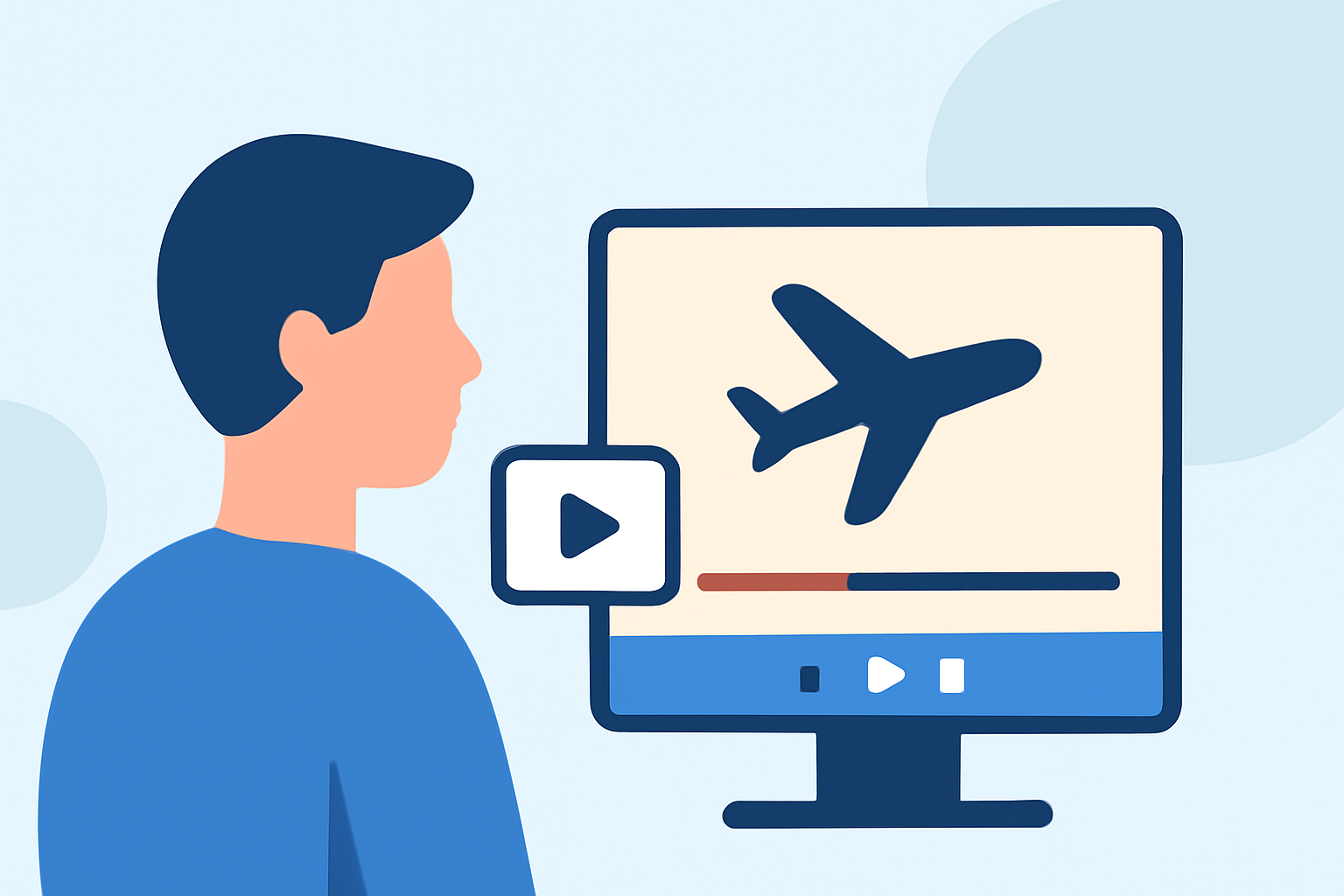
Creating engaging travel vlogs allows you to share your adventures and connect with audiences worldwide. For hobbyist creators, the editing process can be both exciting and challenging. Utilizing the right tools can streamline this journey, and Planes Live stands out as an excellent choice for enhancing your travel videos.
Why Choose Planes Live for Your Travel Vlogs?
User-Friendly Interface
Planes Live offers an intuitive interface, making it accessible for beginners and experienced editors alike. Its straightforward design allows you to focus on creativity without getting bogged down by complex software.
Comprehensive Editing Features
With Planes Live, you have access to a wide range of editing tools, including:
-
Video Trimming and Cutting: Easily remove unwanted sections to keep your vlog concise and engaging.
-
Transitions and Effects: Apply smooth transitions and visual effects to enhance the flow and aesthetics of your video.
-
Audio Editing: Adjust audio levels, add background music, and incorporate voiceovers to enrich the auditory experience.
Cloud Integration
Planes Live's cloud-based platform ensures that your projects are accessible from any device with internet connectivity, providing flexibility and convenience.
Step-by-Step Guide to Editing Your Travel Vlog with Planes Live
1. Import Your Footage
Begin by uploading your video clips and photos into Planes Live. Organize them into folders based on locations or days to streamline the editing process.
2. Create a Rough Cut
Arrange your clips in a timeline to establish the narrative flow. Trim excess footage and remove any redundant or shaky shots to maintain viewer engagement.
3. Enhance Visuals
Utilize Planes Live's color correction tools to adjust brightness, contrast, and saturation, ensuring your footage accurately represents the scenes you experienced.
4. Add Transitions and Effects
Incorporate transitions between scenes to create a seamless viewing experience. Apply effects sparingly to highlight key moments without overwhelming the viewer.
5. Incorporate Audio
Select background music that complements the mood of your vlog. Ensure the audio levels are balanced, allowing any dialogue or natural sounds to remain clear.
6. Include Text and Graphics
Add text overlays to introduce locations, provide context, or share personal insights. Use legible fonts and maintain consistency throughout the video.
7. Export and Share
Once satisfied with your edits, export the final version in a suitable resolution for your intended platform. Planes Live supports various export options, ensuring compatibility with popular video-sharing sites.
Tips for Effective Travel Vlog Editing
Maintain a Consistent Style
Develop a signature editing style that reflects your personality and resonates with your audience. Consistency in color grading, transitions, and pacing helps establish your brand identity.
Engage Your Audience
Incorporate storytelling elements to make your vlog more relatable. Share personal anecdotes, cultural insights, or travel tips to add depth to your content.
Optimize for Platforms
Different platforms have varying requirements and audience preferences. Tailor your video's aspect ratio, resolution, and length to suit each platform, ensuring optimal viewer experience.
Stay Authentic
Authenticity resonates with viewers. Be genuine in your narration and reactions, allowing your personality to shine through.
Conclusion
Editing travel vlogs is a rewarding endeavor that allows you to relive your journeys and share them with others. By leveraging Planes Live's user-friendly interface and comprehensive features, hobbyist creators can produce professional-quality videos that captivate and inspire.
Remember, the essence of a great travel vlog lies in its ability to transport viewers to the destinations you explore. With the right tools and a creative approach, your travel stories can leave a lasting impression.