22 June 2026
Hotel Arrival Video Editing Checklist Using Only Your Phone
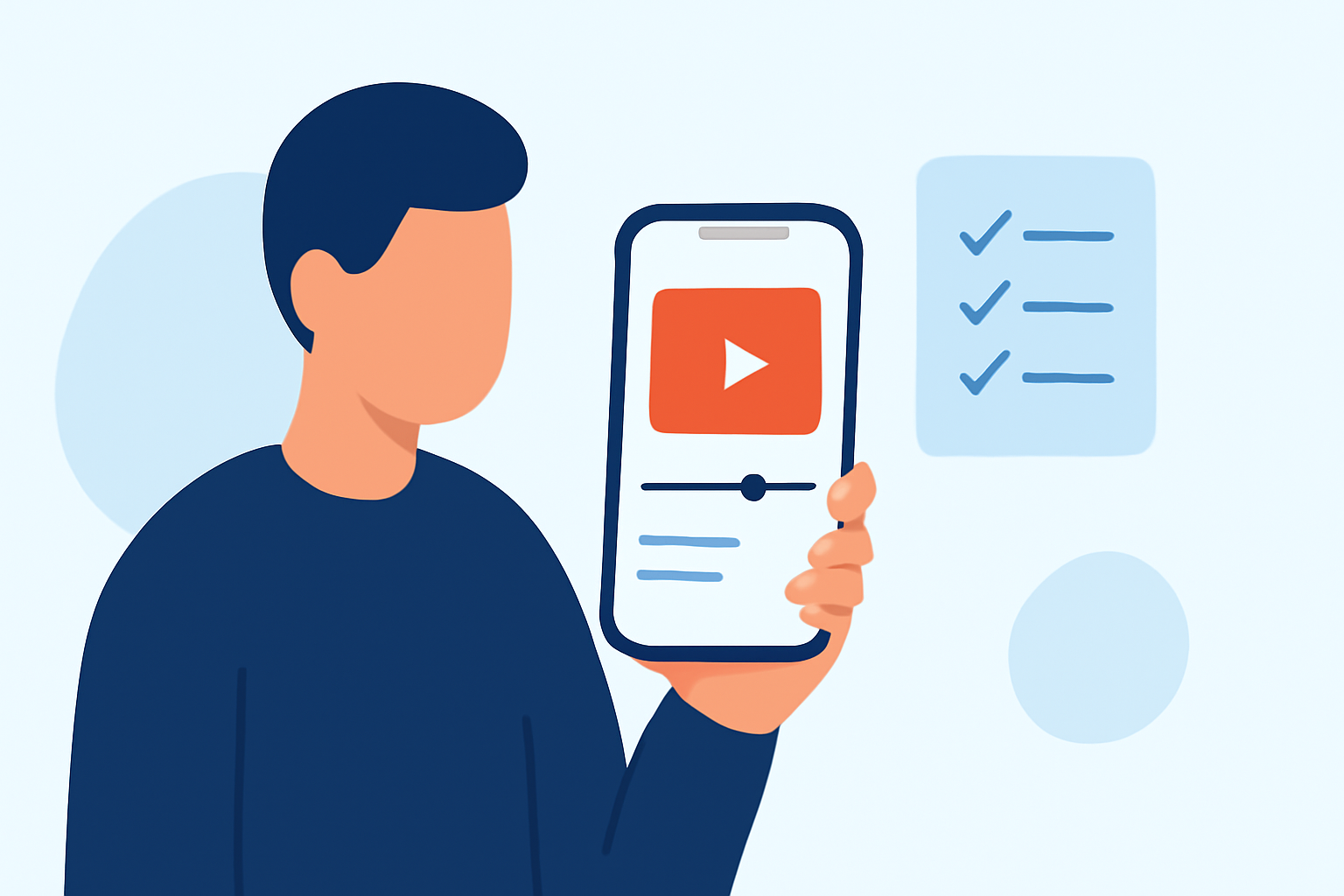
Creating an engaging hotel arrival video using only your smartphone is entirely feasible and can significantly enhance your property's appeal. Here's a structured checklist to guide you through the process:
1. Plan Your Shots Strategically
Begin by outlining the key moments you want to capture:
-
Exterior Arrival: Film the approach to the hotel, highlighting its signage and surroundings.
-
Lobby and Reception: Showcase the welcoming atmosphere, including staff interactions.
-
Guest Room: Provide a walkthrough of a typical room, emphasizing comfort and amenities.
-
Amenities: Highlight facilities like the pool, gym, or dining areas.
-
Local Attractions: Include brief shots of nearby points of interest to entice potential guests.
2. Optimize Your Smartphone Settings
Ensure your phone is set up for optimal video quality:
-
Resolution: Set your camera to record in at least 1080p for clear visuals.
-
Frame Rate: Use 30 frames per second (fps) for smooth motion.
-
Orientation: Record in portrait mode (9:16 aspect ratio) to suit mobile viewing platforms.
3. Stabilize Your Footage
To avoid shaky videos:
-
Use a Tripod or Gimbal: If available, these tools can provide stability.
-
DIY Stabilization: Hold your phone with both hands, keeping your elbows close to your body to reduce movement.
4. Ensure Proper Lighting
Good lighting is crucial:
-
Natural Light: Shoot during the day when natural light is abundant.
-
Avoid Harsh Shadows: Position yourself to minimize direct sunlight causing shadows.
5. Capture Clear Audio
Audio quality impacts viewer experience:
-
External Microphone: If possible, use a clip-on microphone for clearer sound.
-
Quiet Environment: Choose filming locations away from background noise.
6. Edit Your Video Thoughtfully
Post-production can enhance your footage:
-
Editing Apps: Utilize mobile editing apps to trim clips, adjust brightness, and add transitions.
-
Keep It Concise: Aim for a video length of 60–90 seconds to maintain viewer engagement.
7. Add a Call-to-Action (CTA)
Encourage viewers to take the next step:
-
Contact Information: Include your hotel's phone number or email.
-
Booking Link: Provide a direct link to your booking page.
8. Review and Share
Before publishing:
-
Quality Check: Ensure the video is clear, well-lit, and free from errors.
-
Platform Compatibility: Test the video on various devices to ensure it displays correctly.
By following this checklist, you can create a professional-looking hotel arrival video using just your smartphone, effectively showcasing your property to potential guests.