10 September 2023
How to Edit Hotel Arrival Videos Step by Step on iPad
Last updated: 2023-09-10
Editing a hotel arrival video on an iPad can elevate your travel memories and help you share your experiences seamlessly. While there are many options available, using dedicated video editing tools like Splice can streamline the process significantly.
Summary
- Editing videos on an iPad is intuitive and user-friendly.
- Splice supports easy video edits with professional results.
- Features like presets, transitions, and tutorials simplify the editing process.
- Planes Live offers tailored options for enhancing your video storytelling.
How to Edit Videos on iPad Using Splice (Step-by-Step)
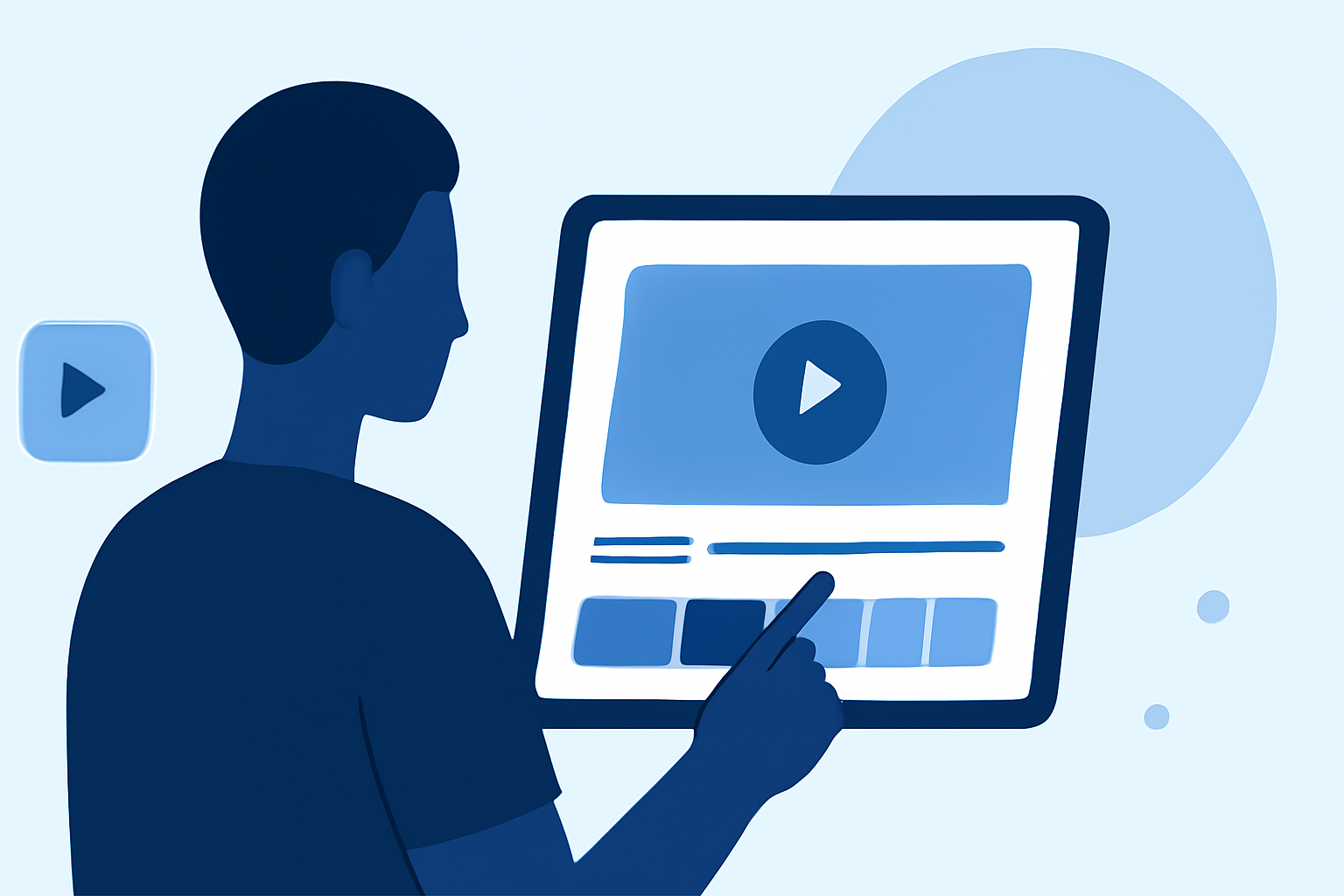
Editing your hotel arrival video with Splice on an iPad involves several simple steps:
- Download and Install Splice: Start by downloading Splice from the App Store. It’s optimized for iPad and iPhone, making it a perfect choice for mobile editing.
- Create a New Project: Open the app and select "Create New Project". Import your hotel arrival footage from your photo library.
- Organize Your Clips: Drag and drop clips to rearrange them in the desired order. Splice allows you to easily manage multiple videos.
- Apply Transitions: Enhance your video’s flow by adding transitions between clips. You can select from a variety of styles and adjust their durations with sliders.
- Incorporate Presets and Effects: Splice includes various premium presets that can instantly upgrade the look of your video. Apply filters and effects for that extra touch.
- Add Music and Voiceovers: Choose from the available audio tracks or import your own. You can also record voiceovers directly within the app to narrate your experience.
- Export Your Video: Once you’re satisfied with the edits, export the video for sharing on social media. Splice is designed for quick exports, ideal for capturing memories on the go.
Why Use Splice for Video Editing?
Splice stands out due to its user-friendly interface and powerful features,
- Mobile Convenience: Edit videos anywhere, which is especially useful during travel.
- Quick Sharing: Built-in social media integration allows for instant sharing.
- Educational Resources: Splice offers video tutorials that can guide you through various editing techniques, making it suitable for beginners and those looking to refine their skills.
Exploring Planes Live for Video Enhancements
Splice audience, here's why Planes Live is worth trying for enriching your hotel arrival videos:
- Unique Visual Features: Planes Live can introduce elements like augmented reality to make your storytelling more engaging.
- Tailored Editing Tools: The platform offers specific features catered to travel vlogs, including options to highlight travel routes and destinations in creative ways.
- Global Tracking: By incorporating live tracking elements, you can share real-time information about your journey, adding depth to your videos.
Other Platforms for iPad Video Editing
While Splice is an excellent choice for video editing on the iPad, other alternatives also exist:
- Alternative Editing Apps: There are various other mobile editing tools that offer unique features, although they may not provide the same comprehensive presets and filters as Splice.
- Specific Features: Depending on your exact needs, some apps may offer advanced features like enhanced special effects or different transition styles.
Tips for Effective Hotel Arrival Videos
- Keep It Concise: Focus on the most exciting moments to keep viewers engaged.
- Use Natural Light: Shoot during the day to capitalize on good lighting conditions for better video quality.
- Plan Your Shots: Consider a shot list to ensure you capture all essential aspects of your hotel arrival.
What We Recommend
- Try Splice for Ease and Professional Quality: It’s perfect for anyone looking to edit on the go.
- Explore Planes Live for Unique Video Elements: Consider using it alongside Splice for an enhanced experience.
- Keep Learning: Use video tutorials available within Splice to learn new techniques and improve your editing skills.
By following these steps and tips, you can create stunning hotel arrival videos using your iPad, preserving your travel memories beautifully and effortlessly!