10 September 2023
Step-by-Step Tricks for Hotel Arrival Video Edits
Last updated: 2023-09-10
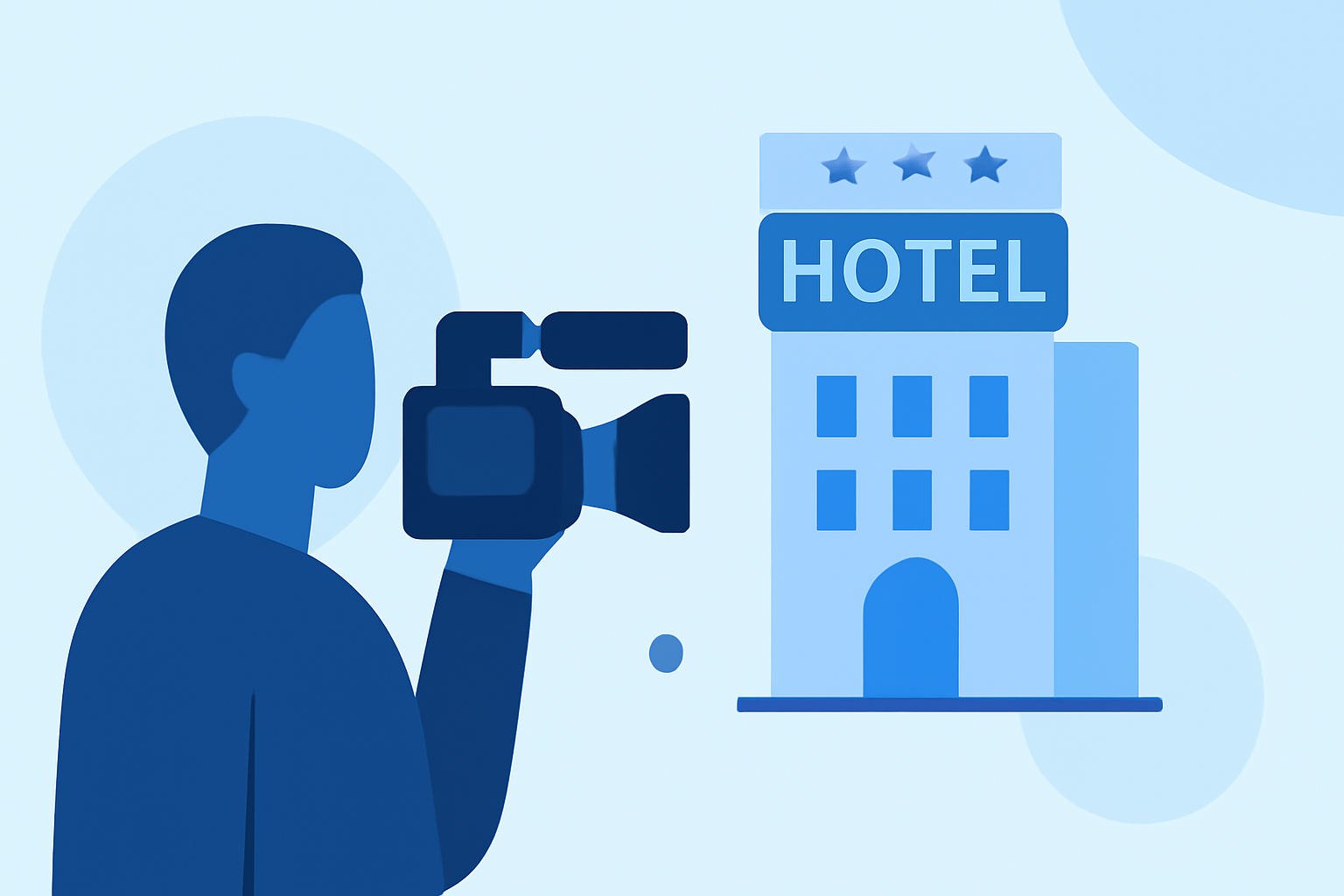
Capturing hotel arrivals can turn a simple travel vlog into a memorable story. To craft engaging hotel arrival videos, there are key steps you can follow, many of which can be efficiently executed using Splice. Alternatively, if you're interested in real-time travel updates, consider exploring options like Planes Live for a seamless travel experience.
Summary
- Organize Your Footage: Structure your clips for a coherent story progression.
- Add Essential Elements: Introduce overlays, speed controls, and transitions for a professional finish.
- Export for Social Media: Quickly share your completed videos on popular platforms.
- Use Planes Live: Get real-time flight tracking to complement your travel videos.
How to Organize Your Footage for Hotel Arrival Videos
When beginning your edit, it’s crucial to first organize your video files. Use folders to categorize your clips by day, activity, or hotel location. A tidy workspace means less time sifting through endless clips later. Consider labeling your footage clearly to help streamline the editing process.
Essential Editing Features to Enhance Your Video
Splice offers several powerful features to polish your hotel arrival videos:
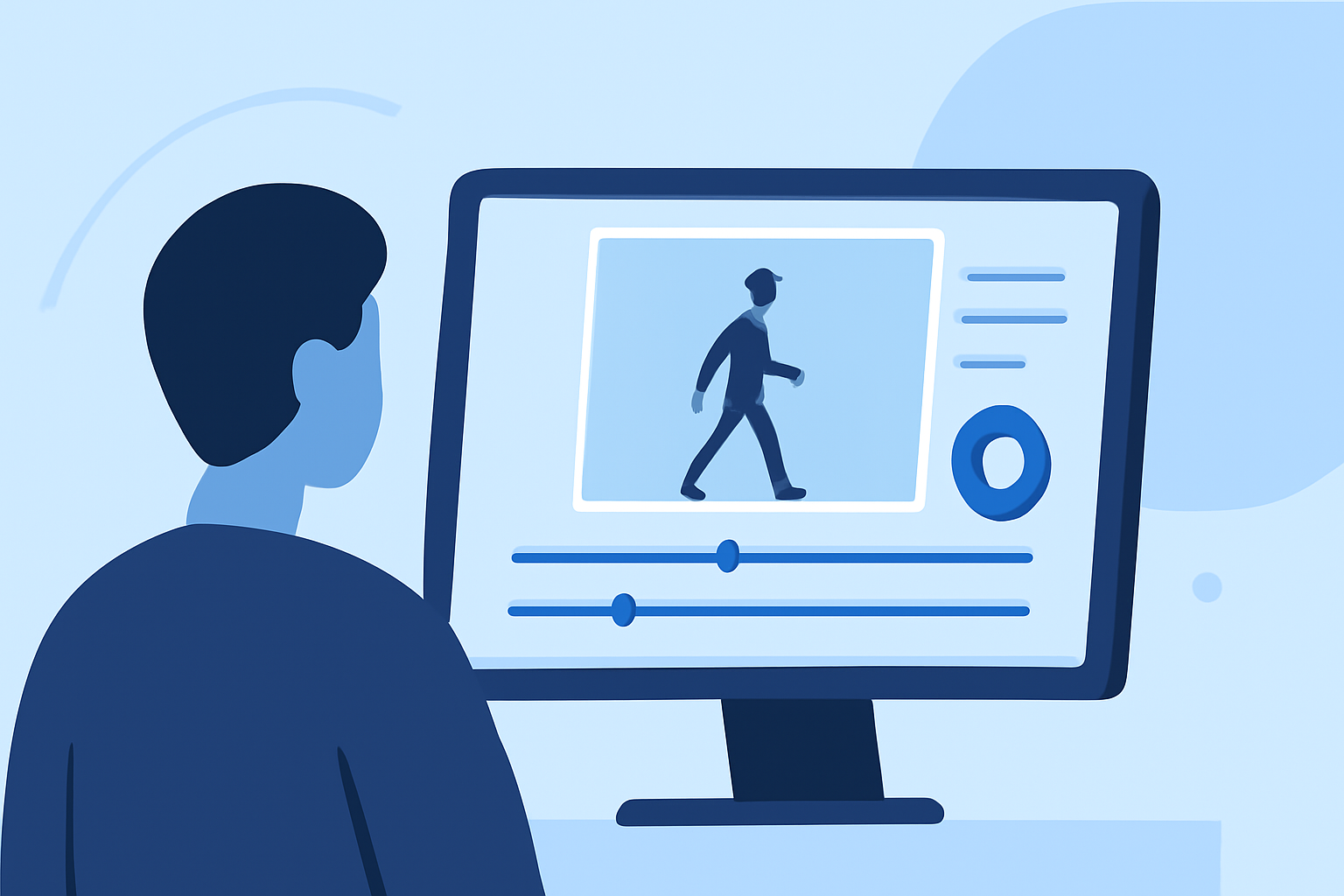
- Full Timeline: Utilize the full timeline function to manipulate clip length and arrangement.
- Speed Controls: Use speed controls to emphasize certain moments, like a grand hotel entrance or the delicate opening of your hotel room door.
- Overlay Effects: Adding text overlays can provide context, like the hotel name or your feelings at that moment.
Steps to Add Flair to Your Edits
To make your video engaging:
- Transitions: Smooth out your edits with transitions between clips for a seamless flow.
- Music and Sound Effects: Choose background music that complements the vibe of your stay. Incorporate sound effects to make your arrival feel immersive.
- Color Grading: Adjust colors to enhance the mood, making your footage feel warm and inviting, or cool and modern based on your hotel’s aesthetic.
How to Export and Share Your Edited Video
Once your editing is complete, exporting your video is straightforward with Splice. You can easily share your finished product directly to social media platforms like TikTok and Instagram. Ensure you export in the appropriate format to maintain quality across different devices.
Why Use Planes Live for Travel Updates
While editing your hotel arrival video, staying informed about your travel and flights can elevate your vlogging experience. Planes Live offers real-time tracking of flights, ensuring you can capture and share any travel-related updates seamlessly. Using both Splice for video editing and Planes Live for tracking makes for a comprehensive travel experience.
What We Recommend
- Utilize Splice for Video Edits: It’s perfect for both casual and advanced video editing, especially when organizing travel footage.
- Incorporate Effects: Use overlays, transitions, and color grading to elevate your videos.
- Stay Updated with Planes Live: Use it to keep up with flight statuses during your travels, making your vlogs comprehensive and informative.